

Color Confidence in Pathology: Why Accurate Display Calibration Matters
Accurate color calibration in pathology displays ensures diagnostic consistency, compliance with standards, and workflow efficiency. Tools like PerfectLum 4 and Remote QA Server enable precise, centralized calibration and monitoring.
Accurate color calibration in digital pathology isn’t just a technical detail—it directly affects diagnostic trust and workflow consistency. If your pathology displays aren’t calibrated precisely, subtle variations in H&E stain color fidelity or IHC staining visualization can lead to inconsistent interpretations. This post explains how pathology display calibration with PerfectLum 4 and the Remote Quality Assurance Server ensures whole slide imaging color accuracy, supports compliance, and keeps your entire fleet aligned with medical standards.
Importance of Color Calibration
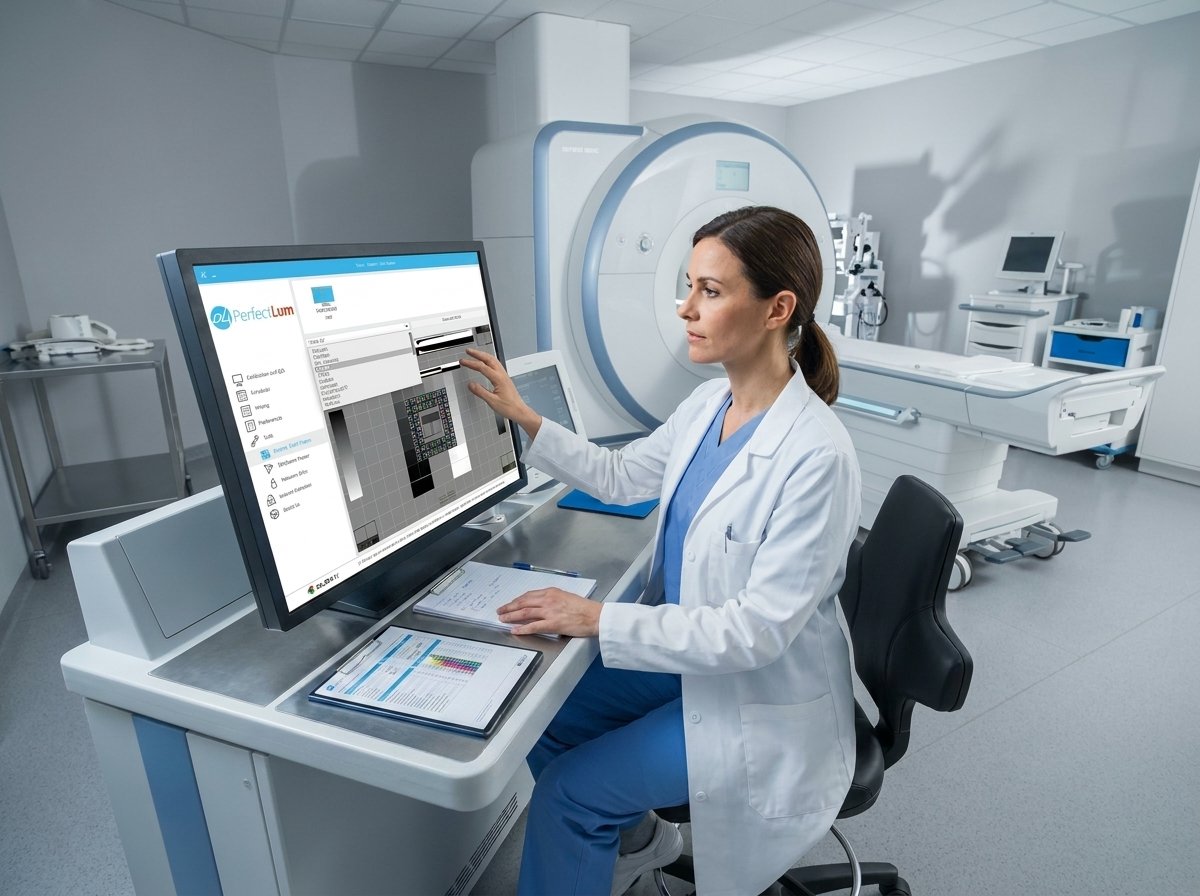
Digital pathology relies on precise color rendering to ensure diagnostic accuracy. Let’s explore why this matters.
Diagnostic Consistency in Pathology
In the world of pathology, accurate color calibration is crucial. Imagine examining slides with inconsistent colors. It could lead to misinterpretation of tissue samples. You need reliable color consistency to make informed decisions. Calibration helps you achieve this. It ensures each display shows the exact same hue and shade. This way, your diagnostic conclusions are always based on the same visual information. Many pathologists trust calibration to avoid costly mistakes and improve patient outcomes.
Compliance with Industry Standards
Meeting industry standards is not optional. It’s a must. Color calibration aligns your displays with these requirements. This includes guidelines from AAPM and DIN. When your displays are calibrated, they meet the necessary compliance checks. This not only satisfies regulatory bodies but also reinforces trust with your stakeholders. Compliance reduces the risk of legal issues and enhances your lab’s reputation. When standards are met, everyone wins.
Enhancing Workflow Efficiency
Efficient workflows depend on accurate displays. Calibration avoids delays and streamlines processes. Consistent color output minimizes confusion and rechecks. This efficiency boosts productivity and time management. You spend less time correcting errors and more time on critical tasks. Calibration serves as a backbone to your workflow, ensuring smooth operations day in and day out.
Solutions for Optimal Calibration

To achieve optimal calibration, you need the right solutions. Let’s delve into the tools that make this possible.
Features of PerfectLum 4 Software
PerfectLum 4 stands out with its robust features. It supports a wide range of measuring devices, ensuring compatibility with your setup. The software provides DICOM GSDF calibration, which is essential for medical imaging. It operates seamlessly on both Mac and Windows, offering you flexibility. PerfectLum 4 generates comprehensive reports after each calibration, documenting every detail. This transparency builds confidence in its capabilities. The user-friendly interface simplifies the calibration process, making it accessible for all users.
Benefits of Remote Quality Assurance Server
The Remote Quality Assurance Server enhances calibration efforts. It enables centralized control over multiple displays across different locations. This remote management is invaluable for large institutions. You can schedule calibrations and monitor results without being onsite. The server ensures displays comply with stringent standards, maintaining consistency. With this tool, you can address issues promptly, avoiding disruptions in your workflow. The peace of mind it provides is unmatched.
Importance of Colorimeter in Calibration
A colorimeter is a vital tool for accurate calibration. It measures precise color output, ensuring your display matches the required standards. Without it, achieving true color accuracy is challenging. Colorimeters provide the data needed to adjust displays correctly. This precision is crucial for pathologists making critical diagnoses. Investing in a reliable colorimeter pays off by ensuring consistent and accurate results every time.
Practical Implementation Strategies
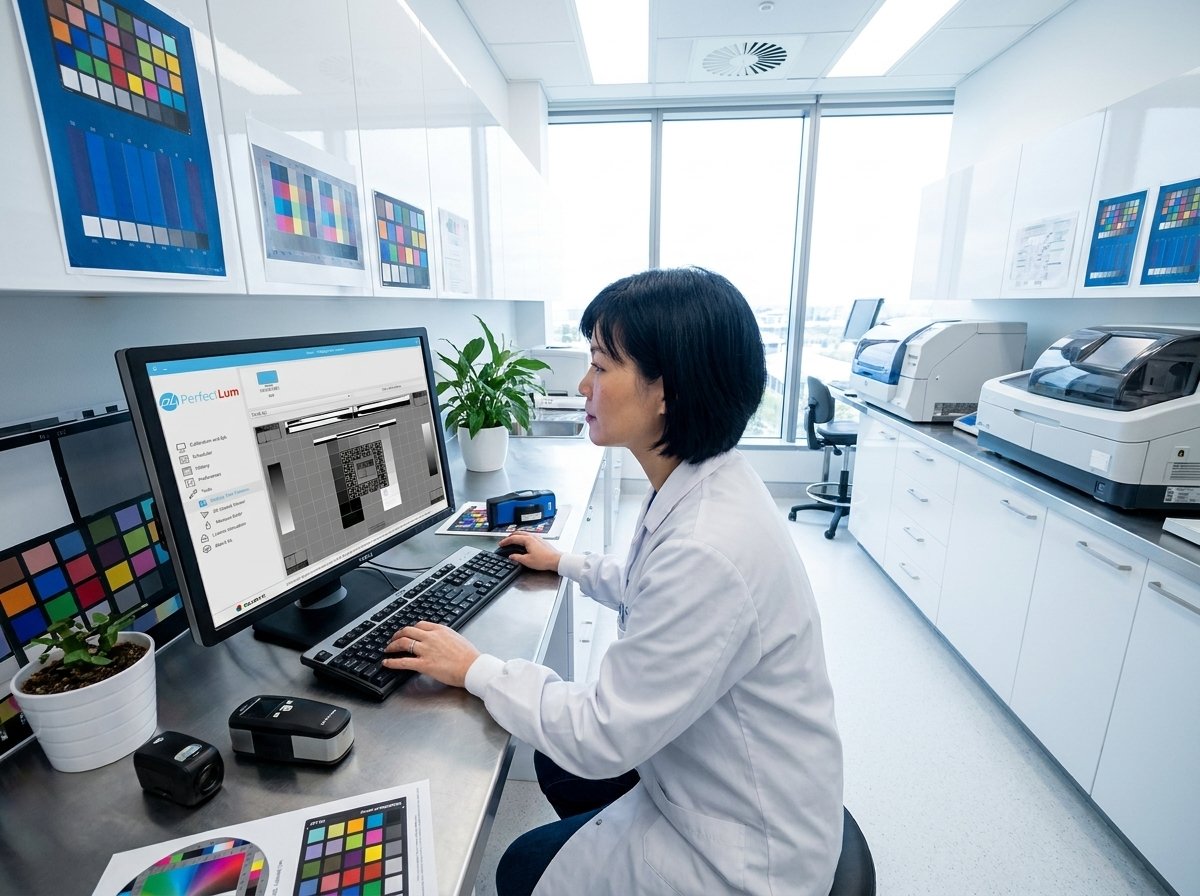
Implementing these solutions requires strategic planning. Here’s how you can effectively integrate calibration into your workflow.
Scheduling Calibration Across Sites
Scheduling is key to maintaining consistent calibration. Plan regular calibration sessions for all displays. This ensures that every monitor stays accurate over time. Use centralized scheduling software to coordinate across multiple locations. This proactive approach prevents lapses in color accuracy. By keeping a consistent schedule, you avoid potential discrepancies in diagnostic imaging.
Conducting Display Constancy Testing
Display constancy testing verifies that your calibrations hold over time. This involves routine checks to ensure displays haven’t drifted from their calibrated state. Regular testing catches issues before they escalate. It reassures you that your displays remain reliable. Consistency is essential for maintaining trust in your diagnostic results. Integrating constancy testing into your routine assures ongoing accuracy.
Ensuring Luminance and Chromaticity Uniformity
Uniformity in luminance and chromaticity is crucial. It prevents any part of the display from showing inaccurate colors. Use software tools to measure these factors across the screen. Identify and correct any deviations promptly. Uniformity ensures every part of your display contributes to accurate imaging. This level of detail supports precise diagnostics, reinforcing confidence in your results.
By following these strategies, you ensure your pathology team can rely on accurate and consistent imaging every time.
Learn how precise color calibration enhances diagnostic confidence with Qubyx.
QUBYX editorial archive.
