

Standardizing Medical Display Calibration: Workflows That Improve Consistency Across Healthcare Environments
Standardized medical display calibration using tools like PerfectLum 4 and Remote QA Server ensures consistent image quality, regulatory compliance, and improved diagnostic accuracy across multi-vendor healthcare environments.
Inconsistent calibration across medical displays can quietly erode diagnostic confidence and complicate compliance. You manage multiple sites and vendors, yet struggle to maintain uniform image quality and meet strict standards like AAPM TG18 and DIN 6868-157. This post explores proven medical display calibration workflows designed to keep your imaging precise and compliant, highlighting how PerfectLum 4 and the Remote Quality Assurance Server simplify centralized management and reporting. Learn more about the importance of consistent calibration here.
Proven Calibration Workflows
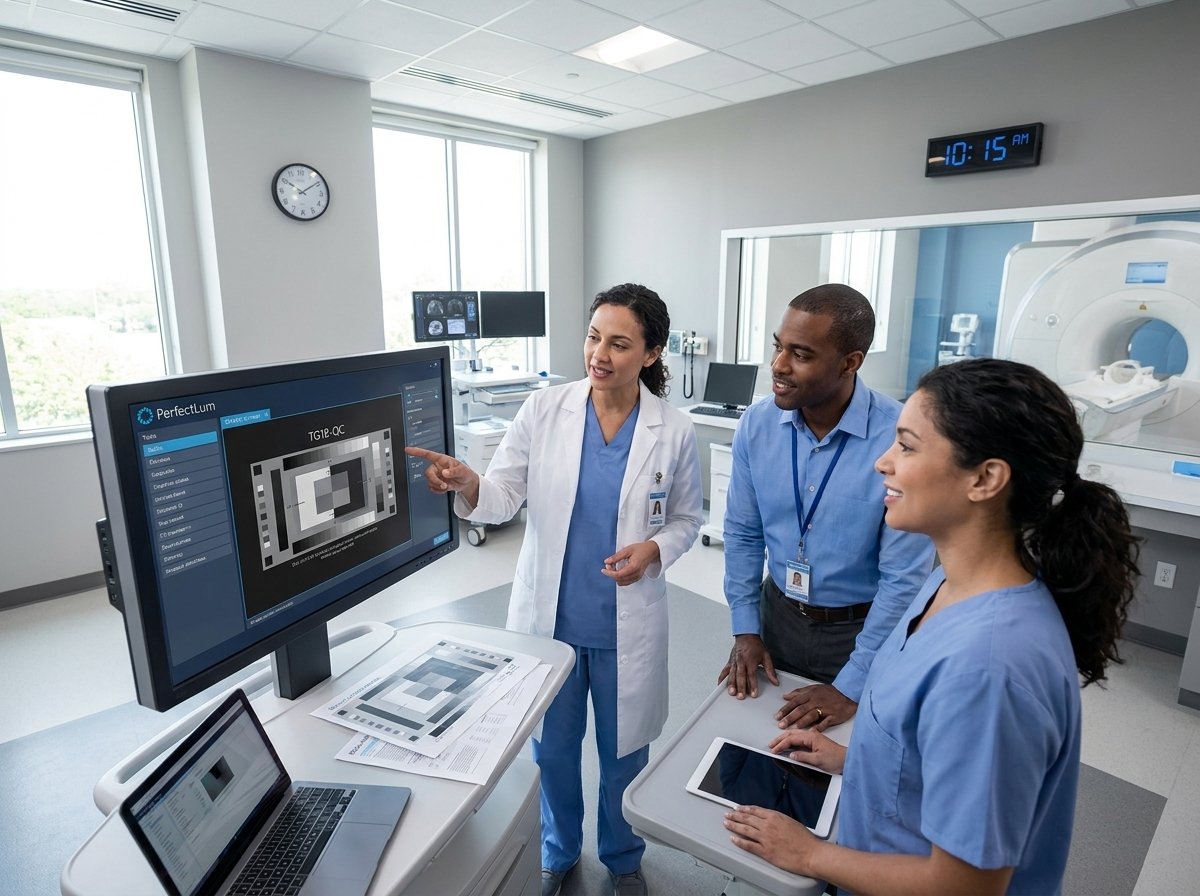
Setting up effective calibration workflows is crucial for maintaining image quality in medical environments. Let’s dive into why standardization is key.
Importance of Standardization
Having a consistent calibration process across all displays ensures reliable diagnostics. When each monitor shows the same quality image, your healthcare staff can trust their readings. This uniformity also simplifies compliance with regulations and standards, like AAPM TG18.
Without standardization, discrepancies between displays can lead to diagnostic errors. Imagine a radiologist interpreting the same scan on two monitors with different calibration settings. Such inconsistency could potentially alter the diagnosis. By implementing standardized workflows, you help ensure that every display performs optimally, offering peace of mind in clinical settings.
Ensuring GSDF Compliance
Compliance with the Grayscale Standard Display Function (GSDF) is critical for accurate image presentation. GSDF ensures that grayscale images are displayed consistently, which is vital for interpreting subtle details in medical images.
To achieve this, displays must undergo regular adjustments to meet GSDF requirements. The GSDF standard helps maintain the nuanced gradations in grayscale, which are essential for detecting variations in medical images.
Regular calibration meetings GSDF standards can improve diagnostic accuracy. It’s not just about meeting regulatory requirements; it’s about enhancing patient care by ensuring that every grayscale image is as detailed and accurate as possible.
Multi-Vendor Monitor Support
Working with multiple vendors can complicate calibration efforts. Each brand may have unique calibration settings, making it challenging to maintain uniformity across your displays. Yet, multi-vendor environments are common in healthcare.
The solution lies in implementing a universal calibration process. By using software that supports various brands and models, you can maintain consistency across all displays, regardless of the vendor. This allows you to streamline processes and ensure consistent image quality, which is essential for compliance and effective diagnostics.
Tools for Consistency
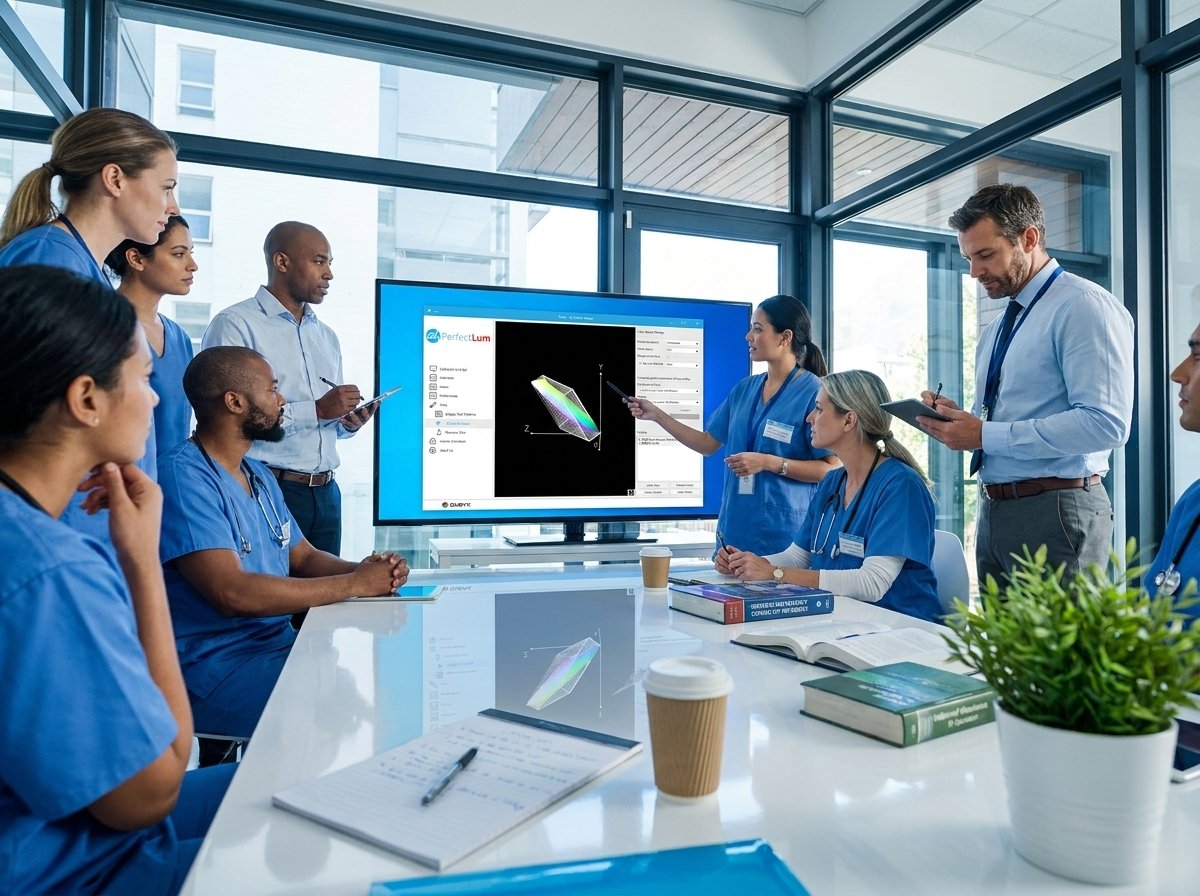
Achieving uniform calibration across displays requires the right tools. Let’s explore how PerfectLum 4 and associated tools can simplify this task.
PerfectLum 4 Functionality
PerfectLum 4 offers a comprehensive solution for medical display calibration. It supports a wide range of industry standards, ensuring all your displays meet the necessary requirements. This software is known for its precision and reliability, making it a favored choice among healthcare professionals.
The software provides automated scheduling for calibration, reducing the manual workload. With PerfectLum 4, you can calibrate up to six displays per license, making it a cost-effective solution for multi-display setups. Its user-friendly interface allows for easy navigation, ensuring that even less tech-savvy staff can perform necessary tasks efficiently.
Remote Calibration Management
Managing display calibration remotely can significantly boost operational efficiency. With remote management capabilities, you can oversee the calibration of multiple displays from a single location. This feature is particularly beneficial for healthcare facilities with multiple sites.
The ability to manage calibration remotely not only saves time but also ensures that all displays are consistently updated and compliant with standards like DIN 6868-157. By centralizing management, facilities can maintain high standards across all locations, thereby enhancing overall diagnostic performance.
Colorimeter Integration Benefits
Colorimeters play a vital role in ensuring accurate calibration. Integrating them with your calibration software can enhance precision and ease of use. These devices measure display characteristics, ensuring that calibration adjustments are based on precise data.
Integrating a colorimeter with PerfectLum 4 allows for seamless calibration processes. It ensures that every display meets the necessary luminance and grayscale tracking standards, which are crucial for accurate medical imaging. This integration provides a reliable foundation for consistent display performance, essential for high-quality patient care.
Implementing QA Solutions
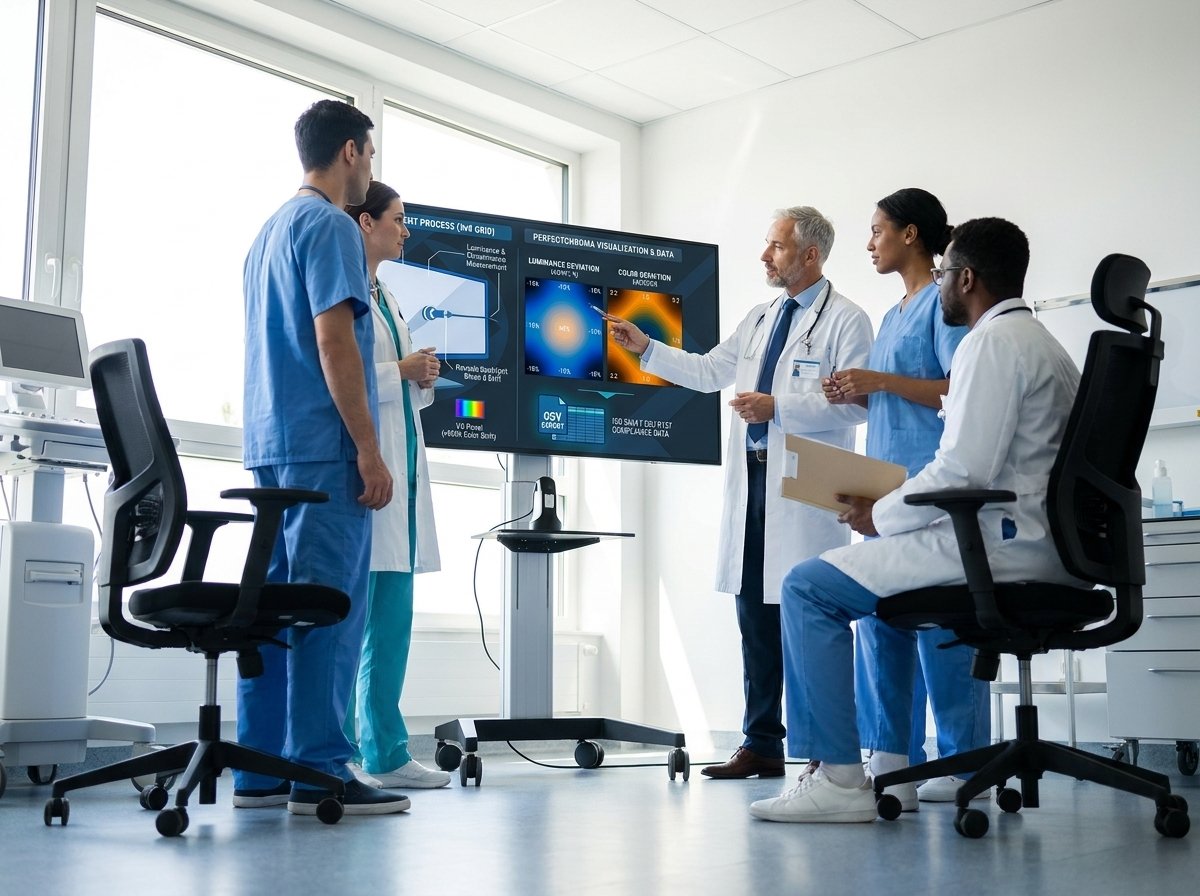
Quality assurance is essential in maintaining compliance and performance. Let’s explore how to implement effective QA solutions in your facility.
Acceptance and Constancy Testing
Acceptance and constancy testing are key components of any QA program. Acceptance testing ensures that new displays meet performance standards right from the start. Constancy testing, conducted regularly, checks that displays continue to perform optimally over time.
These tests are crucial for maintaining compliance with standards like AAPM TG270. Regular testing provides assurance that your displays remain in top condition, reducing the risk of diagnostic errors and enhancing patient care.
Role of Remote Quality Assurance Server
A Remote Quality Assurance Server can streamline QA processes significantly. It allows for centralized management and oversight of all displays, ensuring consistent performance and compliance. This server can schedule and monitor tasks, providing real-time updates on display status.
By using a remote server, you can ensure that all displays across your facilities meet stringent standards, like those set by the ACR. This centralized approach reduces the burden on local staff and ensures that compliance is maintained effortlessly across all locations.
Generating Audit-Ready Reports
Having audit-ready reports at your fingertips can simplify compliance audits. These reports provide detailed insights into the calibration status and performance of your displays, ensuring that you are always prepared for regulatory scrutiny.
Generating these reports with tools like PerfectLum 4 provides comprehensive documentation of your calibration processes. This not only aids in compliance but also offers peace of mind, knowing that your displays consistently meet industry standards.
In the end, consistent calibration not only ensures compliance but also enhances diagnostic accuracy, benefiting both healthcare professionals and patients alike.
Ensure your displays deliver true diagnostic color and tone. Schedule your calibration today.
QUBYX editorial archive.
