

Beyond Calibration: Closing the Hidden Gap in DICOM Compliance with Continuous QA
DICOM calibration is not a one-time fix. Even after initial setup, your displays can drift, risking GSDF compliance and diagnostic accuracy. Medical display QA demands ongoing vigilance to catch subtle changes before they affect patient outcomes. This post explains why continuous QA matters and how PerfectLum 4 with Remote QA Server keeps your entire fleet compliant with ease and precision. Learn more about the importance of continuous QA here.
Continuous DICOM Compliance
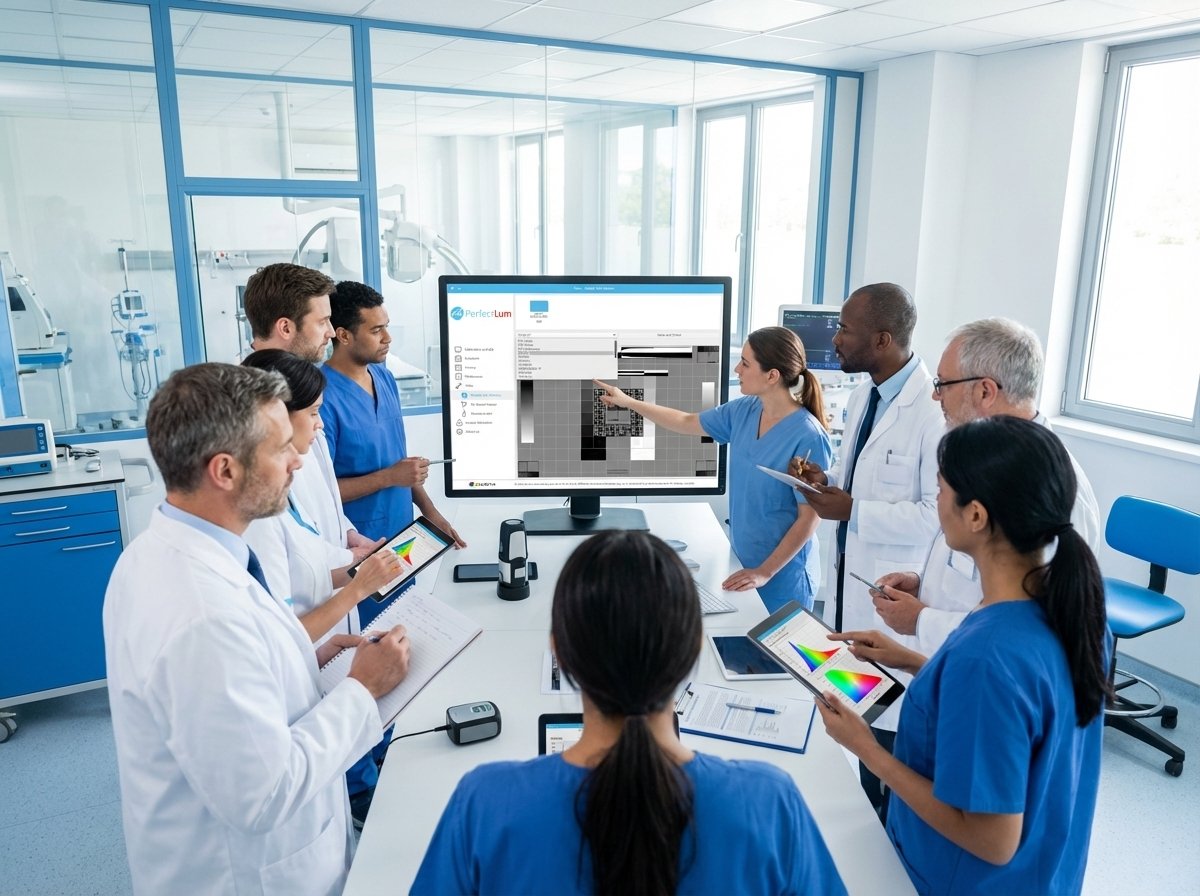
Maintaining DICOM compliance requires more than just initial calibration. It’s about ensuring continued quality through regular checks and adjustments.
Importance of Ongoing QA
The reliability of medical imaging hinges on consistent display performance. A one-time setup isn’t enough because displays can change over time, impacting diagnostic accuracy. Regular quality assurance (QA) detects these issues early, protecting patient safety. This ongoing process is vital for maintaining the integrity of medical imaging results.
Identifying Compliance Challenges
Detecting compliance issues can be tricky. Displays might appear fine but gradually deviate from standards like AAPM TG18 and DIN 6868-157. Such deviations can lead to incorrect readings, affecting diagnoses. Regular checks help catch these subtleties, ensuring your displays remain within required specifications. Not addressing these challenges could risk patient care and regulatory compliance.
Benefits of Continuous Monitoring
Continuous monitoring offers peace of mind. By constantly checking display performance, you can ensure that each screen meets the GSDF compliance and ACR display guidelines. This vigilance helps maintain diagnostic imaging accuracy, reducing errors and improving patient outcomes. Investing in ongoing QA ultimately safeguards both your practice and patients.
PerfectLum 4 Features
PerfectLum 4 stands out with its robust capabilities, simplifying the QA process and ensuring consistent compliance with medical imaging standards.
Remote Quality Assurance Capabilities
PerfectLum 4 enables remote management, a crucial feature for modern medical facilities. Imagine controlling multiple displays from a single location: this is not only convenient but also ensures uniformity across all sites. With remote PACS quality assurance, you can schedule tasks and monitor performance without being on-site, saving time and resources.
Comprehensive Compliance Reporting
PerfectLum 4 generates detailed compliance reports, making audits a breeze. These reports cover all aspects of luminance response and are essential for verifying adherence to medical imaging standards. Having a documented history of compliance tests helps in meeting regulatory demands and provides a clear record of your commitment to quality.
Advanced Calibration and Testing Tools
PerfectLum 4 offers tools that go beyond basic calibration, providing comprehensive testing options. Whether it’s constancy testing or calibration for radiology monitor calibration, the software’s advanced features ensure precision. This means you can trust your displays to produce accurate and reliable results every time.
Implementing Continuous Quality Assurance
Setting up a continuous QA system might seem daunting, but with the right approach, it becomes straightforward and effective.
Setting Up Automated Schedules
Automating your QA processes saves time and reduces human error. With PerfectLum 4, you can schedule regular checks to ensure that your displays remain compliant without constant manual intervention. This proactive approach helps maintain consistent quality and reduces the risk of oversight.
Detecting Display Drift Early
Early detection of display drift is crucial for maintaining diagnostic accuracy. Display drift detection tools in PerfectLum 4 alert you to changes before they impact imaging. By catching these early, you can make necessary adjustments to keep your displays in optimal condition, ensuring reliable results.
Ensuring Accurate Diagnostic Imaging
Accurate imaging is the cornerstone of effective diagnostics. Continuous QA ensures that your displays provide clear and precise images, crucial for correct diagnosis and treatment planning. By maintaining compliance through regular quality checks, you uphold the highest standards of patient care, reinforcing trust in your facility’s capabilities.
In conclusion, ongoing DICOM compliance is essential for maintaining the reliability and accuracy of medical imaging. With PerfectLum 4, you can ensure continuous quality assurance, protecting both your practice and the patients you serve.
Calibration vs. Quality Assurance for Medical Displays: What’s the Difference and Why It Matters
Calibration and quality assurance often get lumped together, but they serve very different roles in medical display management. Calibration focuses on achieving precise GSDF and DICOM standards to ensure your images are accurate from the start. Quality assurance keeps that accuracy intact over time through regular testing and documentation. Understanding how these processes differ—and how PerfectLum 4 combines them—can sharpen your diagnostic confidence and simplify compliance across your display fleet. For more information, you can explore this guide on calibration and quality control differences.
Understanding Calibration and QA
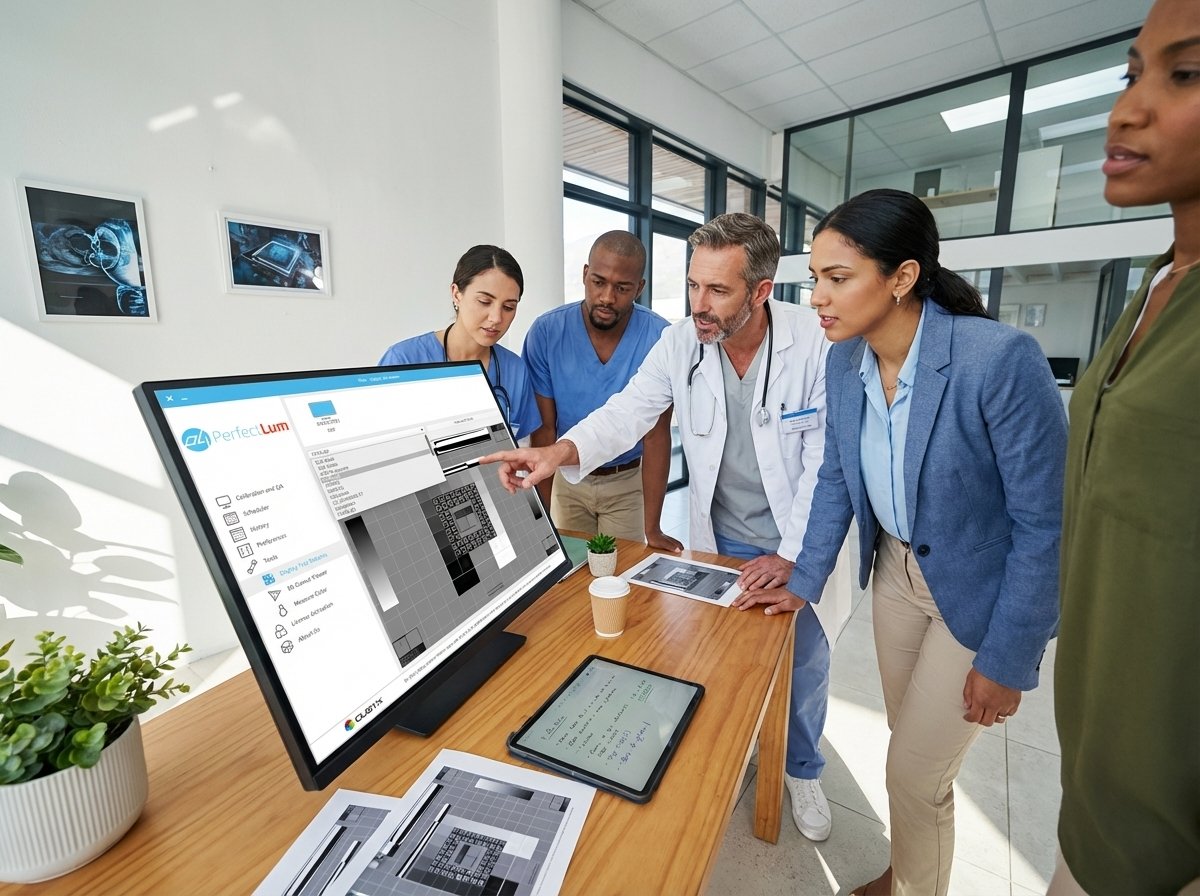
Differentiating between calibration and quality assurance is crucial in medical display management. These two processes serve distinct roles that complement each other.
Role of DICOM Calibration
DICOM calibration ensures that your medical display meets the required standards for accurate image interpretation. By adjusting your display to comply with DICOM standards, you guarantee that radiologists and medical professionals see images as intended. This calibration process involves fine-tuning the luminance response and color accuracy. With DICOM calibration, you gain the confidence that the display’s performance aligns with diagnostic needs. This is essential for making accurate assessments and delivering quality patient care.
Importance of GSDF Compliance
GSDF, or Grayscale Standard Display Function, compliance ensures that grayscale images on your display maintain consistent brightness levels. This standard is vital in medical imaging, where subtle differences in grayscale can impact diagnosis. Compliance with GSDF means your display shows images clearly and accurately. It provides a standardized approach to how grayscales should appear, ensuring that diagnostic images retain their intended contrast and detail. This consistency is crucial across different workstations and facilities to maintain high diagnostic standards.
Differences in Medical Display QA
Medical display quality assurance (QA) involves ongoing verification and documentation to maintain display accuracy over time. Unlike calibration, which sets the display standards initially, QA ensures these standards are consistently met. QA includes regular testing and generating documentation to prove compliance with medical imaging standards like AAPM TG18 or DIN 6868-157. By implementing robust QA processes, healthcare facilities can reduce the risk of diagnostic errors. Learn more about the importance of these processes.
PerfectLum 4 for Comprehensive Solutions
PerfectLum 4 unites both calibration and quality assurance, providing a seamless solution for managing medical displays. Let’s delve into its key features.
Automated Calibration and Testing
PerfectLum 4 offers automated calibration and testing to simplify compliance. This feature minimizes manual intervention, allowing you to focus on patient care instead. Scheduled calibrations and tests ensure that your displays continuously meet DICOM and GSDF standards. Automated processes also help in maintaining constancy, so your displays deliver consistent performance with minimal downtime. With PerfectLum 4, you can trust that your displays are always ready for critical diagnostic tasks.
Remote QA Management Capabilities
With remote QA management, PerfectLum 4 allows centralized oversight of all displays. This feature is particularly valuable for facilities with multiple workstations spread across different locations. From a single interface, administrators can schedule tests, monitor compliance, and review reports for all connected displays. This not only saves time but also ensures consistent quality across the board. Remote QA management helps streamline operations and ensures that all displays adhere to the required standards without the need for physical checks.
Cross-Platform Calibration Features
PerfectLum 4 supports both Mac and Windows systems, making it versatile for various setups. This cross-platform compatibility ensures that no matter your existing infrastructure, PerfectLum 4 can integrate smoothly. Whether you use Mac or Windows, you can achieve the same high level of calibration and quality assurance. This flexibility is vital for facilities with diverse technological environments. It guarantees that every display, regardless of its operating system, meets the stringent requirements needed for medical imaging.
Benefits of a Unified Approach
Bringing calibration and QA together offers numerous advantages for healthcare facilities.
Reducing Risk and Streamlining Audits
By combining calibration and QA, you reduce the risk of errors in diagnostic imaging. Automated processes ensure continuous compliance, minimizing the chances of human error. This integration also streamlines audits, as all necessary compliance documentation is readily available. Auditors can quickly verify that your displays meet industry standards, reducing the time and stress associated with audit preparation.
Enhancing Diagnostic Confidence
Unified calibration and QA systems like PerfectLum 4 enhance diagnostic confidence. Consistent display performance means that radiologists can trust the images they interpret. This reliability is crucial in making accurate diagnoses and providing the best patient outcomes. With PerfectLum 4, you ensure that your displays are always at their best, supporting the high standards of medical imaging.
Request a Demo and Evaluation License
Understanding the value of PerfectLum 4 is best achieved by seeing it in action. Requesting a demo and evaluation license allows you to experience firsthand how it can improve your display management. Explore its features, test its capabilities, and see how it can integrate into your existing workflow. PerfectLum 4 is designed to empower healthcare professionals with reliable, efficient solutions for calibration and quality assurance.
For further insights into the benefits of integrating these processes, you can visit this Facebook group discussion, where professionals share their experiences and tips.
How Centralized Display QA Ensures Consistency Across Teleradiology Networks
Centralized display QA is no longer optional for teleradiology networks—it’s essential. When your diagnostic workstations span multiple sites, inconsistent calibration risks misinterpretation and delays. This post explains how PerfectLum 4 paired with the Remote Quality Assurance Server streamlines teleradiology quality assurance, ensuring every display meets DICOM calibration software standards for reliable, uniform image presentation. Learn more about how teleradiology quality assurance is transforming medical imaging.
Importance of Centralized Display QA

Centralized display QA plays a critical role in maintaining diagnostic consistency across teleradiology networks. Let’s explore why this consistency is so vital and how standards-driven QA can help.
Ensuring Diagnostic Consistency
When you rely on multiple workstations, consistent display quality is essential. Imagine reading an X-ray at one site, only to find that the same image looks different elsewhere. This inconsistency leads to misinterpretations. By using a centralized approach, you ensure that all displays align, providing reliable results no matter where the diagnosis occurs.
A key tool in this process is compliance with DICOM standards. These standards ensure that each monitor presents images accurately. With the right tools, maintaining these standards becomes a seamless process, reducing the risk of errors. Learn more about centralized QA management for multisite imaging.
Benefits of Standards-Driven QA
Adhering to recognized standards not only ensures consistency but also enhances trust. When doctors know that their tools meet established benchmarks, they can make confident decisions. This confidence is a direct result of robust quality assurance protocols like GSDF compliance.
Moreover, standards-driven QA promotes efficiency. It streamlines processes, leading to quicker diagnostics. This is crucial in environments where time is of the essence. By maintaining strict standards, you reduce unnecessary delays.
Overcoming Multi-Site Challenges
Operating across multiple sites introduces challenges. How do you ensure each location maintains the same standards? Centralized QA offers an effective solution. By linking all displays to a central system, you can monitor and adjust settings remotely.
Centralized systems also enable easier compliance audits. With everything connected, generating audit logs becomes straightforward, saving time and resources. No longer do you need to check each site manually. Instead, a comprehensive overview is always at your fingertips. Read about how teleradiology QA works and what hospitals should know.
PerfectLum 4 and Remote QA Server
PerfectLum 4 and the Remote QA Server offer innovative solutions to these challenges. Let’s dive into their key features, simplifying calibration and enhancing uptime.
Key Features for Compliance
PerfectLum 4 ensures that every display meets compliance standards such as AAPM TG18 and DIN 6868-157. With this software, you gain access to advanced calibration tools that simplify meeting these requirements.
One standout feature is the ability to manage displays remotely. This means that no matter where your sites are located, you can ensure every monitor is up to standard. This remote capability not only saves time but also ensures consistency across locations.
Simplifying Calibration Across Networks
Calibration often seems like a daunting task, especially when managing multiple sites. PerfectLum 4 simplifies this process. The software offers automated scheduling of calibrations, so you never miss a check-up.
Automatic notifications provide reminders for upcoming calibrations and alert you to any issues. This proactive approach ensures your displays always operate at peak performance. With automation, you reduce the manual workload, allowing your team to focus on what’s most important.
Enhancing Uptime and Image Presentation
Downtime can seriously impact diagnostic capabilities. PerfectLum 4 focuses on enhancing uptime by ensuring displays run smoothly. Regular checks and balances mean you’re less likely to encounter unexpected issues.
Moreover, the software improves image presentation. By maintaining precise calibration, you ensure that images appear as intended, with accurate colors and clarity. This precision supports better diagnostics and patient outcomes.
In conclusion, centralized display QA is vital for maintaining consistency and reliability in teleradiology networks. With tools like PerfectLum 4 and Remote QA Server, you achieve compliance, streamline processes, and enhance diagnostic capabilities. To explore more about the benefits of centralized QA, check out this complete guide to teleradiology display accuracy.
A Practical Guide to Medical Display Quality Assurance Beyond Minimum Compliance
Most medical imaging teams settle for passing tests instead of pushing for ongoing precision. That means many displays only meet minimum standards without guaranteeing consistent diagnostic quality over time. This guide shows you how to move beyond basic compliance with a clear, step-by-step approach to medical display calibration using PerfectLum 4, Remote QA Server, and the PerfectLum S1 Sensor. You’ll learn how to streamline calibration, maintain detailed records, and manage quality across your entire enterprise with confidence. For more detailed guidance, refer to this resource.
Enhancing Medical Display QA
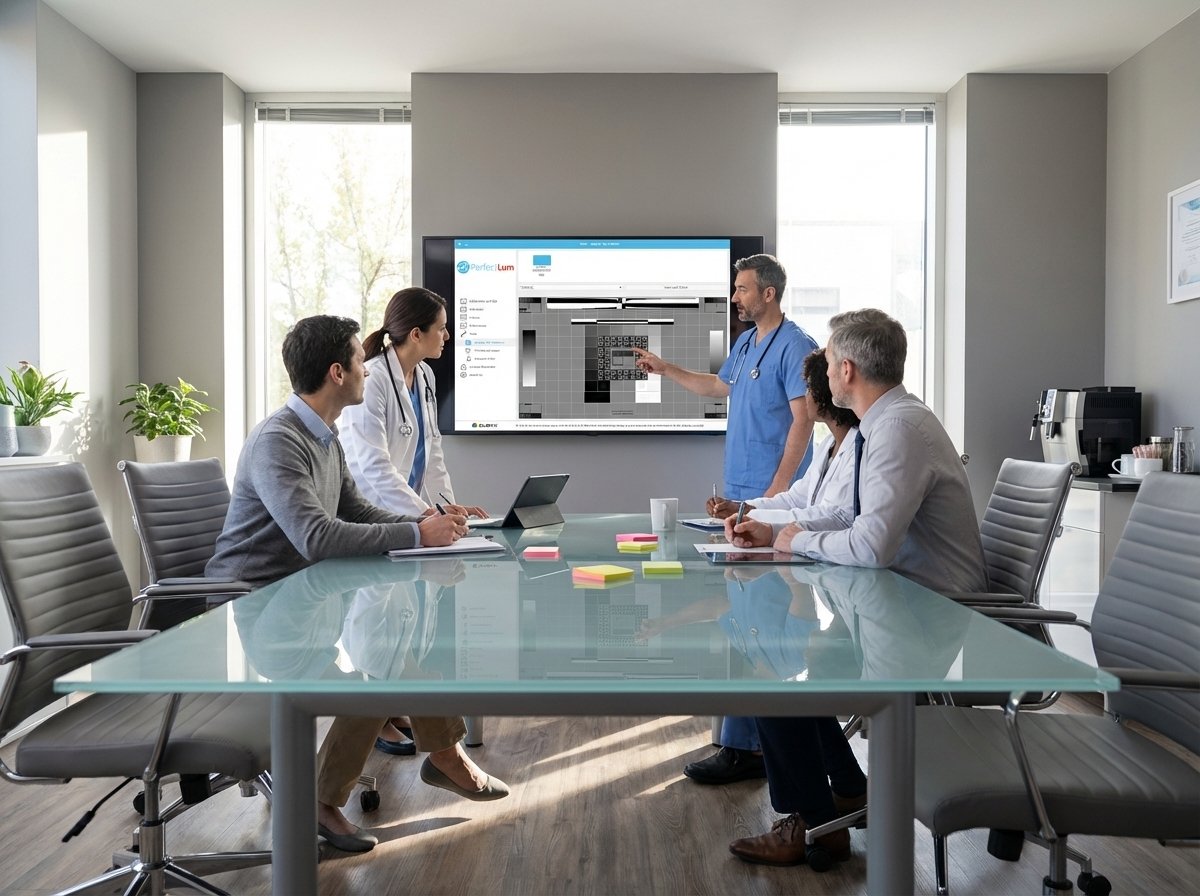
Moving Beyond Basic Compliance
Pushing past minimum standards isn’t just a choice, it’s essential for quality assurance in medical imaging. You can elevate your display’s performance by focusing on continuous improvement rather than just meeting the benchmarks. By doing so, you ensure consistent quality that supports accurate diagnoses and patient care.
Understanding DICOM GSDF Calibration
DICOM GSDF calibration is a cornerstone of medical display quality. It aligns your displays with the Grayscale Standard Display Function, ensuring that images are consistently accurate. This calibration helps you achieve precise grayscale reproduction, a critical aspect for diagnostic clarity. Implementing this standard means your displays will show subtle details that are vital in medical imaging.
For those unfamiliar, DICOM GSDF calibration involves matching your display’s luminance response to a defined standard. This is done through software that adjusts the display’s output to meet specific criteria. By doing this, you ensure that every shade of gray is reproduced accurately, providing a reliable foundation for diagnostic work.
Implementing Display Constancy Testing
Constancy testing is about checking if your display maintains its calibrated state over time. This involves regular testing to spot any drift in display performance. By incorporating constancy testing, you can ensure long-term reliability of your diagnostic equipment. The goal is to catch issues early, avoiding potential errors in patient diagnostics.
Start by setting a schedule for routine checks. Use tools like PerfectLum to automate these tests, reducing manual workload. Consistent testing helps in maintaining high standards, ensuring that the display performs as expected every time. It’s not just about meeting standards, but about guaranteeing ongoing performance.
Leveraging PerfectLum 4 for QA
PerfectLum 4 plays a crucial role in your quality assurance strategy. It streamlines processes and enhances accuracy, making it easier to maintain display performance across your organization.
Streamlining Calibration and Documentation
PerfectLum 4 simplifies the calibration process, making it easy and efficient. It automates many tasks, freeing up time and reducing human error. This software generates detailed reports, providing a complete audit trail that supports compliance and quality management.
Using PerfectLum 4, you can manage multiple displays with ease. The software handles complex calculations, ensuring that each display meets rigorous standards. This level of automation means you spend less time on manual tasks and more on ensuring quality.
Benefits of Remote QA Server
The Remote QA Server offers centralized control over all your displays, no matter where they are located. This means you can manage quality assurance remotely, ensuring consistency across sites. It’s a game-changer for facilities with multiple locations, as it simplifies oversight and reduces travel and coordination costs.
With the Remote QA Server, you can schedule tasks, receive alerts, and generate reports from a single platform. This centralized approach makes it easier to enforce policies and maintain high standards. It’s all about efficiency and reliability, ensuring your displays are always at their best.
Utilizing PerfectLum S1 Sensor
The PerfectLum S1 Sensor ensures precise calibration by measuring your display’s output accurately. It works alongside the software to adjust your display settings, ensuring optimal performance. This sensor guarantees that your calibration is based on actual data, not estimates.
The sensor’s accuracy means you can trust the results, leading to better diagnostic outcomes. It takes the guesswork out of calibration, providing you with confidence in your display’s performance. Using the S1 Sensor helps maintain high-quality imaging that supports accurate diagnosis.
Implementing Enterprise-wide QA Strategies
Implementing QA strategies across your organization requires a comprehensive approach. By centralizing and standardizing processes, you ensure that all displays meet the same high standards.
Centralized Policy Enforcement
Centralized policy enforcement allows you to maintain consistent standards across your organization. By setting clear guidelines and using tools like PerfectLum, you can ensure that all displays adhere to these policies. This approach simplifies compliance and enhances quality assurance efforts.
Having a centralized system means fewer discrepancies and more reliable results. It ensures that all staff follow the same procedures, reducing variability and increasing trust in your imaging systems. This strategy supports both compliance and quality, providing a solid foundation for your QA efforts.
Multi-site Monitoring and Reporting
Monitoring and reporting across multiple sites can be challenging. However, with the right tools, you can achieve seamless oversight. PerfectLum’s Remote QA Server allows you to view and manage all sites from one location, simplifying this process.
By keeping a close eye on all displays, you can quickly identify and address any issues. The ability to generate reports means you have a clear view of performance across your organization. This transparency supports continuous improvement and ensures consistent quality.
Ensuring ACR Conformance and Compliance Reporting
ACR conformance is crucial for maintaining high standards in medical imaging. By following ACR guidelines, you ensure that your displays meet national standards for diagnostic quality. PerfectLum supports ACR compliance through comprehensive reporting and regular testing.
Compliance reporting is about more than just meeting standards; it’s about demonstrating your commitment to quality. By using tools that support detailed documentation, you can easily show your adherence to regulations. This not only supports compliance but also builds trust with patients and regulators.
In summary, enhancing your medical display QA involves moving beyond compliance to focus on continuous quality. With tools like PerfectLum 4, Remote QA Server, and the S1 Sensor, you can streamline processes, ensure consistent performance, and maintain high standards across your organization.
Key Workflow Needs Radiology Teams Wish Their Software Addressed: Insights and Solutions from Qubyx
Radiology teams spend countless hours managing display calibration, only to face gaps in workflow that slow down quality assurance and compliance. Your current software might not catch calibration drift or handle multi-site reporting the way you need it. Qubyx PerfectLum 4 and its Remote Quality Assurance Server address these challenges head-on, streamlining DICOM calibration and centralized display management so you can focus on accurate diagnostics. Learn more here.
Understanding Radiology Workflow Gaps

In radiology, workflow gaps can disrupt the seamless delivery of diagnostic imaging. Addressing these gaps is crucial for improving efficiency and accuracy.
Common Display Quality Issues
One of the main challenges in radiology is maintaining consistent display quality. Many displays suffer from luminance uniformity problems, affecting the accuracy of images. This inconsistency can lead to misinterpretations. Displays also face calibration drift, where over time, the display’s color and brightness deviate from the set standards. This drift compromises the reliability of the imagery. JND grayscale issues can also arise, making it difficult to differentiate between subtle shades of grey necessary for accurate diagnostics.
Impact on Radiology Departments
The impact of these display issues on radiology departments is significant. Poor display quality can delay diagnoses and treatment. It also increases the workload for radiologists, who may need to spend extra time verifying their readings. Calibration drift correction becomes a necessary, yet time-consuming task. Departments may face increased costs due to repeated tests or even liability issues if diagnoses are incorrect. The need for frequent recalibrations can contribute to unwanted downtime, slowing down the workflow and reducing productivity.
Challenges in Remote Quality Assurance
Remote quality assurance introduces another layer of complexity. Ensuring that all displays across multiple sites are performing optimally is a daunting task. Multi-site compliance reporting is complicated by inconsistent calibration standards. Accessing and managing displays remotely often requires more resources and can be plagued by technical difficulties. Discrepancies in display conformance across sites can lead to uneven quality in patient care. Ensuring a uniform standard of diagnostics across all locations is crucial but challenging without the right tools.
Solutions from Qubyx PerfectLum 4
Qubyx PerfectLum 4 offers solutions tailored to meet these radiology challenges. It provides tools designed to enhance the quality and efficiency of display management in healthcare settings.
Centralized Display Management
PerfectLum 4’s centralized management simplifies the oversight of multiple displays. By offering a single platform for monitoring, it reduces the strain on IT departments. You can manage and calibrate displays from a central location, making it easier to maintain consistency. This system supports calibration software for Mac and Windows, ensuring compatibility across different setups. With centralized control, you can schedule tasks and automate updates, reducing the manual workload.
Standards-Compliant Calibration
PerfectLum 4 ensures compliance with industry standards like DICOM calibration and GSDF. It supports a range of guidelines, including AAPM TG18 and DIN 6868-157. These standards ensure that every display meets rigorous performance criteria. By using PerfectLum 4, you can be confident that your displays deliver accurate and dependable imaging. The software’s ability to maintain display conformance means fewer errors and more reliable diagnostics.
Automated Testing and Compliance Reporting
Automated testing and compliance reporting are key features of PerfectLum 4. The software schedules and conducts regular acceptance testing and constancy testing. These tests verify that all displays maintain the required standards. Reports are generated automatically, providing clear documentation of compliance efforts. This automation not only saves time but also ensures that no aspect of quality assurance is overlooked. Explore more about our software.
Benefits of Implementing PerfectLum 4
Implementing PerfectLum 4 offers numerous advantages that streamline operations and enhance display quality in radiology.
Reducing Manual Workload and Downtime
By automating routine tasks, PerfectLum 4 significantly reduces manual workload. You spend less time on maintenance and more on patient care. The software minimizes downtime by ensuring displays are always calibrated correctly. This efficiency translates to quicker diagnostics and a smoother workflow. The system’s proactive alerts notify you of potential issues before they escalate, allowing for timely interventions.
Ensuring Multi-Site Compliance
PerfectLum 4 excels in ensuring compliance across multiple sites. Its centralized nature means you can manage all displays from one location, simplifying multi-site compliance reporting. This uniformity in compliance helps maintain a consistent standard of care and diagnostics across all facilities. It ensures that every site adheres to the same high standards, reducing variability in patient outcomes and enhancing trust in your radiology services.
Easy Cross-Platform Deployment
PerfectLum 4’s compatibility with both Mac and Windows makes deployment straightforward. You can integrate the software into existing systems without hassle. Its user-friendly interface ensures that staff can quickly learn and adapt to the new system. This cross-platform compatibility means that you don’t need to overhaul your existing technology to benefit from improved calibration and quality assurance. Stay updated with our latest news.
In conclusion, PerfectLum 4 addresses the core needs of radiology teams by delivering precision, compliance, and efficiency. With its robust features, it empowers you to focus on what truly matters—accurate diagnostics and patient care.
Curious what that looks like in practice? Link in first comment.
How Ongoing Display QA Improves Diagnostic Confidence in Radiology
Displays used in radiology don’t stay accurate on their own. Without ongoing quality assurance, small shifts in luminance and grayscale can lead to missed details or false findings. By applying continuous DICOM calibration and GSDF compliance checks, you maintain consistent image quality that supports stronger diagnostic confidence. In this post, you’ll learn how PerfectLum 4 and its Remote Quality Assurance Server automate display QA to reduce variability, streamline compliance, and provide audit-ready reports across your radiology workflow. For more insights, visit this article.
Importance of Radiology Display QA
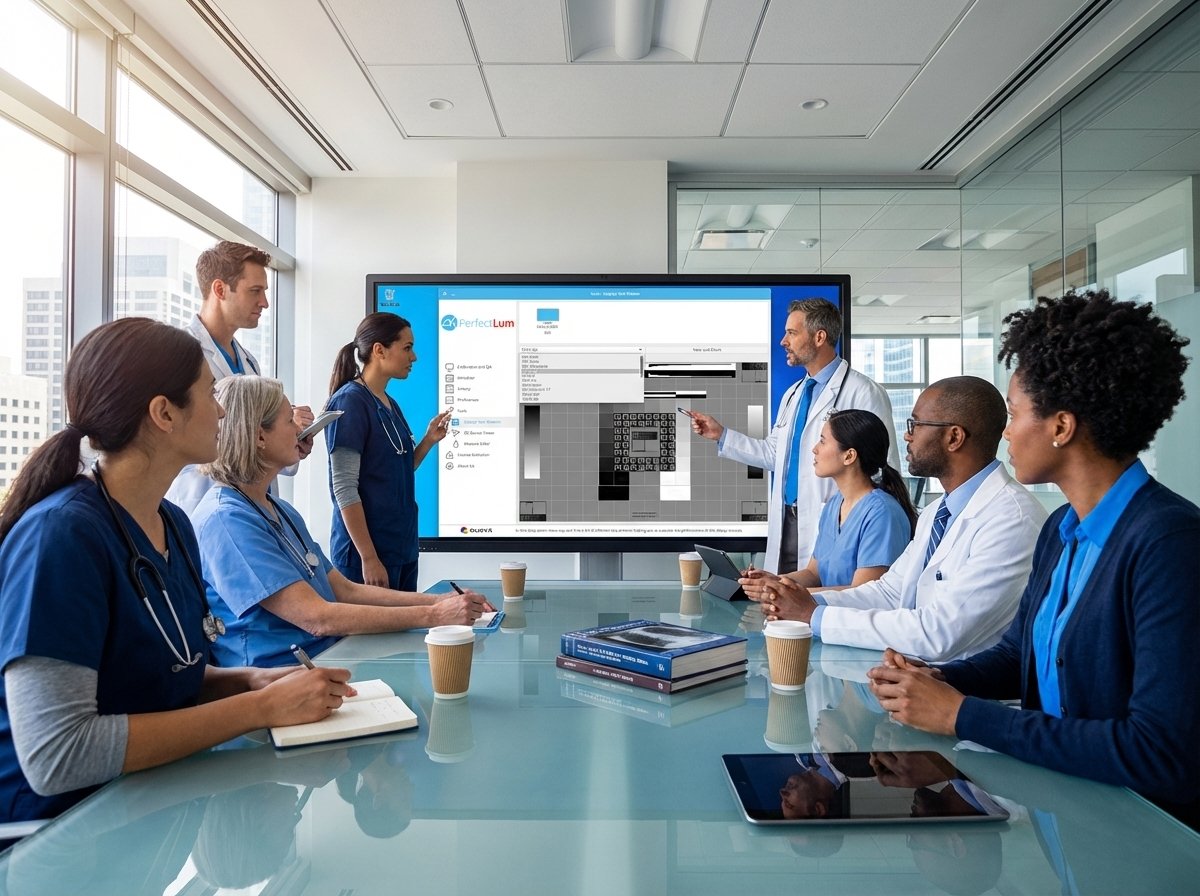
Ensuring your displays deliver accurate and consistent images is key in radiology. Let’s explore why display QA is crucial for diagnostic confidence and compliance.
Enhancing Diagnostic Confidence
Accurate imaging is the cornerstone of effective diagnosis. When your displays show precise details, you’re more likely to detect the subtle differences in medical images. This is where DICOM calibration plays a vital role. It ensures your displays are calibrated to the highest standards, providing clear and reliable images. Imagine being able to pinpoint abnormalities that might otherwise go unnoticed. This boosts your confidence in making accurate diagnoses every time.
But how do you maintain such high standards consistently? Regular calibration checks are essential. They ensure that your displays remain in top condition, minimizing the chances of errors. With PerfectLum 4, you can automate these checks, saving you time and effort. Learn more about the impact of display calibration on diagnosis here.
Reducing Inter-Display Variability
Do you ever notice differences between displays in your facility? This variability can lead to inconsistent diagnoses. By using medical display calibration software like PerfectLum 4, you can ensure uniformity across all screens. This means that whether you’re viewing images in the reading room or the operating room, you’re seeing the same level of detail.
Consider a scenario where one display shows an image slightly darker than another. Such discrepancies can lead to misinterpretation. By standardizing your displays, you reduce this risk, leading to more consistent diagnoses. Regular checks and adjustments are crucial. PerfectLum 4 makes it easy to standardize calibration across multiple devices, ensuring all display the same high-quality images.
Ensuring Standards Compliance
Meeting industry standards is not just about compliance; it’s about patient safety and diagnostic accuracy. Standards like AAPM and DIN 6868-157 set the benchmarks for quality assurance in radiology. PerfectLum 4 helps you meet these standards effortlessly. It performs acceptance testing and constancy testing, ensuring your displays are always up to par.
By adhering to these standards, you not only comply with regulations but also enhance the quality of care you provide. It’s about peace of mind, knowing that every image you review meets the highest quality standards. Explore how compliance impacts radiology.
Features of PerfectLum 4
PerfectLum 4 is designed to simplify display quality assurance in radiology. Let’s delve into its key features that enhance your display management process.
Automating Display Calibration
Imagine setting up your calibration once and letting the software handle the rest. PerfectLum 4 automates the calibration process, ensuring your displays are always accurate. This automation allows you to focus on what’s important: patient care. By reducing manual intervention, you save time and reduce errors.
The software checks luminance uniformity and grayscale calibration regularly, adjusting settings as needed. This ensures your images are always sharp and reliable. With PerfectLum 4, you can trust that your displays are calibrated to optimal standards at all times.
Remote Management Capabilities
Managing displays across multiple locations can be daunting. PerfectLum 4’s remote QA server simplifies this task. You can monitor and control displays from anywhere, ensuring uniformity and quality control. This feature is particularly useful for large facilities with numerous workstations.
From a central dashboard, you can schedule calibration tasks, receive variance alerts, and generate reports. This centralized approach not only enhances efficiency but also ensures consistent quality across all displays. It’s about having control at your fingertips, no matter where you are.
Detailed Audit-Ready Reporting
Compliance is easier with audit-ready reports. PerfectLum 4 generates detailed reports after each calibration, documenting the process and results. These reports are crucial for audits and quality assurance checks. They provide a clear record of compliance with industry standards.
Having these reports readily available not only simplifies audits but also provides assurance that all displays meet the necessary quality benchmarks. It’s about transparency and accountability in your radiology department.
Benefits for Radiology Departments
Implementing a robust display QA system like PerfectLum 4 brings numerous benefits to your radiology department. Let’s examine how it can transform your workflows.
Lowering Total Cost of Ownership
Investing in quality assurance software might seem costly upfront, but the long-term savings are significant. By maintaining your displays in optimal condition, you reduce the need for frequent replacements. This lowers the total cost of ownership for your department.
Regular calibration prevents drift, extending the life of your displays. With PerfectLum 4, your displays remain accurate and reliable, reducing the need for costly repairs or replacements. It’s about smart investment for lasting quality.
Streamlining Radiology Workflows
With automated calibration and remote management, your workflows become more efficient. Tasks that once took hours can now be completed in minutes. This frees up your team to focus on patient care and other critical tasks.
The software’s intuitive interface and automated scheduling simplify routine checks, ensuring your team spends less time on maintenance and more on meaningful work. Streamlined workflows lead to happier teams and better patient outcomes.
Supporting Diagnostic Accuracy
Ultimately, it’s all about accuracy. PerfectLum 4 enhances diagnostic confidence by ensuring every image you view is precise and clear. This support reduces the chance of misdiagnosis and increases patient trust in your services.
By maintaining high-quality displays, you’re not just meeting standards; you’re exceeding them. It’s about providing the best care possible, backed by reliable technology. For more insights on improving diagnostic accuracy, explore this resource.
With PerfectLum 4, you have a trusted partner in display quality assurance. It’s about empowering your team with the tools they need to succeed in diagnostic imaging. By prioritizing calibration and compliance, you’re enhancing both the quality of care and the confidence of your team.
Beyond Day One: Long-Term Display Performance—What Radiologists and Medical Physicists Should Know
Long-term display performance often goes unnoticed until image quality and diagnostic accuracy decline. Subtle changes in luminance uniformity or diagnostic display drift may impact the calibration of your radiology monitors. This post breaks down the key factors behind display drift, outlines AAPM, DIN, and ACR QA standards, and demonstrates how PerfectLum 4 with Remote QA Server keeps your displays compliant, thereby reducing risk and cost over time. For more insights on radiology display technology and standards, check this article.
Understanding Display Performance
Diagnostic Display Drift
Display drift occurs when monitors gradually lose their initial calibration, affecting image quality. If not addressed, this drift can lead to incorrect diagnostics. Diagnostic display drift might sound technical, but think of it like a car needing regular tune-ups to remain efficient. Over time, monitors experience changes in color and brightness, caused by factors such as backlight aging and room lighting fluctuations. Addressing these changes is critical. The longer you wait, the more pronounced the drift becomes. Regular checks ensure that your displays maintain the necessary accuracy.
To manage this effectively, consider implementing a robust QA routine involving scheduled recalibrations and consistent monitoring. With tools like PerfectLum 4, you can automate this process, ensuring consistency across all your displays. Learn more about it here.
Luminance and Contrast Ratio
Luminance refers to your display’s brightness, while the contrast ratio compares the screen’s brightest white to its darkest black. Maintaining the right levels of both is essential. Imagine trying to read a book in a dimly lit room—the same principle applies to displays. If luminance and contrast ratios aren’t balanced correctly, image details might be lost. Contrast ratio impacts the visibility of subtle differences in images, which is vital in medical imaging.
Regular luminance uniformity checks can help identify any discrepancies. The key is to achieve a balance, ensuring that images are neither too bright nor too dim. This allows radiologists to focus on critical details without straining their eyes.
Essential QA Metrics
AAPM TG18 and DIN 6868-157
AAPM TG18 and DIN 6868-157 are essential guidelines for display performance in medical environments. They provide criteria for evaluating the quality of diagnostic displays. The AAPM TG18 report, for instance, offers guidelines for tests that ensure display quality is up to par. Following these standards means regular acceptance testing and constancy testing. Explore more about AAPM standards here.
These tests check parameters like grayscale display function and spatial resolution. By routinely assessing these factors, you can maintain display accuracy and reliability. It’s like having a checklist for your car’s maintenance to prevent unexpected breakdowns. Implementing these standards ensures your monitors consistently perform at their best.
ACR QA Standards and Testing
The American College of Radiology (ACR) also sets standards for evaluating display quality. The ACR guidelines focus on image quality and diagnostic accuracy. By adhering to these standards, you ensure that your facility meets regulatory requirements and maintains high diagnostic standards.
Regular testing based on these guidelines helps identify any deviations early. This proactive approach minimizes the chances of diagnostic errors. For a detailed overview, check this resource.
Streamlining Compliance with PerfectLum 4
PerfectLum 4 offers a seamless way to keep your displays compliant and reduce long-term costs. Let’s discuss the benefits of remote quality assurance and cross-platform calibration.
Remote Quality Assurance Benefits
Remote quality assurance allows you to manage and monitor displays across multiple locations from a single interface. This means you can ensure compliance without being physically present at each site. Imagine being able to adjust or check your displays’ performance from a central hub. This capability saves time and effort, making it easier to maintain consistent standards.
With the PerfectLum 4 remote features, you can schedule calibrations and track performance metrics effortlessly. Most people assume remote management is complicated, but PerfectLum 4 simplifies the process, delivering reliable results.
Cross-Platform Calibration and Audit Reports
Cross-platform calibration ensures that whether you’re using Mac or Windows, your displays remain accurate and consistent. This flexibility allows you to integrate the software into existing systems without hassle. PerfectLum 4 generates comprehensive audit reports, providing documentation of compliance and performance. These reports are crucial for regulatory audits and internal reviews. Having these records at your fingertips simplifies the auditing process and ensures that your facility adheres to industry standards.
In summary, maintaining long-term display performance is crucial for accurate medical imaging. By understanding and implementing the right QA metrics, utilizing tools like PerfectLum 4, and staying compliant with industry standards, you can ensure precision and reliability in your diagnostic processes.
The 7 Workflow Needs Radiology Teams Want Calibration Software to Solve — And How Qubyx PerfectLum Delivers
Radiology teams often face hidden bottlenecks in display calibration that slow down workflow and risk compliance gaps. Your current software might not handle the complex demands of GSDF calibration, remote monitor management, or audit-ready reporting with ease. This post breaks down the seven key workflow needs PerfectLum 4 addresses, showing how Qubyx delivers reliable solutions designed to keep your diagnostic imaging displays accurate and compliant. Learn more.
Essential Workflow Challenges
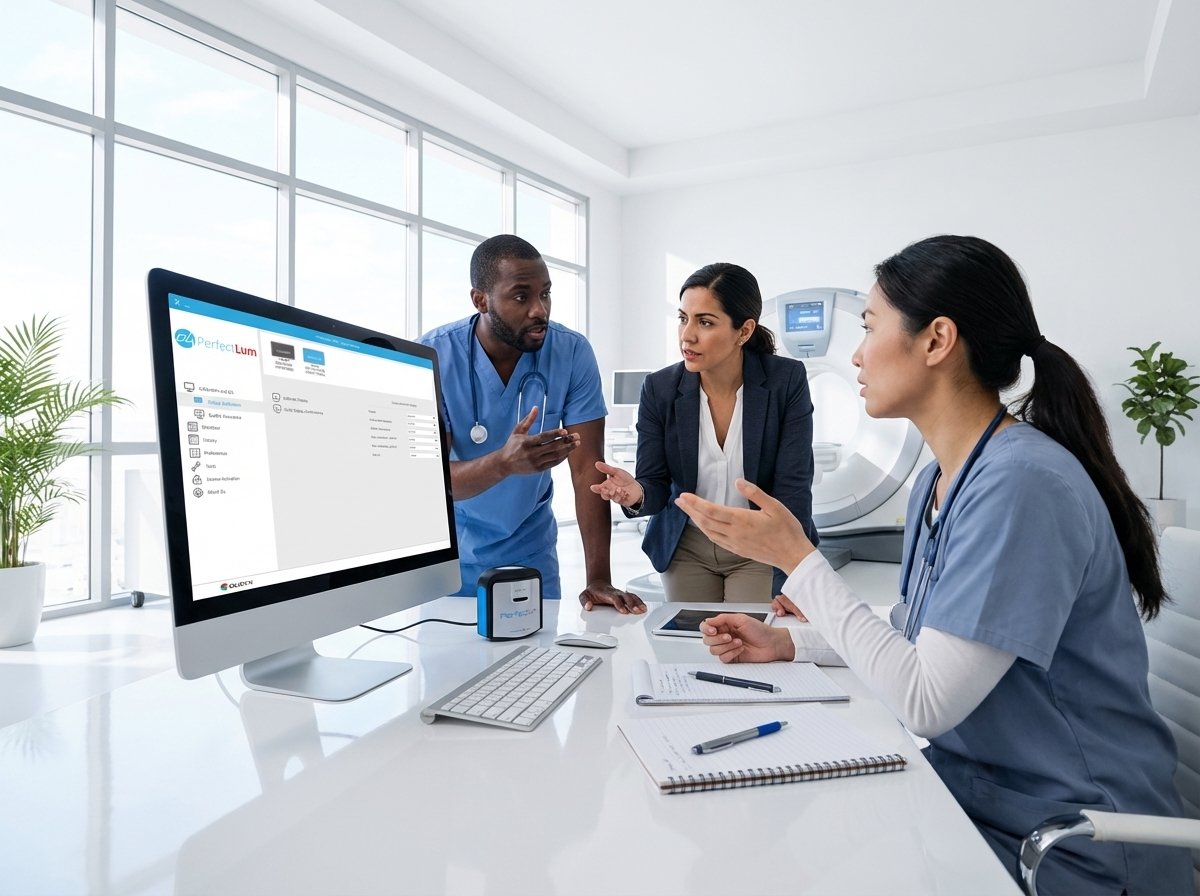
Radiology teams encounter several hurdles when ensuring display quality and compliance. These challenges can impede effective diagnostic processes, risking both workflow efficiency and patient outcomes.
Standards Compliance Needs
Maintaining compliance with industry standards is crucial for radiology departments. Most teams struggle to keep up with evolving guidelines like AAPM TG18, DIN 6868-157, and ACR compliance. These standards ensure diagnostic displays produce accurate images, vital for patient care. Without proper tools, meeting these requirements can become overwhelming.
Consider a department using outdated software. They often face the challenge of manually checking each display’s compliance. This process is not only tedious but also prone to errors. In contrast, using advanced software like PerfectLum 4 ensures displays meet strict standards with minimal effort. It automates compliance checks, providing peace of mind that your displays are always up to par.
Calibration Accuracy Concerns
Accurate calibration is the backbone of reliable diagnostic imaging. Without it, image quality suffers, leading to potential misdiagnoses. Many departments find their current calibration processes inadequate. Software that fails to provide precise calibration undermines confidence in imaging results.
Imagine calibrating displays manually. It requires both time and specialized knowledge, which isn’t always available in busy departments. PerfectLum 4 addresses these concerns by offering precise DICOM calibration. This ensures every display provides the highest image quality, supporting accurate diagnostics.
Automation in QA Processes
Quality assurance (QA) processes are essential for maintaining high standards in radiology. However, manual QA tasks can be time-consuming and error-prone. Automation offers a solution, streamlining workflows and ensuring consistent quality across all displays.
Think of the hours spent on manual QA tasks. They could be better spent on patient care or other critical tasks. Automated QA features in PerfectLum 4 reduce this burden. By automating routine checks, teams can focus on what truly matters: delivering exceptional patient care.
PerfectLum 4 Solutions
PerfectLum 4 is designed to solve these challenges, offering solutions that ensure compliance, enhance accuracy, and streamline workflows.
DICOM Calibration Benefits
The software’s DICOM calibration feature ensures displays deliver optimal image quality. This is crucial for accurate diagnostics, as even minor discrepancies can affect outcomes. With PerfectLum 4, you achieve flawless color accuracy, essential for medical imaging.
Consider how this impacts a busy radiology department. Instead of second-guessing image quality, technicians can trust their displays, knowing they meet stringent DICOM standards. This reliability supports better diagnostic decisions and improved patient care.
Automated Calibration Features
Automation in calibration not only saves time but also guarantees consistency. PerfectLum 4’s automation features allow you to schedule calibrations, reducing manual workload and ensuring displays are always ready for diagnostics.
Think about the efficiency gained by automating these tasks. It reduces the risk of human error and ensures all displays function at peak performance. This focus on automation enhances workflow efficiency, crucial for demanding radiology environments.
Centralized QA Server Advantages
Managing multiple displays can be challenging, especially across various locations. PerfectLum 4’s centralized QA server offers a streamlined solution, allowing for efficient management and monitoring. This ensures compliance and performance are maintained consistently.
Picture a scenario where you can manage all your displays from one location. This capability simplifies the process, ensuring no display is left unchecked. The centralized server enhances both compliance and workflow efficiency, critical for any radiology department.
Enhancing Radiology Workflows
PerfectLum 4 not only addresses current challenges but also enhances overall workflows, supporting better outcomes and efficiency.
Remote Monitor Management
Managing displays across different locations can be daunting. With PerfectLum 4, remote monitor management becomes straightforward. This feature allows for seamless control and monitoring, ensuring all displays are consistent and compliant without needing to be on-site.
Consider the convenience of managing displays remotely. It not only saves time but also reduces the need for frequent on-site visits. This ease of management supports smoother operations and ensures displays are always ready for diagnostic use.
Compliance Reporting Essentials
Accurate reporting is essential for compliance and audit readiness. PerfectLum 4 simplifies this process with comprehensive reporting tools. These tools provide detailed insights into display performance and compliance, ensuring you’re always prepared for audits.
Imagine having all compliance data at your fingertips. It eliminates the stress of last-minute preparations and ensures your department remains audit-ready. This capability enhances both compliance confidence and operational efficiency.
Cross-Platform Calibration Support
Compatibility across different platforms is vital in diverse medical environments. PerfectLum 4 offers cross-platform support, ensuring seamless integration into existing systems. This ensures consistent calibration across all devices, regardless of the operating system.
Think about the versatility this offers. Whether you’re using Windows or macOS, PerfectLum 4 ensures uniform calibration. This flexibility supports diverse workflows, making it an ideal choice for any radiology department.
By addressing these key needs, PerfectLum 4 empowers radiology teams to enhance their workflows, ensuring displays are always accurate and compliant. This focus on quality and efficiency not only supports better diagnostic outcomes but also enhances overall department operations. For more insights on enhancing radiology workflows, visit Qubyx’s insights on radiology QA workflows.
Curious what that looks like in practice? Link in first comment.
Radiology Workflow Needs Your Calibration Software Should Solve: Insights and Qubyx Solutions
Radiology teams spend countless hours managing display calibration and quality assurance, yet software often falls short of meeting their core workflow needs. You need tools that simplify compliance with AAPM TG18, DIN 6868-157, and ACR display standards while handling multi-site calibration without adding complexity. This post reveals how Qubyx’s PerfectLum and Remote Quality Assurance Server address these challenges, helping you maintain consistent, GSDF-compliant displays across your entire network.
Core Challenges in Radiology Calibration

Understanding the needs of medical display calibration is crucial for enhancing diagnostic accuracy. Let’s dive into the core challenges faced by radiology teams in their daily workflows.
Understanding Medical Display Calibration Needs
Medical display calibration is essential for accurate imaging. Without proper calibration, images can be misleading, affecting diagnostic outcomes. PerfectLum offers a reliable solution that ensures displays meet the highest standards. For radiologists, this means confidence in what they see on screen. Calibration involves checking that displays meet specific brightness and color standards.
Imagine a radiologist reviewing images on a poorly calibrated screen. The risk of misdiagnosis increases. Using DICOM GSDF calibration, screens are adjusted to present images correctly. This is vital in environments where precision is non-negotiable. Display calibration isn’t a one-time task; it’s an ongoing process. Regular checks and adjustments are needed to maintain accuracy. This is where Qubyx’s tools come into play, providing continuous monitoring and adjustments.
Addressing Radiology Workflow Optimization
Optimizing workflow is more than just having the right tools. It’s about ensuring those tools integrate smoothly into daily tasks. PerfectLum not only calibrates but also streamlines workflow. It reduces time spent on manual adjustments, allowing more focus on patient care. Remote Quality Assurance Server takes this further by offering remote management capabilities. Imagine managing multiple displays across sites without leaving your desk. This server does just that, ensuring all displays remain calibrated without physical checks.
Time is precious in radiology. By automating calibration tasks, radiology teams can dedicate more time to interpreting images. This not only boosts productivity but also improves patient outcomes. Remote display QA tools are invaluable here, providing centralized control and oversight.
Ensuring AAPM TG18 and DIN 6868-157 Compliance
Compliance with standards like AAPM TG18 and DIN 6868-157 is non-negotiable. These standards ensure displays are suitable for medical diagnostics. PerfectLum software simplifies compliance by automating checks and generating detailed reports. This means radiology teams can easily verify that their displays meet required standards. Qubyx ensures that compliance doesn’t become a burden. Instead, it’s a seamless part of everyday operations.
Non-compliance can lead to inaccurate diagnostics, risking patient safety. Regular testing and calibration are essential to maintain compliance. By using tools like PerfectLum, you can be confident in your compliance status. This allows you to focus on delivering the best care possible.
Qubyx Solutions for Radiology Teams
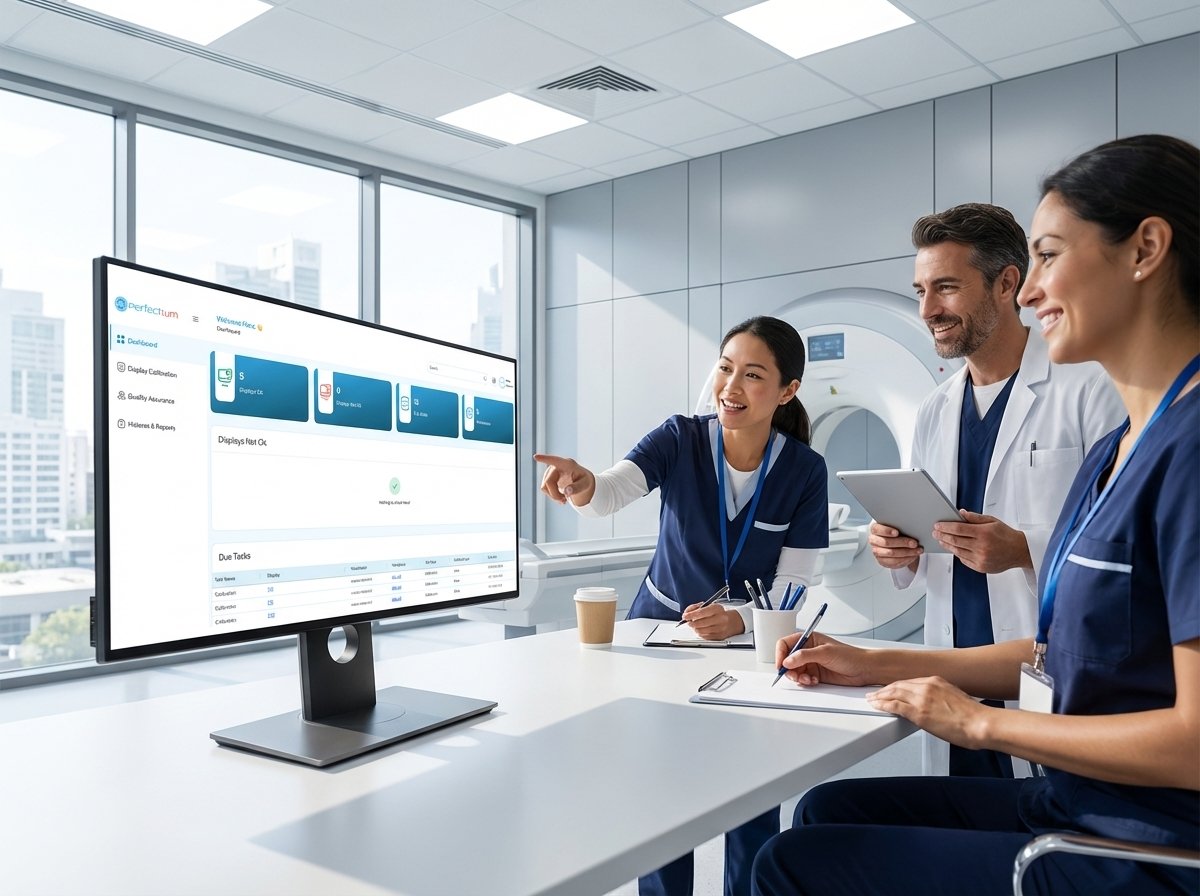
Now that we’ve explored the challenges, let’s look at how Qubyx provides solutions tailored for radiology teams. From software features to remote capabilities, these solutions are designed to meet your specific needs.
PerfectLum Software Features and Benefits
PerfectLum offers a comprehensive suite of features designed for precision and ease of use. Its capabilities go beyond simple calibration. It provides a robust platform for ensuring all displays meet stringent medical standards. The software is compatible with both Mac and Windows, ensuring it integrates smoothly into existing systems. This cross-platform compatibility means you can use the best tools, regardless of your operating system.
One standout feature is the acceptance and constancy testing. This ensures displays remain in top condition, providing accurate images every time. With PerfectLum, you’re not just meeting standards; you’re exceeding them. It also supports a wide range of measuring devices, offering flexibility in how you manage calibration.
Remote Quality Assurance Server Capabilities
The Remote Quality Assurance Server is a game-changer for multi-site calibration management. It allows for centralized control over all displays, regardless of location. This means less time spent on individual checks and more time on patient care. One of its key features is the ability to schedule tasks remotely. You can initiate calibrations and receive performance reports without needing to be on-site. This not only saves time but also ensures consistency across all displays.
Imagine having peace of mind knowing every display is calibrated to the highest standard, no matter where it is. Remote display QA offers that assurance, making it an essential tool for any radiology department.
Multi-site Calibration Management Strategies
Managing multiple sites can be challenging, but with the right strategies, it’s manageable. Qubyx offers tools that simplify this process. By using Remote Quality Assurance Server, you can monitor and manage displays across various locations from a single platform. This centralized approach ensures consistency and reliability, no matter how many sites you oversee. One effective strategy is to automate calibration tasks. This reduces the workload on staff and ensures that all displays are checked regularly.
Automation also minimizes human error, ensuring that calibrations are accurate and compliant with industry standards. By employing these strategies, you can maintain high-quality imaging across all your sites, providing reliable diagnostics for all patients.
Implementing Effective Display Compliance
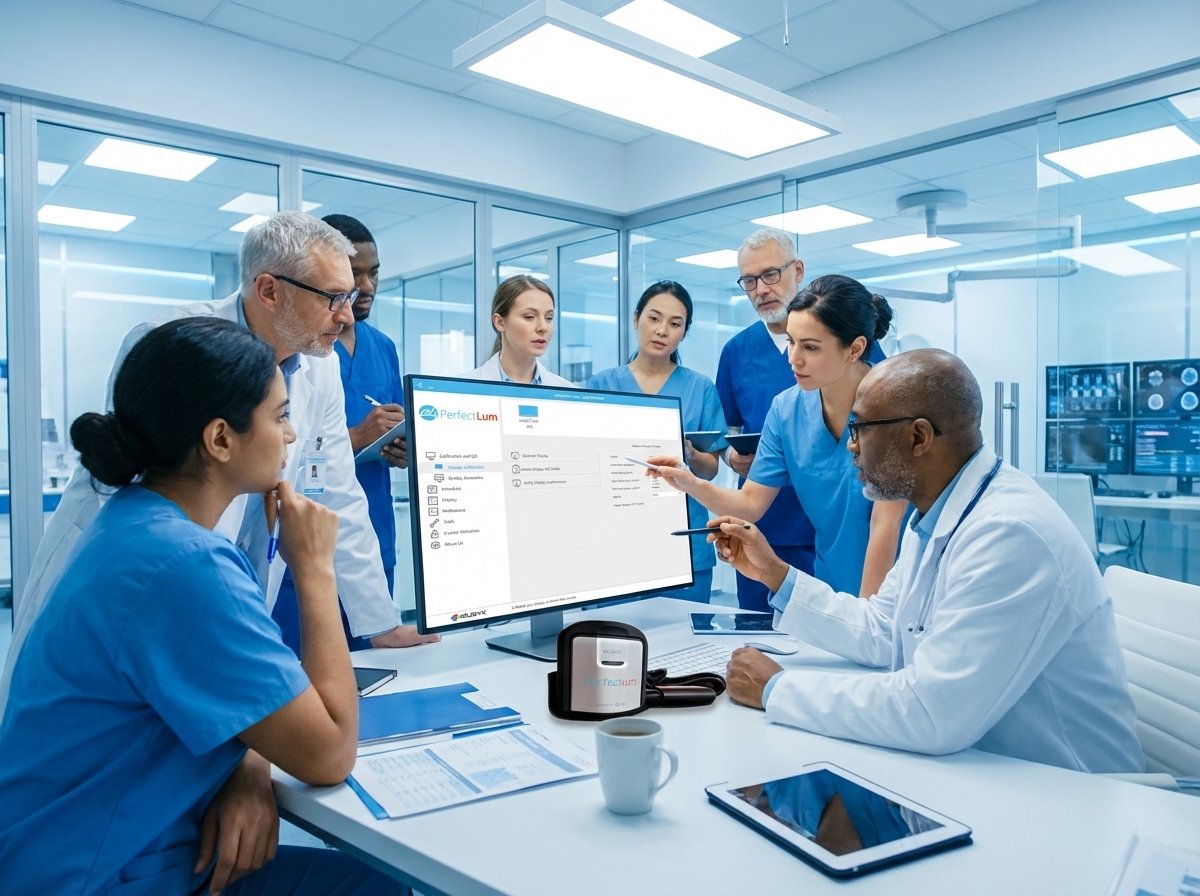
To ensure compliance, it’s crucial to implement effective strategies. These strategies not only guarantee consistent imaging but also simplify the management of display calibration.
Achieving Consistency with GSDF-compliant Reports
Consistency is key in medical imaging. GSDF-compliant reports provide a reliable way to ensure all displays meet required standards. These reports offer detailed insights into display performance, highlighting areas that need adjustment. By regularly reviewing these reports, you can maintain high-quality imaging. PerfectLum simplifies this process by generating these reports automatically. This means you always have access to up-to-date information on your display’s performance. Regular reviews of these reports ensure that any issues are quickly identified and corrected.
Having consistent imaging is vital for accurate diagnostics. With the right tools, maintaining this consistency becomes a manageable task.
Utilizing Acceptance and Constancy Testing
Acceptance and constancy testing are crucial components of display compliance management. These tests ensure displays deliver accurate imaging consistently. PerfectLum offers automated testing, reducing the need for manual interventions. This automation not only saves time but also ensures that testing is performed regularly and accurately. Acceptance testing verifies that new displays meet required standards from the start. Constancy testing, on the other hand, ensures ongoing performance.
Together, these tests provide a comprehensive overview of display quality, allowing for timely interventions if needed. By utilizing these tests, you ensure that your displays continue to deliver the accuracy needed for reliable diagnostics.
Leveraging Mac and Windows Calibration Tools
Flexibility is essential when dealing with multi-site calibration. PerfectLum supports both Mac and Windows, ensuring you can leverage the best tools regardless of your system. This cross-platform compatibility allows for seamless integration into existing workflows. With this flexibility, radiology teams can choose the tools that best fit their needs without worrying about compatibility issues. This not only simplifies the calibration process but also ensures that all displays meet the highest standards.
By leveraging these tools, you can maintain high-quality imaging across all devices, providing reliable diagnostics for every patient.
Curious what that looks like in practice? Link in first comment.
What to Look for in Radiology Workflow Software: A Practical Buyer’s Guide
Most radiology practices don’t go looking for workflow software until something breaks.
It often starts with a specific problem. A worklist that can’t keep up with volume. A reporting system creating more paperwork than the team can handle. A gap between what the PACS does and what the RIS needs that keeps getting fixed with manual workarounds. By the time anyone starts shopping for software, the practice is already in reactive mode — and reactive tech decisions tend to produce regret.
Properly Evaluate Your Radiology Software
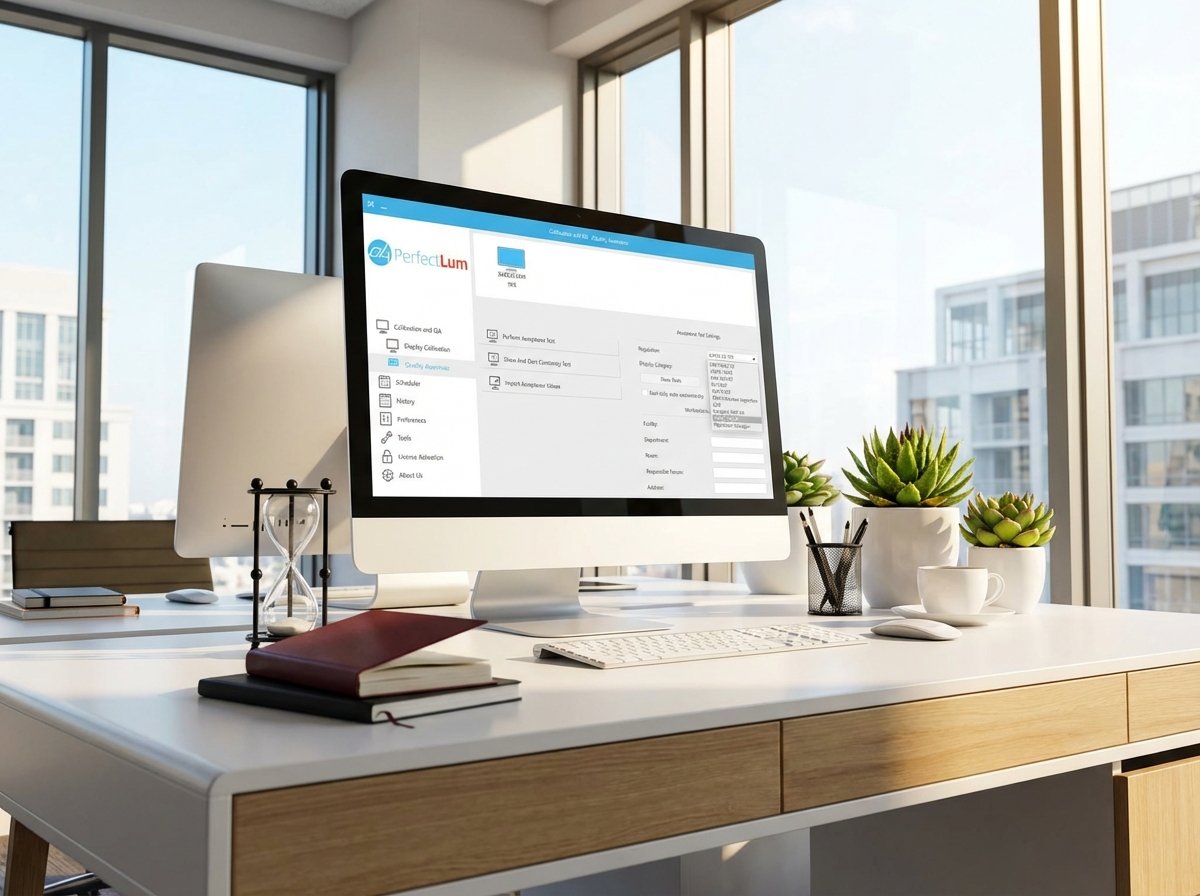
This guide is for practices that want to get ahead of that pattern. It’s not a product review. Rather, it’s a framework for judging radiology workflow software based on what actually matters for clinical operations — no matter which solution you’re looking at. Learn more.
1. Integration: Does It Talk to What You Already Have?
The most common source of regret after buying radiology software is integration failure. A system that doesn’t connect cleanly with your existing PACS, RIS, and EHR doesn’t reduce workflow friction. Instead, it adds a whole new layer of it.
PACS (Picture Archiving and Communication Systems) stores, retrieves, and displays medical images. RIS (Radiology Information Systems) handles patient data, scheduling, reporting, and billing. When these systems don’t talk to each other, radiologists end up doing the connecting manually — entering data in multiple places, switching between platforms to finish a single read, and taking on the error risk that comes with that. [1]
What to look for: HL7-compliant data exchange, PACS-agnostic design, and a clear integration path with your existing EHR. Ask vendors specifically how their system handles data transfer between modalities and whether integration is handled natively or requires a third-party middleware solution.
2. Workflow Design: Built Around the Radiologist, or Around the Software?
There is a meaningful difference between software that automates radiology workflows and software that radiologists have to adapt to. The former removes friction. The latter relocates it.
Good workflow design in radiology software means: intelligent worklist management that prioritizes cases by urgency and specialty without requiring manual intervention. Structured reporting that captures what the radiologist knows without adding documentation steps. Communication tools that connect the reading room to referring physicians without requiring a separate platform. [2]
What to look for: Ask to shadow a demo using real-world case types from your practice — not a curated product walkthrough. Watch for the number of clicks, platform switches, and manual entries required to complete a single case from worklist to signed report.
3. AI and Automation: Genuinely Useful or Feature Theater?
AI in radiology software is spreading faster than its actual usefulness. For workflow, the most valuable AI features aren’t the ones that look best in demos — they’re the ones that cut non-clinical mental load in ways radiologists will actually use every day.
Specifically, look for: automated case sorting that flags urgent studies without manual work, pre-filled report templates that cut repetitive writing, and decision-support tools that add relevant clinical context without disrupting the reading flow. When these tools are well-built, they free up the radiologist’s attention for the work that can’t be automated. [3]
What to look for: Ask how the AI learns from usage in your specific environment. A system that improves with your data over time is more valuable than one that applies generic models to your workflow. Also ask what happens when the AI is wrong — a good system makes its logic transparent and easy to override.
4. Reporting and Documentation: Does It Reduce or Create Overhead?
Reporting is often where workflow software creates as many problems as it solves. Modern radiology has heavy documentation demands — billing compliance, structured data, report formatting for different referrers. A system that handles all of this through manual steps just adds more work for the team.
Voice recognition, structured templates, and auto billing code capture can each cut reporting time. But their value depends entirely on how well they fit into the reading workflow. A voice tool that needs heavy editing after dictation, or a template that doesn’t match how your team reports, will be dropped within weeks.
What to look for: Request data on average report turnaround time before and after implementation from current customers. Ask whether reporting tools are configurable by subspecialty and modality, or whether you’re adapting to the vendor’s default templates.
5. Analytics and Visibility: Can You See What’s Actually Happening?
Most radiology practices have a rough sense of their output. But few have the data to pinpoint where their workflow is actually losing time — whether that’s in case sorting, reporting delays, communication gaps, or billing steps.
A workflow system with real-time data on turnaround times, worklist use, and radiologist output gives practice leaders the insight they need to make specific, targeted changes — rather than just going by gut feel. [4]
What to look for: Ask whether analytics are built into the platform natively or require a separate reporting tool. Ask whether you can set benchmarks and receive alerts when performance trends outside normal ranges — without needing a data analyst to interpret the outputs.
6. Support and Implementation: How Hard Is It to Get Running?
Even good radiology software can fail when setup is handled poorly. The go-live phase is the most likely time for problems to appear — broken integrations, staff not adopting the system, or settings that don’t match your existing tools. [5]
What to look for: Ask for a concrete implementation timeline with milestone accountability. Ask how vendor support is handled during go-live and for the first 90 days. Ask specifically about their experience integrating with your existing PACS and modality vendors.
How Qubyx Measures Up
Qubyx Perfect Loan was built specifically for the radiology workflow — not adapted from a general healthcare IT platform. As a result, it addresses the integration, workflow design, and documentation challenges covered in this guide from the start.
Explore how Qubyx handles each of these criteria →
References
-
[1] RamSoft / e-mcs.org. ‘HIS RIS PACS: Workflow, Integrations, and Definitions.’ (RIS/PACS integration overview and HL7 standards.)
-
[2] Healthlink Advisors. ‘PACS vs. RIS Workflow: Which Option Aligns Best for Your Imaging Needs.’ May 2025.
-
[3] Aidoc. ‘PACS AI: A Guide for Radiology Workflow Integration.’ June 2025.
-
[4] AAG Health. ‘The Most Important Radiology Productivity Metrics in 2025.’
-
[5] PMC / National Institutes of Health. ‘Checklist for a Radiology Information System Go-Live.’ (Implementation lessons from RIS transition.)


