

When diagnostic images lack precise color and luminance calibration, critical details can slip through unnoticed. You depend on accurate radiology monitor calibration to detect subtle lesions and make confident diagnoses. This post explains why medical display calibration following standards like DICOM GSDF and AAPM TG-18 is non-negotiable—and how PerfectLum 4 and Qubyx’s Remote Quality Assurance Server simplify your compliance and quality assurance tasks.
Importance of Calibrated Color and Luminance

Understanding the role of calibrated color and luminance is key to achieving accurate diagnostic images. It not only boosts lesion detectability but also strengthens your confidence in diagnosis. Compliance with industry standards is crucial, and that’s where calibration comes in.
Improving Lesion Detectability
Clear images are essential in radiology. When your display is not calibrated correctly, you might miss subtle details. A study found that calibrated displays increased lesion detectability by over 20%. With precise calibration, every image displays the correct luminance and color levels, ensuring you don’t overlook critical findings. This improvement means faster, more accurate diagnoses, ultimately benefiting patient care.
Enhancing Diagnostic Confidence
Your confidence in diagnosing conditions is directly tied to the quality of your imaging displays. A well-calibrated monitor ensures that what you see is true to the actual image. This accuracy reduces the risk of misdiagnosis and gives you the assurance needed to make critical decisions. Furthermore, when your display meets medical standards, you can trust that your observations are reliable.
Ensuring Compliance with Standards
Compliance isn’t just a checkbox—it’s a commitment to quality. Standards like DICOM GSDF ensure that diagnostic displays meet necessary performance criteria. By adhering to these guidelines, you ensure consistency in image interpretation across different monitors and devices. This compliance is vital for maintaining the integrity of diagnostic processes in your practice.
Compliance Requirements for Diagnostic Displays

Meeting compliance standards for diagnostic displays is non-negotiable. Understanding these standards ensures your displays are up to par, providing accurate imaging for diagnoses.
Understanding DICOM GSDF Calibration
DICOM GSDF, or Grayscale Standard Display Function, is a cornerstone of display calibration. It ensures that grayscale images are consistent across different displays. By following this standard, you ensure that your monitor displays shades of gray accurately, which is crucial for detecting anomalies in medical imaging. This consistency is achieved by matching the display’s luminance response to the DICOM standard, thus providing uniform image quality.
Key Standards: AAPM, DIN, ACR
Several key standards influence diagnostic display calibration. The AAPM TG-18 and TG-270 standards provide guidelines for display performance and quality assurance. Similarly, DIN 6868-157 sets benchmarks for German facilities, while ACR compliance ensures standards set by the American College of Radiology are met. Each of these standards plays a vital role in ensuring that your displays provide accurate and reliable visuals, critical for effective medical diagnoses.
Streamlining Quality Management with PerfectLum 4
Transitioning to tools like PerfectLum 4 can streamline your quality management processes. With its advanced features, managing display performance becomes more efficient, allowing you to focus on patient care.
Features of PerfectLum 4
PerfectLum 4 offers a range of features that enhance display calibration. It supports both Windows and Mac platforms, providing versatile compatibility across systems. The software includes automated scheduling, reducing manual interventions and ensuring displays are always calibrated. With detailed reporting, you gain insights into calibration history and status, allowing for informed decision-making.
Benefits of Remote Quality Assurance
Remote Quality Assurance takes display management to the next level. By centralizing control, you can monitor and manage multiple displays from a single location. This capability is beneficial for facilities with several imaging stations, ensuring consistency in display quality across all locations. The ability to perform remote calibration and receive alerts for any issues means less downtime and more accurate imaging.
Encouraging Free Trials and Demos
Exploring PerfectLum 4 through a free trial can give you firsthand experience of its capabilities. Trying the software allows you to see how it integrates into your workflow and enhances your display quality management. Most healthcare professionals find that once they experience the benefits of calibrated displays, returning to subpar solutions is no longer an option. Discover how PerfectLum 4 can transform your diagnostic capabilities today.
By understanding and implementing these calibration techniques, you ensure not only compliance but also superior imaging quality, vital for patient outcomes.
Ensure your displays deliver true diagnostic color and tone. Schedule your calibration today.
You just spent hours analyzing satellite and thermal imagery, only to doubt if your display truly reflects every detail. Without precise geospatial imaging calibration, subtle variations can lead to costly misinterpretations. PerfectLum 4 ensures your displays meet strict DICOM GSDF standards, delivering consistent accuracy across your entire fleet with centralized control. Keep reading to learn how this display calibration software can tighten your quality assurance and improve operational confidence. For more information on improving georeferencing accuracy, see this guide.
Importance of Display Calibration
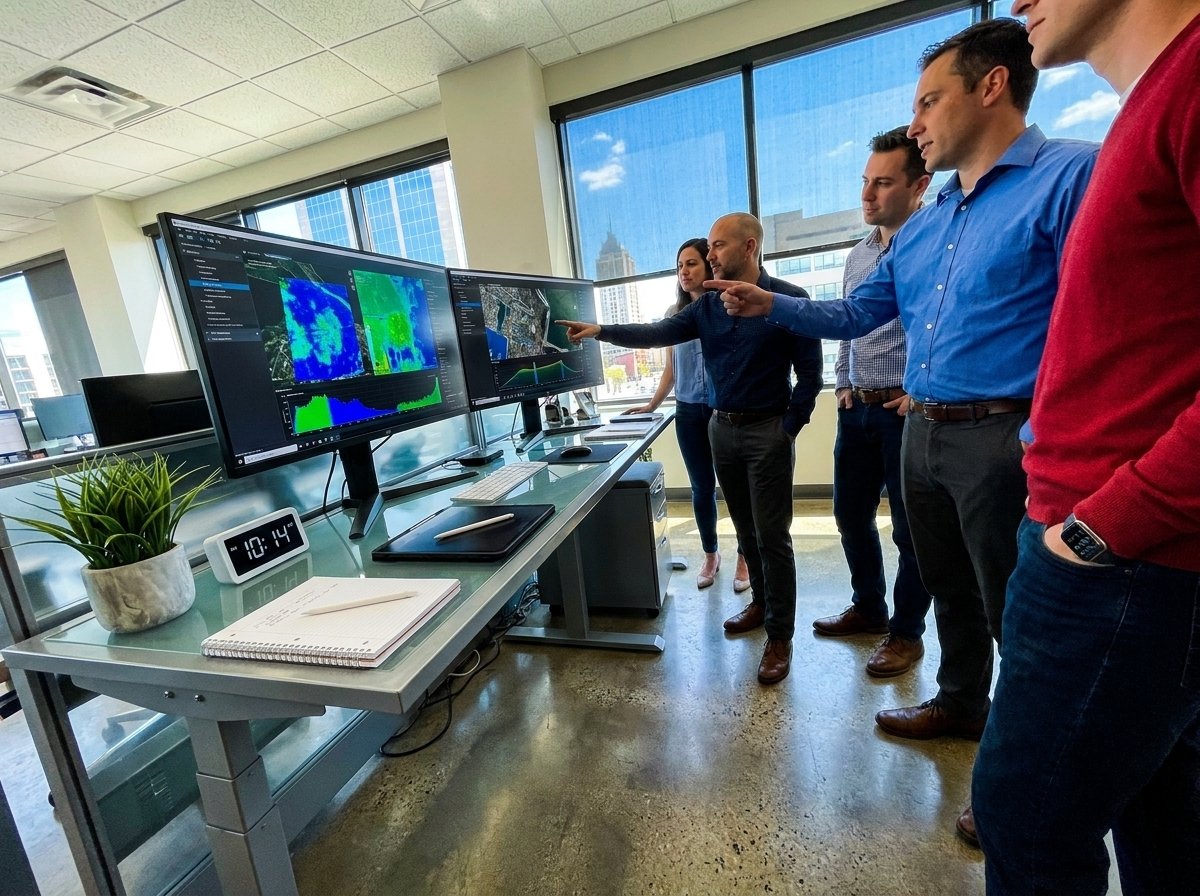
When you think about display calibration, you might wonder why it’s so crucial for geospatial analysis. This precision ensures that the data you interpret is reliable and actionable.
Critical Role in Geospatial Analysis
Geospatial analysis relies heavily on accurate data representation. Imagine analyzing satellite imagery to assess environmental changes. A small calibration error could lead to a significant misinterpretation. Proper calibration ensures every pixel represents the right value, giving you confidence in your analysis. For more on ensuring accuracy in geospatial data, check out this guide.
Benefits of Accurate Calibration
Accurate calibration brings multiple benefits. First, it guarantees that the data you see matches real-world measurements. This accuracy is vital when making decisions based on thermal imagery or SAR data. Furthermore, consistent calibration across all displays means everyone on your team views the same data quality, reducing errors and increasing efficiency. Consistency in display quality is crucial, as highlighted by Spatial Dimensions.
Ensuring Consistent Imaging Quality
Consistency in imaging quality is not just about accuracy. It’s about maintaining that quality over time and across multiple devices. This consistency ensures that when you revisit data or compare different datasets, you’re looking at accurate and reliable information. The longer you wait to standardize, the more you risk discrepancies affecting your outcomes.
PerfectLum 4: Calibration Excellence
PerfectLum 4 stands at the forefront of calibration software, offering unparalleled benefits for anyone needing precise geospatial imaging.
Ensuring Standards-based Accuracy
PerfectLum 4 sets the bar high with its standards-based accuracy. It adheres to the DICOM GSDF standards, ensuring that your displays provide the most accurate data representation possible. This precision is critical for professionals who depend on the smallest details. Accuracy is paramount, as shown in this USGS article discussing Landsat data processing levels.
Achieving Fleet-wide Consistency
Managing multiple displays across various locations can be a challenge. With PerfectLum 4, you achieve fleet-wide consistency, ensuring each display reflects the same high standard of quality. This consistency is essential in environments where multiple team members need to access and interpret the same data accurately.
Centralized Quality Assurance Oversight
PerfectLum 4 offers centralized oversight for quality assurance, making it easier to manage and maintain the calibration of all your displays. With centralized control, administrators can efficiently monitor and adjust settings, ensuring compliance with regulatory standards and maintaining optimal performance across the board. This feature saves time and reduces errors, allowing you to focus on your core tasks.
Call to Action: Experience PerfectLum
Ready to see the difference PerfectLum can make? Here’s how you can get started and enhance your display calibration.
Request a Live Demo
Curious about how PerfectLum 4 works in a real-world setting? Schedule a live demo to see its capabilities firsthand. This interactive session will showcase how the software can meet your specific needs and improve your operations.
Download the Calibration Checklist
Not ready for a demo? Start by downloading our comprehensive calibration checklist. This resource will help you understand the critical steps needed to achieve and maintain excellent display calibration.
Start an Evaluation License
Try PerfectLum 4 with an evaluation license to experience its full range of features. This trial period allows you to explore the software’s capabilities and see the benefits of improved calibration without any commitment.
By embracing PerfectLum 4, you’re not just adopting new software; you’re investing in the accuracy and reliability of your geospatial analysis. The right calibration can make all the difference in your decision-making process.
Explore how precise calibration enhances geospatial imaging accuracy with Qubyx solutions.
Inconsistent calibration across medical displays can quietly erode diagnostic confidence and complicate compliance. You manage multiple sites and vendors, yet struggle to maintain uniform image quality and meet strict standards like AAPM TG18 and DIN 6868-157. This post explores proven medical display calibration workflows designed to keep your imaging precise and compliant, highlighting how PerfectLum 4 and the Remote Quality Assurance Server simplify centralized management and reporting. Learn more about the importance of consistent calibration here.
Proven Calibration Workflows
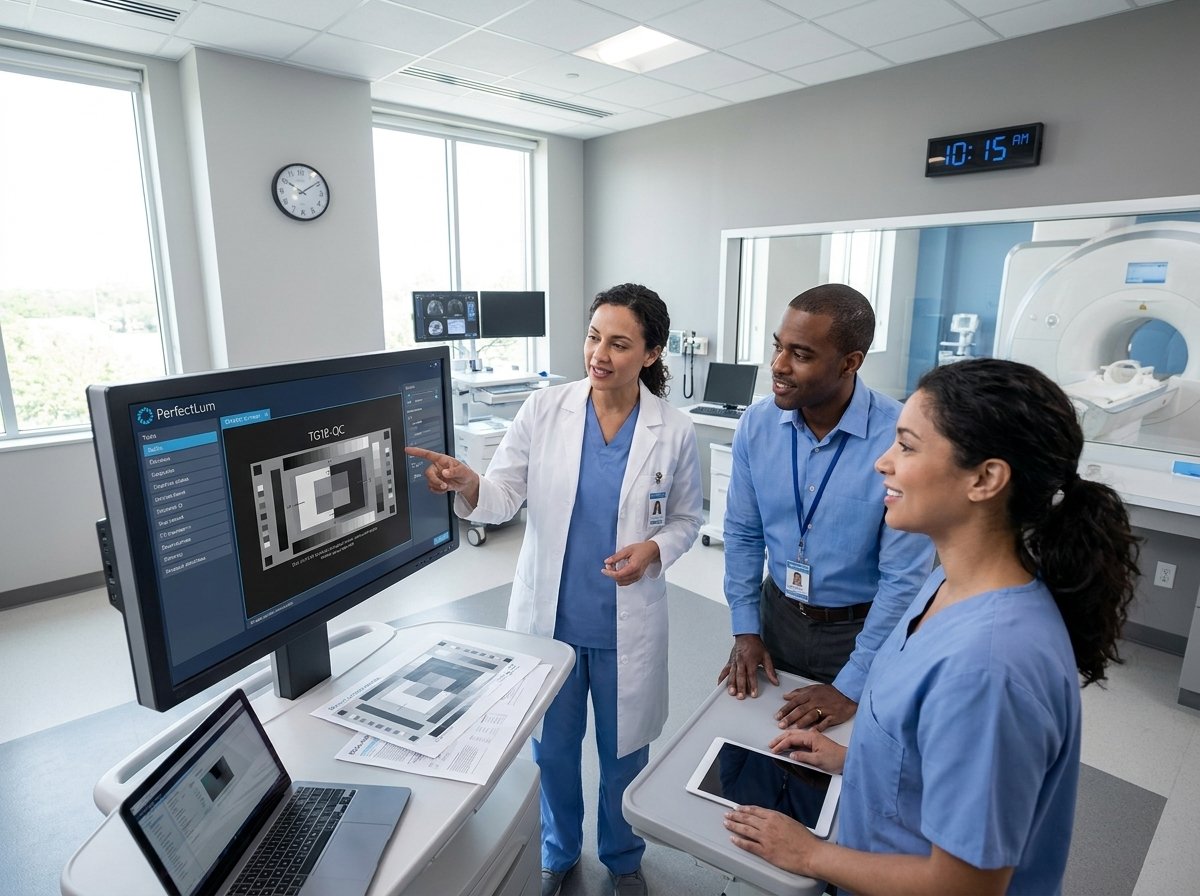
Setting up effective calibration workflows is crucial for maintaining image quality in medical environments. Let’s dive into why standardization is key.
Importance of Standardization
Having a consistent calibration process across all displays ensures reliable diagnostics. When each monitor shows the same quality image, your healthcare staff can trust their readings. This uniformity also simplifies compliance with regulations and standards, like AAPM TG18.
Without standardization, discrepancies between displays can lead to diagnostic errors. Imagine a radiologist interpreting the same scan on two monitors with different calibration settings. Such inconsistency could potentially alter the diagnosis. By implementing standardized workflows, you help ensure that every display performs optimally, offering peace of mind in clinical settings.
Ensuring GSDF Compliance
Compliance with the Grayscale Standard Display Function (GSDF) is critical for accurate image presentation. GSDF ensures that grayscale images are displayed consistently, which is vital for interpreting subtle details in medical images.
To achieve this, displays must undergo regular adjustments to meet GSDF requirements. The GSDF standard helps maintain the nuanced gradations in grayscale, which are essential for detecting variations in medical images.
Regular calibration meetings GSDF standards can improve diagnostic accuracy. It’s not just about meeting regulatory requirements; it’s about enhancing patient care by ensuring that every grayscale image is as detailed and accurate as possible.
Multi-Vendor Monitor Support
Working with multiple vendors can complicate calibration efforts. Each brand may have unique calibration settings, making it challenging to maintain uniformity across your displays. Yet, multi-vendor environments are common in healthcare.
The solution lies in implementing a universal calibration process. By using software that supports various brands and models, you can maintain consistency across all displays, regardless of the vendor. This allows you to streamline processes and ensure consistent image quality, which is essential for compliance and effective diagnostics.
Tools for Consistency
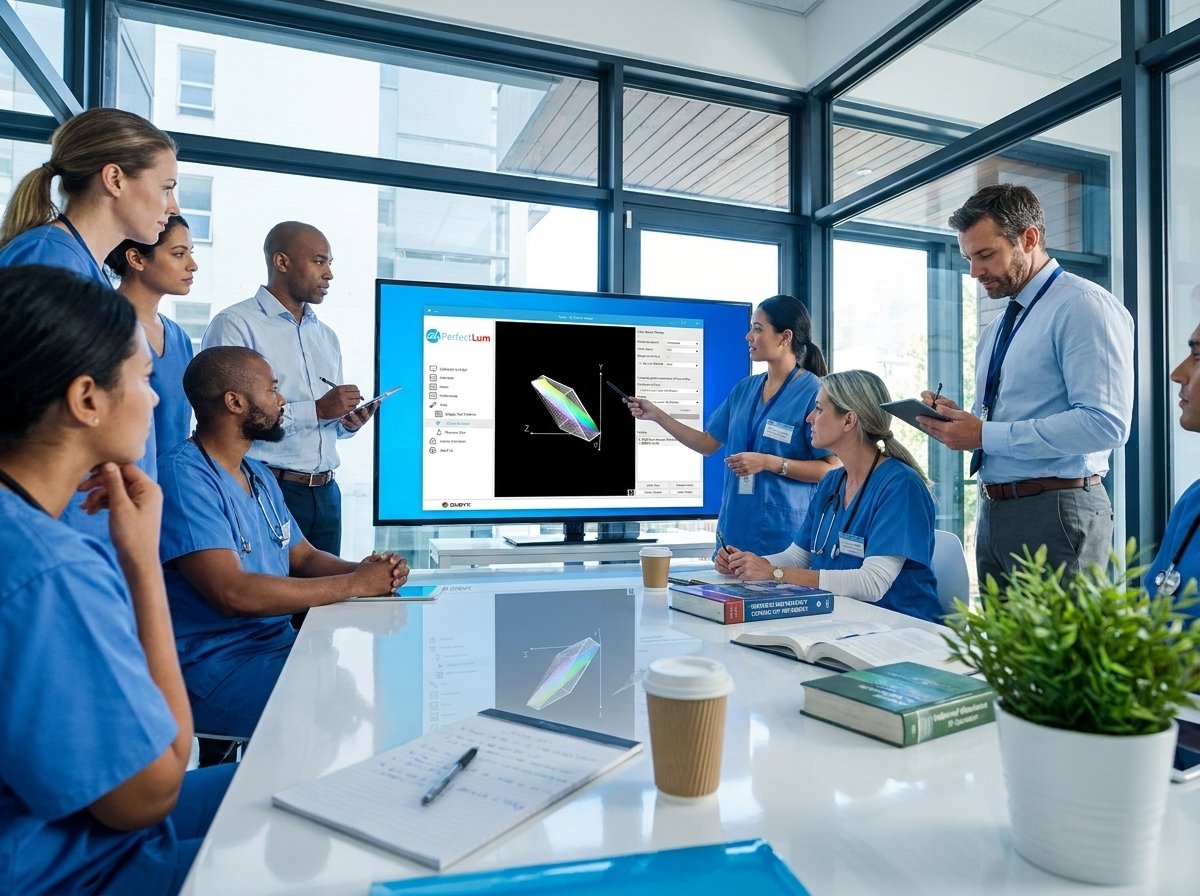
Achieving uniform calibration across displays requires the right tools. Let’s explore how PerfectLum 4 and associated tools can simplify this task.
PerfectLum 4 Functionality
PerfectLum 4 offers a comprehensive solution for medical display calibration. It supports a wide range of industry standards, ensuring all your displays meet the necessary requirements. This software is known for its precision and reliability, making it a favored choice among healthcare professionals.
The software provides automated scheduling for calibration, reducing the manual workload. With PerfectLum 4, you can calibrate up to six displays per license, making it a cost-effective solution for multi-display setups. Its user-friendly interface allows for easy navigation, ensuring that even less tech-savvy staff can perform necessary tasks efficiently.
Remote Calibration Management
Managing display calibration remotely can significantly boost operational efficiency. With remote management capabilities, you can oversee the calibration of multiple displays from a single location. This feature is particularly beneficial for healthcare facilities with multiple sites.
The ability to manage calibration remotely not only saves time but also ensures that all displays are consistently updated and compliant with standards like DIN 6868-157. By centralizing management, facilities can maintain high standards across all locations, thereby enhancing overall diagnostic performance.
Colorimeter Integration Benefits
Colorimeters play a vital role in ensuring accurate calibration. Integrating them with your calibration software can enhance precision and ease of use. These devices measure display characteristics, ensuring that calibration adjustments are based on precise data.
Integrating a colorimeter with PerfectLum 4 allows for seamless calibration processes. It ensures that every display meets the necessary luminance and grayscale tracking standards, which are crucial for accurate medical imaging. This integration provides a reliable foundation for consistent display performance, essential for high-quality patient care.
Implementing QA Solutions

Quality assurance is essential in maintaining compliance and performance. Let’s explore how to implement effective QA solutions in your facility.
Acceptance and Constancy Testing
Acceptance and constancy testing are key components of any QA program. Acceptance testing ensures that new displays meet performance standards right from the start. Constancy testing, conducted regularly, checks that displays continue to perform optimally over time.
These tests are crucial for maintaining compliance with standards like AAPM TG270. Regular testing provides assurance that your displays remain in top condition, reducing the risk of diagnostic errors and enhancing patient care.
Role of Remote Quality Assurance Server
A Remote Quality Assurance Server can streamline QA processes significantly. It allows for centralized management and oversight of all displays, ensuring consistent performance and compliance. This server can schedule and monitor tasks, providing real-time updates on display status.
By using a remote server, you can ensure that all displays across your facilities meet stringent standards, like those set by the ACR. This centralized approach reduces the burden on local staff and ensures that compliance is maintained effortlessly across all locations.
Generating Audit-Ready Reports
Having audit-ready reports at your fingertips can simplify compliance audits. These reports provide detailed insights into the calibration status and performance of your displays, ensuring that you are always prepared for regulatory scrutiny.
Generating these reports with tools like PerfectLum 4 provides comprehensive documentation of your calibration processes. This not only aids in compliance but also offers peace of mind, knowing that your displays consistently meet industry standards.
In the end, consistent calibration not only ensures compliance but also enhances diagnostic accuracy, benefiting both healthcare professionals and patients alike.
Ensure your displays deliver true diagnostic color and tone. Schedule your calibration today.
Most pathology teams trust their displays without question, but subtle color shifts can lead to costly diagnostic errors. You need digital pathology color accuracy that meets DICOM Part 14 GSDF standards to ensure every slide—whether H&E or IHC—is true to life. This post explains why precise calibration matters, how to set practical QA targets, and how PerfectLum 4 simplifies ongoing compliance for your pathology monitors. For more insights, check this guide.
Importance of Color Accuracy
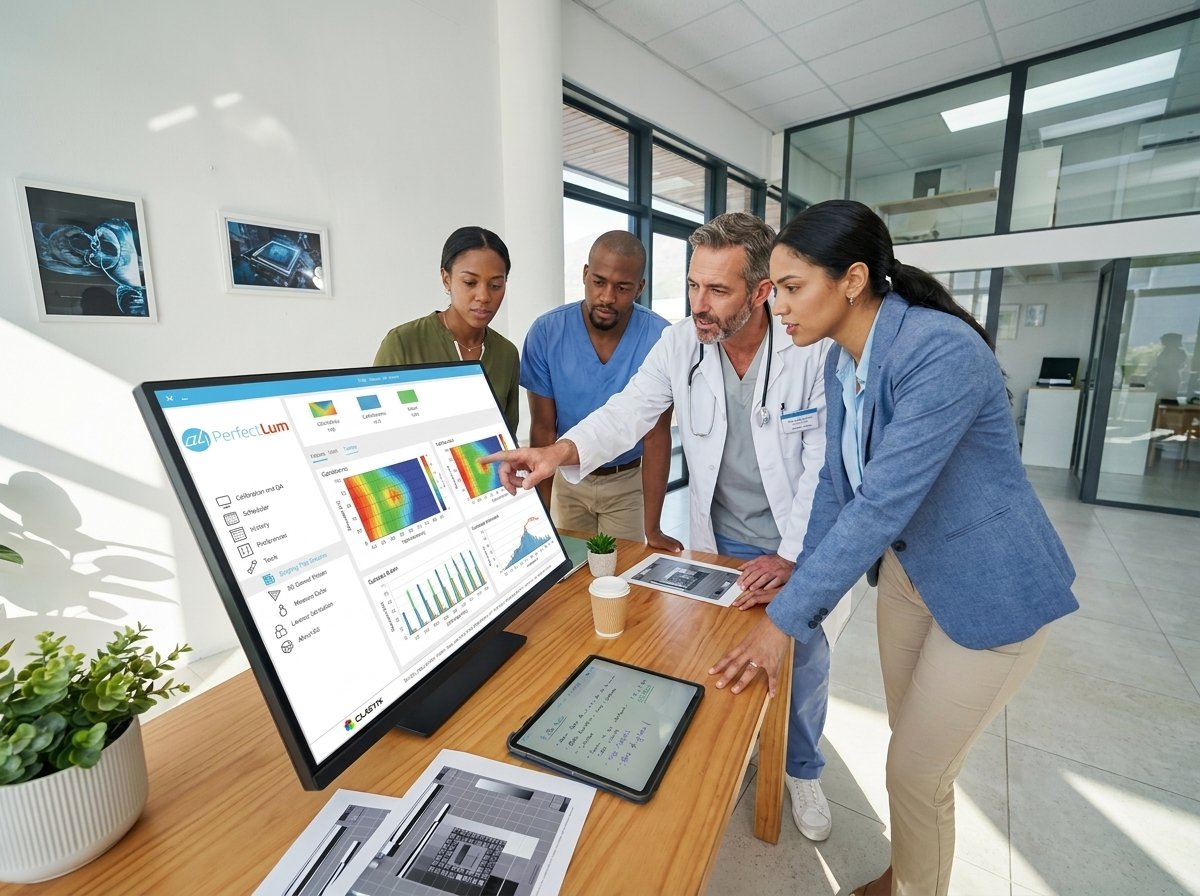
Understanding the crucial role color accuracy plays in digital pathology is essential. It directly impacts the quality of diagnostic outcomes, making precise calibration non-negotiable.
Role in Digital Pathology
Color accuracy is central to digital pathology. Pathologists rely on calibrated displays to interpret slides like H&E stains, which demand high fidelity. Slight shifts in color can obscure details that are vital for diagnosis. For example, differentiating between IHC chromogens requires consistent hues, ensuring what you see is what is present on the slide. By maintaining strict color accuracy, pathology displays help avoid errors in interpretation, which is crucial in clinical settings.
Accurate color representation also means better collaboration among teams. When displays are synchronized to show the same color spectrum, everyone sees identical images. This uniformity is vital for telepathology, where multiple experts may analyze the same slide across different locations. Consistent display quality allows for clear communication and accurate joint decision-making.
Ensuring Diagnostic Confidence
Having confidence in your diagnostics starts with trust in your tools. Displays calibrated to DICOM Part 14 GSDF standards provide the reliability you need for high-stakes medical decisions. With calibration, you ensure that your displays meet industry standards, translating to trust in the results you deliver. This confidence is amplified by using tools like the PerfectLum 4, which verify that your displays consistently perform at their best.
Maintaining accurate displays also sets a foundation for better patient outcomes. When diagnosis is based on precise imaging, treatment plans are more likely to be effective. Patients benefit from the accuracy of modern imaging technology, reducing the chance of misdiagnosis. Keeping your displays calibrated is a step towards ensuring the best care for your patients.
Effective Calibration Workflows

To maintain high levels of accuracy, implementing effective calibration workflows is key. These processes help ensure your displays are always performing optimally.
QA Targets for Pathology Displays
Setting quality assurance (QA) targets is vital for consistent display performance. First, determine the standards your displays must meet, such as DICOM Part 14. Using benchmark tests like the AAPM TG18 display testing, you can evaluate your displays’ performance. Regularly scheduled QA checks ensure that any deviations in display quality are caught early.
Incorporate tools that offer detailed reporting, like Delta E reporting, which quantifies color differences. This metric is crucial for identifying shifts in display accuracy. By keeping QA targets specific and actionable, you maintain high standards in color fidelity for all diagnostic tasks. It’s also helpful to involve team members in these processes, promoting a culture of quality within your practice.
Streamlining with PerfectLum 4
PerfectLum 4 simplifies calibration workflows significantly. This software supports both Mac and Windows systems, offering flexibility in a diverse tech environment. With its user-friendly interface, calibration becomes less of a chore and more of a routine check. It automates many steps, reducing the need for manual intervention.
The software’s ability to conduct ambient light measurement and display uniformity tests ensures comprehensive quality checks. Furthermore, its compatibility with a variety of colorimeters, including the PerfectLum S1 Sensor Bundle, widens its usability. This extensive toolset not only streamlines calibration but also enhances your workflow efficiency, saving time and reducing errors.
Compliance and Quality Assurance
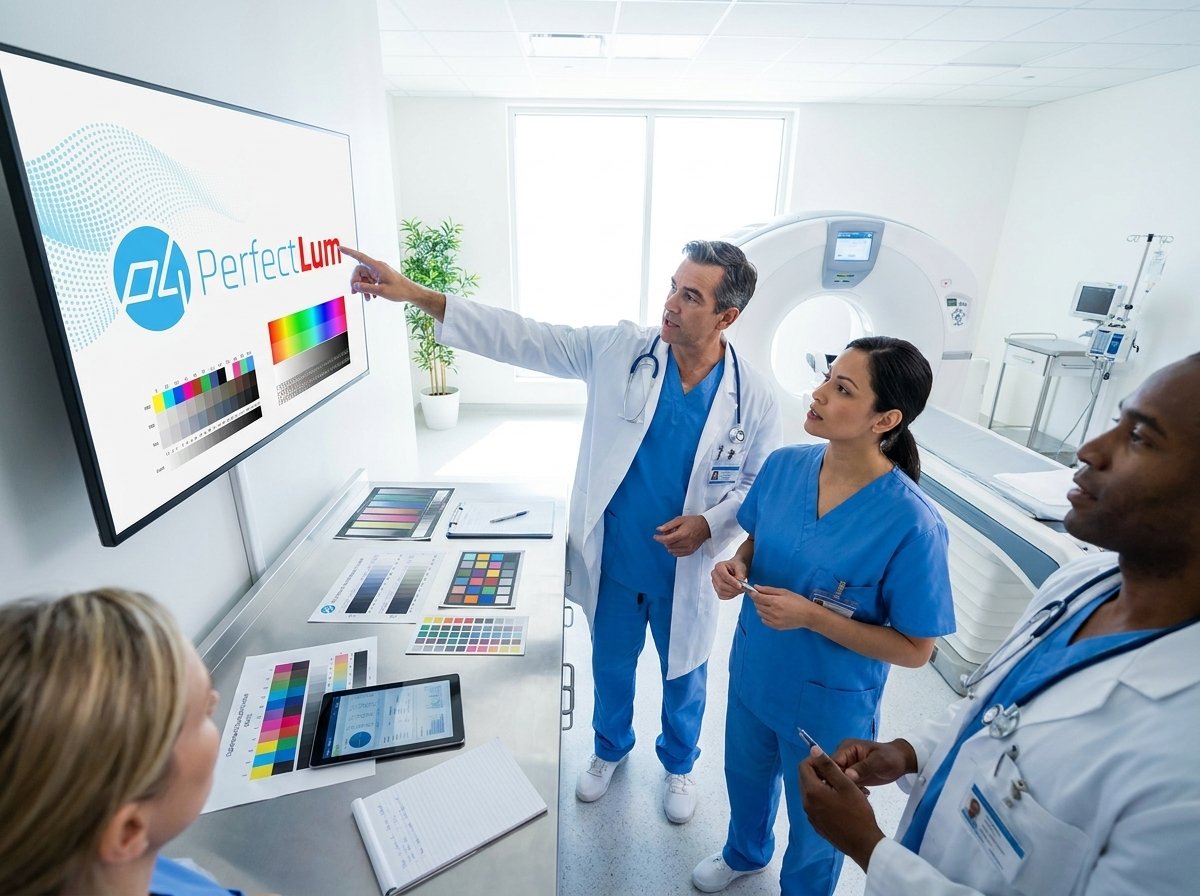
Adhering to compliance standards is not just about meeting requirements; it ensures the credibility of your diagnostic results. Regular testing and quality assurance are key components of this process.
Standards-Based Testing
Compliance with international standards like DIN 6868-157 and ACR display compliance is an integral part of maintaining high diagnostic standards. Standards-based testing ensures that your displays meet these rigorous benchmarks. This involves specific tests designed to verify that display performance aligns with industry expectations.
Using tools like PerfectLum 4 facilitates these tests by automating many of the necessary procedures. This automation not only saves time but also guarantees consistent outcomes, ensuring that every display in your facility adheres to the same high standards. By integrating these tests into your regular QA routine, you uphold the integrity of your diagnostic imaging.
Remote Quality Assurance Server
The Remote Quality Assurance Server offered by PerfectLum provides a centralized solution for managing display compliance. This tool allows you to schedule tasks remotely, ensuring that each display across various locations is up to date with the latest standards. It also enables you to start on-the-fly calibrations, making immediate adjustments when necessary.
With remote capabilities, you can manage your entire display network from a single location. This centralized control makes it easier to ensure uniform quality across all devices. Additionally, the server supports the export of data for detailed analysis, helping you track performance over time. This holistic approach to quality assurance reinforces the reliability of your diagnostic imaging, regardless of where your team operates.
In summary, maintaining digital pathology color accuracy is essential for reliable diagnostics. Effective calibration workflows and compliance with industry standards form the backbone of this effort. By leveraging tools like PerfectLum 4, you not only meet these standards but also enhance your workflow efficiency, ensuring the best outcomes for both your team and your patients.
Explore how precise calibration enhances diagnostic confidence with Qubyx.
DICOM calibration is not just a checkbox for compliance—it’s essential to keeping your diagnostic displays accurate and trustworthy. When grayscale standard display function drifts, subtle image changes can lead to missed findings or false alarms. This post breaks down why routine GSDF calibration matters, outlines best practices, and shows how PerfectLum 4 simplifies acceptance and constancy testing across sites, helping your team maintain AAPM, DIN, and ACR standards with confidence. Learn more about the importance of diagnostic review monitors in radiology here.
Importance of DICOM Calibration

Ensuring your diagnostic displays remain accurate is crucial. Let’s explore why DICOM calibration plays a vital role in maintaining both diagnostic accuracy and meeting regulatory standards.
Ensuring Diagnostic Accuracy
Your displays need to be precise to ensure accurate image interpretations. Routine DICOM calibration ensures that the grayscale standard display function (GSDF) stays consistent. Imagine a situation where a minor drift causes a critical detail to be missed. This is why regular calibration checks are essential. By keeping your equipment in top shape, you minimize the risk of errors, ensuring that the images you review are reliable and accurate. The longer you wait to address calibration, the greater the risk of misdiagnosis.
Moreover, consistent calibration helps in maintaining the luminance response of your displays. This consistency ensures that every pixel reflects true colors and shades, which is critical in diagnosing subtle differences in medical images. Most people overlook the impact of display drift, but with routine checks, you stay ahead of potential issues.
Meeting Regulatory Compliance
Staying compliant with industry standards is not just a formality; it’s a necessity. Standards like AAPM TG18, DIN 6868-157, and ACR guidelines are in place to ensure that medical displays meet rigorous criteria. These standards demand precise calibration to ensure diagnostic accuracy. By adhering to these guidelines, you not only ensure quality but also protect your practice from potential legal and regulatory issues.
Compliance with these standards also boosts your facility’s reputation. When patients and partners know that your practice meets or exceeds regulatory requirements, it builds trust and credibility. For an in-depth understanding of these standards, check out this comprehensive guide.
PerfectLum 4: A Calibration Solution
PerfectLum 4 simplifies the calibration process, making it easier for your team to maintain high standards. Here’s how it streamlines testing and supports multi-site management.
Streamlining Testing and Reporting
PerfectLum 4 makes calibration straightforward. The software automates testing, reducing the manual workload for your team. Imagine a system that schedules, tests, and reports without constant supervision. That’s what PerfectLum 4 offers. This automation ensures that your displays are always in compliance, without the need for constant manual checks.
The software generates comprehensive reports after each test, giving a clear overview of your displays’ performance. These reports are audit-ready, making it simple to provide evidence of compliance when needed. The ease of reporting not only saves time but also ensures that your facility remains audit-ready at all times.
Multi-Site Calibration Management
Managing calibration across multiple sites can be daunting, but PerfectLum 4 handles it with ease. This software allows centralized control over all your displays, no matter where they are located. You can perform tasks like scheduling and monitoring from a single interface.
With PerfectLum 4, you can ensure uniform quality across all your sites. This uniformity is essential, especially when dealing with cross-site collaborations. Ensuring that all displays meet the same high standards means that your team can work seamlessly, regardless of location. Discover why central management is key to quality assurance in this detailed analysis.
Practical Calibration Best Practices
Understanding best practices in calibration can transform how your facility operates. Here’s a closer look at routine testing and the benefits of remote management.
Routine Acceptance and Constancy Testing
Routine testing is the backbone of effective display management. Regular acceptance and constancy tests ensure that your displays remain accurate and reliable. It’s not just about ticking a box; it’s about ensuring ongoing quality. By incorporating these practices, you can identify potential issues before they escalate.
Acceptance tests verify that new displays meet required standards before use. Constancy tests, performed periodically, ensure that all displays continue to perform optimally. By maintaining a schedule, you ensure that your facility remains compliant and efficient.
Remote QA Server and Audit-Ready Reports
In today’s fast-paced world, remote management is a game-changer. A remote QA server allows you to manage all your displays from a central location. This capability means you can perform calibrations, check reports, and ensure compliance without being physically present.
Audit-ready reports generated by PerfectLum 4 make it easy to prove compliance. These reports provide a detailed account of all testing activities, ensuring that you’re always prepared for audits. The ability to manage and report remotely not only saves time but also enhances overall efficiency. To learn more about choosing the right tools for your setup, visit this guide.
In conclusion, regular DICOM calibration is crucial for accuracy and compliance in radiology. PerfectLum 4 offers an effective solution to streamline this process, ensuring your displays meet the highest standards. By adopting these best practices, you’re not just maintaining equipment; you’re ensuring the best possible outcomes for patient care.
Learn more about achieving flawless diagnostic imaging accuracy with Qubyx.
You rely on subtle color differences in H&E staining to make critical diagnoses every day. Yet, if your pathology monitors don’t maintain consistent perceptual lightness, those subtle variations can become harder to distinguish. This blog explains why CIE L* and precise display luminance response are essential for accurate digital pathology, and how PerfectLum 4 with Remote QA supports your calibration needs to meet AAPM, DIN, and ACR standards confidently. For more insights, visit this article.
Understanding CIE L* in Digital Pathology

CIE L* is a key player in digital pathology. It helps you see the subtle differences in stain colors. Let’s explore why this matters so much to your work.
Role of Perceptual Lightness
Perceptual lightness affects how you see color differences on your screen. It ensures that what you see is accurate. Imagine you’re reading a critical biopsy slide. If the lightness is off, vital details could be missed. CIE L* helps maintain this lightness, ensuring every shade is visible. But how does it work? It aligns light and color in ways our eyes naturally perceive them. This accuracy is crucial for diagnosing conditions effectively.
Differentiating Subtle Stain Variations
Being able to distinguish between subtle stain differences is critical. A minor shift in color could mean a significant change in diagnosis. In H&E staining, color accuracy is non-negotiable. By leveraging CIE L*, you ensure that these differences aren’t lost in translation. Consider the implications. A misdiagnosis due to color inaccuracies can lead to incorrect treatments. Thus, precise color calibration is not just technical; it’s lifesaving.
Luminance Response and Observer Variability
Luminance response ties directly to how you perceive images on your monitor. It dictates how bright or dim an image appears. If this isn’t calibrated, two observers might see the same slide differently. This variability can lead to inconsistent diagnoses. CIE L* minimizes these discrepancies by standardizing luminance. Therefore, ensuring a consistent viewing experience across different settings and displays.
Standards and Compliance in Pathology Imaging

Adhering to standards is essential for maintaining quality in pathology imaging. Let’s discuss how key guidelines ensure your displays meet necessary benchmarks.
Importance of DICOM GSDF Calibration
DICOM GSDF calibration ensures that your medical displays perform optimally. It aligns the grayscale display function with standards recognized globally. When displays meet DICOM standards, you can trust the consistency of imaging across different devices. This reliability is crucial for making accurate diagnoses. It’s not just about meeting requirements but ensuring patient safety through precision.
AAPM TG18, DIN 6868-157, ACR Guidelines
Different guidelines like AAPM TG18, DIN 6868-157, and ACR set the bar for quality. They provide a framework ensuring that your displays deliver consistent results. For instance, AAPM TG18 focuses on performance testing for medical displays. Meeting these standards means your displays are up to par with industry requirements. More than compliance, it assures you of the tools’ reliability in life-critical diagnostics.
Remote Quality Assurance and Display Validation
Remote quality assurance allows you to manage display performance without being on-site. With tools like Remote QA, you can schedule tests and receive alerts. This flexibility means less downtime and more focus on patient care. Remote QA ensures that quality checks are consistent and timely, even across multiple locations. This proactive approach to validation maintains the integrity of diagnostic processes.
Enhancing Diagnostic Accuracy with PerfectLum 4
PerfectLum 4 takes display calibration to the next level. Let’s see how it supports your diagnostic practice.
Achieving Pathology Monitor Calibration
PerfectLum 4 offers precise calibration, aligning your displays with stringent standards. It goes beyond basic setups, ensuring that every pixel on your screen reflects true color. Calibration with PerfectLum 4 means you can confidently rely on your displays for accurate readings. This precision supports all facets of diagnosis, making your job easier and more reliable.
Ensuring Color Consistency in Diagnostics
Color consistency is vital for diagnostics. With PerfectLum 4, you maintain uniformity across all displays. This software ensures that no matter the device, each one shows identical results. This level of consistency reduces errors and supports better collaboration among medical teams. It’s not just an upgrade; it’s a necessity for modern pathology practices.
Benefits of PerfectLum 4 and Remote QA
PerfectLum 4 coupled with Remote QA offers a comprehensive solution. It combines seamless calibration with advanced remote management. This duo ensures that your displays are always compliant and performing at their best. The benefits go beyond technical specs. It’s about elevating your practice to meet the highest standards. With this setup, you gain peace of mind knowing your diagnostics are as accurate as possible.
By integrating these solutions, you’re investing in quality and reliability. The longer you wait, the more you risk inaccuracies. Prioritize your diagnostics today with PerfectLum 4.
Explore how precise calibration enhances diagnostic confidence with Qubyx.
Accurate color calibration in digital pathology isn’t just a technical detail—it directly affects diagnostic trust and workflow consistency. If your pathology displays aren’t calibrated precisely, subtle variations in H&E stain color fidelity or IHC staining visualization can lead to inconsistent interpretations. This post explains how pathology display calibration with PerfectLum 4 and the Remote Quality Assurance Server ensures whole slide imaging color accuracy, supports compliance, and keeps your entire fleet aligned with medical standards.
Importance of Color Calibration
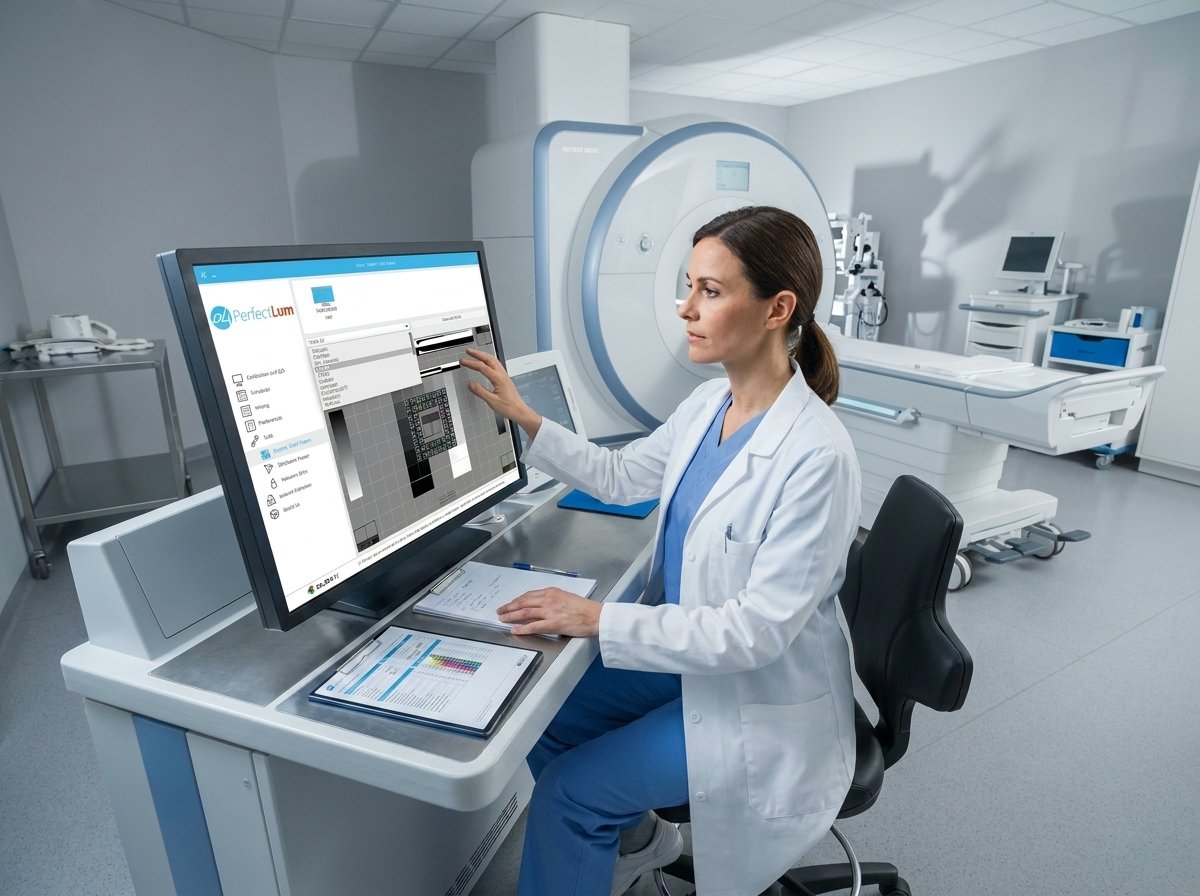
Digital pathology relies on precise color rendering to ensure diagnostic accuracy. Let’s explore why this matters.
Diagnostic Consistency in Pathology
In the world of pathology, accurate color calibration is crucial. Imagine examining slides with inconsistent colors. It could lead to misinterpretation of tissue samples. You need reliable color consistency to make informed decisions. Calibration helps you achieve this. It ensures each display shows the exact same hue and shade. This way, your diagnostic conclusions are always based on the same visual information. Many pathologists trust calibration to avoid costly mistakes and improve patient outcomes.
Compliance with Industry Standards
Meeting industry standards is not optional. It’s a must. Color calibration aligns your displays with these requirements. This includes guidelines from AAPM and DIN. When your displays are calibrated, they meet the necessary compliance checks. This not only satisfies regulatory bodies but also reinforces trust with your stakeholders. Compliance reduces the risk of legal issues and enhances your lab’s reputation. When standards are met, everyone wins.
Enhancing Workflow Efficiency
Efficient workflows depend on accurate displays. Calibration avoids delays and streamlines processes. Consistent color output minimizes confusion and rechecks. This efficiency boosts productivity and time management. You spend less time correcting errors and more time on critical tasks. Calibration serves as a backbone to your workflow, ensuring smooth operations day in and day out.
Solutions for Optimal Calibration
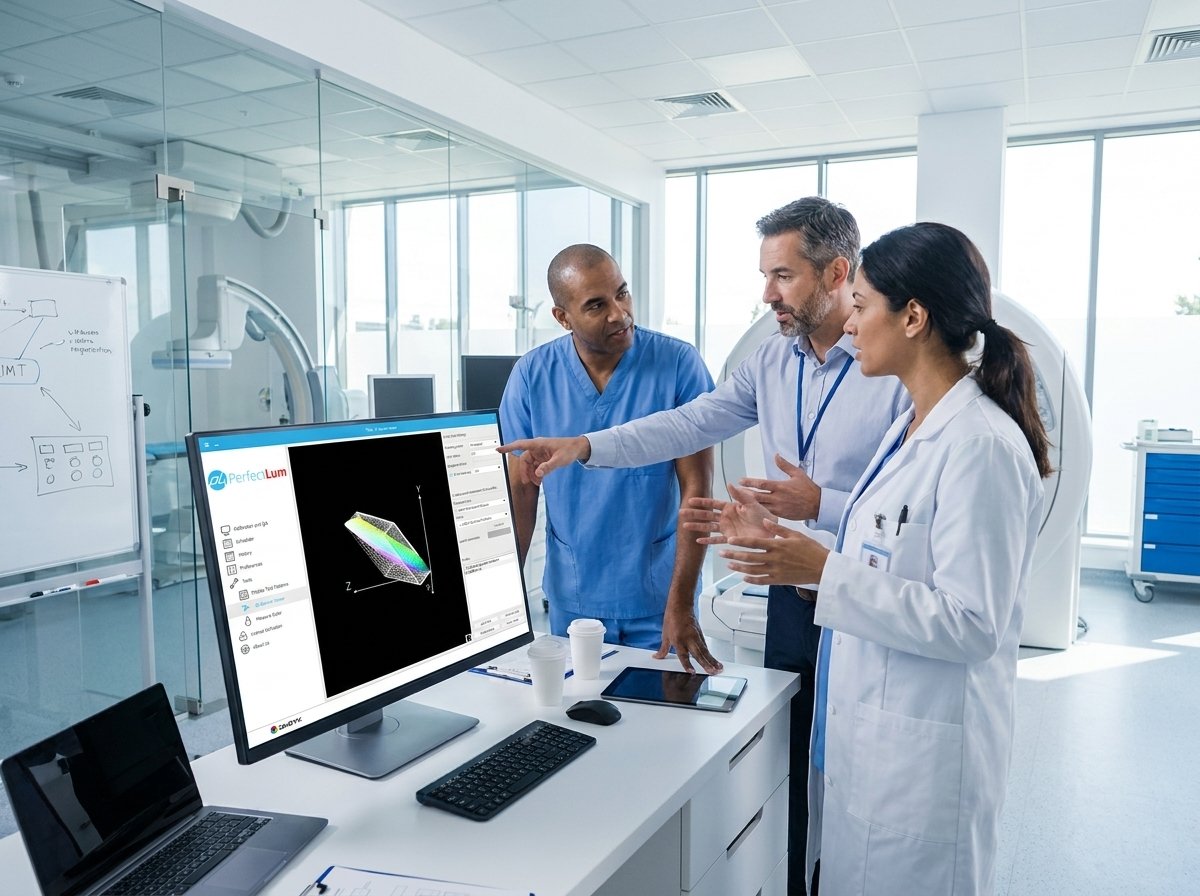
To achieve optimal calibration, you need the right solutions. Let’s delve into the tools that make this possible.
Features of PerfectLum 4 Software
PerfectLum 4 stands out with its robust features. It supports a wide range of measuring devices, ensuring compatibility with your setup. The software provides DICOM GSDF calibration, which is essential for medical imaging. It operates seamlessly on both Mac and Windows, offering you flexibility. PerfectLum 4 generates comprehensive reports after each calibration, documenting every detail. This transparency builds confidence in its capabilities. The user-friendly interface simplifies the calibration process, making it accessible for all users.
Benefits of Remote Quality Assurance Server
The Remote Quality Assurance Server enhances calibration efforts. It enables centralized control over multiple displays across different locations. This remote management is invaluable for large institutions. You can schedule calibrations and monitor results without being onsite. The server ensures displays comply with stringent standards, maintaining consistency. With this tool, you can address issues promptly, avoiding disruptions in your workflow. The peace of mind it provides is unmatched.
Importance of Colorimeter in Calibration
A colorimeter is a vital tool for accurate calibration. It measures precise color output, ensuring your display matches the required standards. Without it, achieving true color accuracy is challenging. Colorimeters provide the data needed to adjust displays correctly. This precision is crucial for pathologists making critical diagnoses. Investing in a reliable colorimeter pays off by ensuring consistent and accurate results every time.
Practical Implementation Strategies
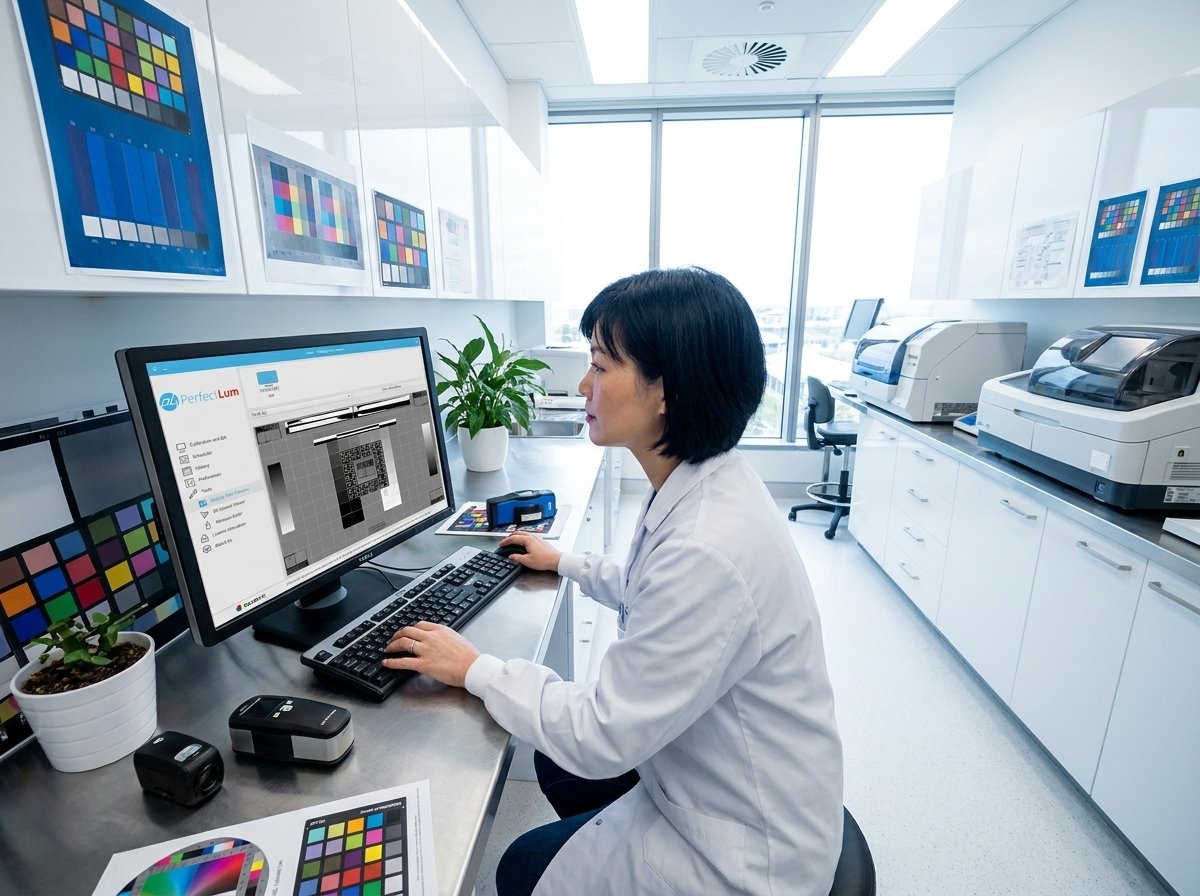
Implementing these solutions requires strategic planning. Here’s how you can effectively integrate calibration into your workflow.
Scheduling Calibration Across Sites
Scheduling is key to maintaining consistent calibration. Plan regular calibration sessions for all displays. This ensures that every monitor stays accurate over time. Use centralized scheduling software to coordinate across multiple locations. This proactive approach prevents lapses in color accuracy. By keeping a consistent schedule, you avoid potential discrepancies in diagnostic imaging.
Conducting Display Constancy Testing
Display constancy testing verifies that your calibrations hold over time. This involves routine checks to ensure displays haven’t drifted from their calibrated state. Regular testing catches issues before they escalate. It reassures you that your displays remain reliable. Consistency is essential for maintaining trust in your diagnostic results. Integrating constancy testing into your routine assures ongoing accuracy.
Ensuring Luminance and Chromaticity Uniformity
Uniformity in luminance and chromaticity is crucial. It prevents any part of the display from showing inaccurate colors. Use software tools to measure these factors across the screen. Identify and correct any deviations promptly. Uniformity ensures every part of your display contributes to accurate imaging. This level of detail supports precise diagnostics, reinforcing confidence in your results.
By following these strategies, you ensure your pathology team can rely on accurate and consistent imaging every time.
Learn how precise color calibration enhances diagnostic confidence with Qubyx.
Managing large medical display fleets often means juggling endless calibration tasks and compliance checks that eat up your time. QUBYX Remote QA changes that by centralizing medical display calibration and automating routine quality assurance across sites. With PerfectLum 4 integrated, you gain clear visibility into compliance with DICOM Part 14 GSDF and key standards, cutting down manual work and boosting uptime. Let’s explore how this Remote Quality Assurance Server reshapes fleet management for medical displays. Learn more.
Centralized Calibration Management
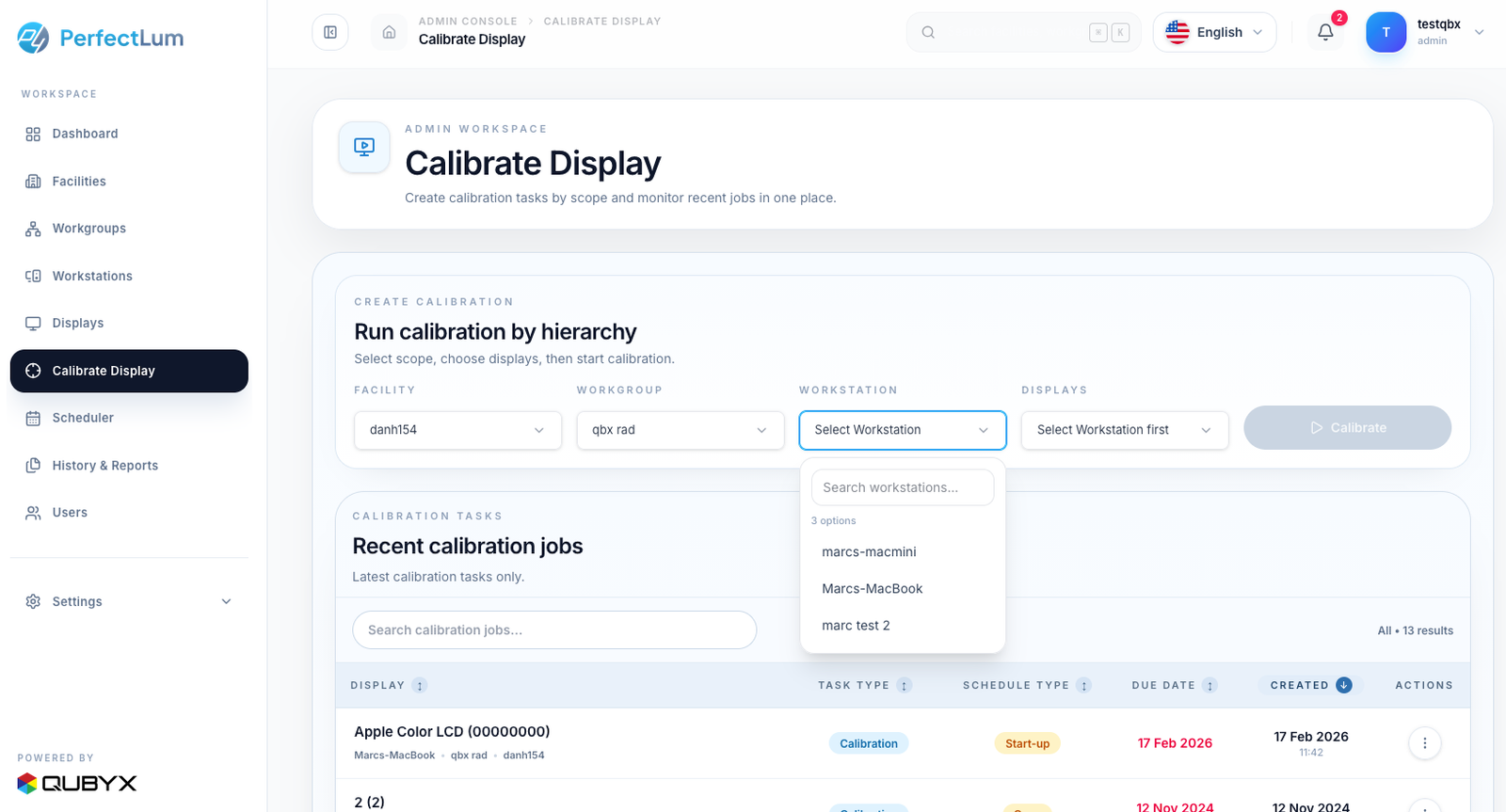
Managing a fleet of medical displays can feel like a complex puzzle. With QUBYX Remote QA, you can simplify this task by centralizing calibration management.
Streamlining Medical Display Calibration
Imagine handling calibration tasks with ease. With a system that does it for you, you free up valuable time. QUBYX Remote QA automates calibration for each display, ensuring they all meet the highest standards. This system checks each display’s performance without needing manual input. The software handles the heavy lifting, allowing you to focus on other vital tasks. This automated approach not only saves time but also ensures every display is calibrated accurately. By automating these tasks, your workflow becomes more efficient, and display performance is consistently high.
Ensuring DICOM Part 14 GSDF Compliance
Compliance is a top priority in healthcare. Ensuring your displays meet DICOM Part 14 GSDF standards is crucial. QUBYX Remote QA simplifies this by automatically checking each display against these strict requirements. This ensures every display offers the quality and accuracy needed for precise diagnosis. You get peace of mind knowing your displays are compliant without needing constant manual checks. Ensuring compliance across multiple displays can otherwise be a daunting task. But with this system, you can rest assured that each one meets the necessary standards. This not only safeguards patient care but also aligns with regulatory demands.
Simplifying Display Fleet Management
Managing multiple displays across locations can be challenging. QUBYX Remote QA offers a streamlined solution. By centralizing control, you can manage all displays from one location. This reduces the complexity of managing different sites separately. The system’s intuitive interface makes it easy to schedule tasks and monitor display status. This centralized approach saves time and reduces the chance of errors. Instead of juggling multiple systems, you have one easy-to-use platform. This way, you can ensure all displays are functioning optimally, without the hassle. With simplified management, you can focus more on delivering excellent healthcare services.
Automation and Compliance

Automation plays a key role in reducing workload. QUBYX Remote QA automates compliance tasks, ensuring your displays consistently meet industry standards.
Policy-Based Calibration Scheduling
Managing schedules manually can be tedious. QUBYX Remote QA simplifies this with policy-based scheduling. You can set up automatic calibration for each display according to your preferred timetable. This means you won’t miss any crucial checks. The system handles it all, freeing up your time. You get to ensure every display stays in top condition without constant oversight. This feature also helps maintain consistent quality across all displays. By automating scheduling, you focus on more strategic tasks. This approach ensures that every display is ready for use when needed, boosting overall productivity.
Automating AAPM TG18 and DIN 6868-157 Compliance
Meeting compliance standards like AAPM TG18 and DIN 6868-157 is essential. QUBYX Remote QA automates this process, ensuring each display adheres to these critical standards. You don’t need to worry about constantly checking each device. The system ensures compliance automatically, reducing the risk of human error. This not only saves time but also ensures accuracy and reliability across your display fleet. By automating these tasks, you can focus on other important aspects of your workflow. You get to maintain high standards effortlessly, ensuring the best outcomes in patient care.
Reducing PACS Administration Workloads
PACS administration can be time-consuming. QUBYX Remote QA lightens this load by automating many tasks. It reduces the need for manual checks and interventions. This means you spend less time on administration and more on patient care. The system ensures everything runs smoothly, from calibration to compliance checks. This reduction in workload allows you to focus on improving service quality. By automating these processes, you ensure your PACS system operates efficiently. This efficiency translates into better patient outcomes and improved healthcare delivery.
Enhanced Reporting and Readiness

Comprehensive reporting is vital for compliance and performance tracking. QUBYX Remote QA offers enhanced reporting features that keep you audit-ready.
Audit-Ready Compliance Reporting
Keeping track of compliance can be challenging. QUBYX Remote QA provides audit-ready reports that simplify this task. These reports detail each display’s compliance status, making it easy to prove adherence to standards. This feature helps you stay prepared for audits without last-minute stress. You get comprehensive documentation, showing that your displays meet all necessary guidelines. This readiness not only saves time but also builds confidence in your compliance processes. With easy access to detailed reports, you can focus on delivering high-quality healthcare, knowing your systems are compliant.
Real-Time Radiology QA Dashboards
Having real-time insights is crucial in healthcare. QUBYX Remote QA offers radiology QA dashboards that provide live updates on display performance. These dashboards give you an overview of each display’s status, helping you identify and address issues quickly. This ensures continuous, high-quality imaging. By having real-time data at your fingertips, you can make informed decisions swiftly. This proactive approach minimizes downtime and enhances overall service quality. With real-time insights, you ensure your radiology department runs smoothly, providing the best care to patients.
Supporting Radiology Informatics Leaders
Informatics leaders play a vital role in healthcare. QUBYX Remote QA supports these leaders by providing the tools needed for effective management. The system offers insights that help in decision-making and strategy development. By automating routine tasks, it frees up time for more critical thinking and planning. This support empowers leaders to drive improvements and innovations in their departments. With QUBYX Remote QA, leaders can ensure their teams focus on delivering excellent healthcare services, backed by reliable technology and streamlined processes.
Learn how precise color calibration enhances diagnostic confidence with Qubyx.
Beyond One-and-Done: Why Radiology Needs Continuous Display Verification, Not Just Calibration
One-time medical display calibration no longer guarantees consistent image quality in radiology. Your displays can drift in luminance and grayscale response between calibrations, risking diagnostic accuracy and compliance. Continuous display verification, aligned with AAPM TG18 and DIN 6868-157 standards, keeps your monitors within strict limits and tracks ambient light changes in real time. In this post, you’ll learn why ongoing constancy testing matters and how PerfectLum simplifies enterprise-wide QA with remote quality assurance and audit-ready reporting. For more insights, visit this resource.
The Need for Continuous Verification
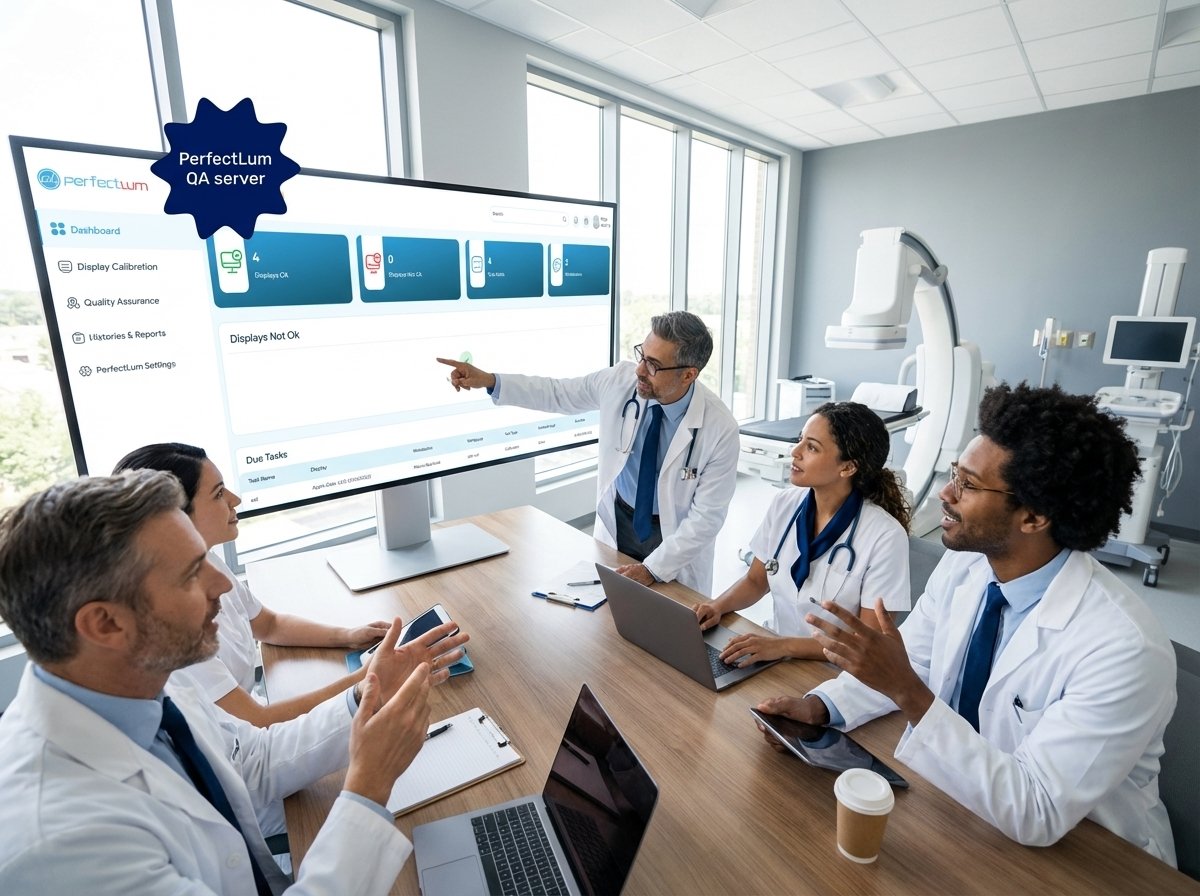
In the world of radiology, ensuring your display’s accuracy is crucial. Let’s explore why one-time calibration isn’t enough.
Limitations of One-time Calibration
Have you ever wondered if your current calibration is enough? One-time fixes might seem convenient, but they fall short. Displays can drift over time, causing inconsistencies in image quality. This drift leads to inaccuracies in diagnosis. Consider the display’s luminance response: it can change, affecting how you perceive grayscale images. And it’s not just about the display itself. Ambient light also plays a role, impacting how images are viewed. Did you know? Studies show that luminance can drift by 10-20% between calibrations, which is a significant risk. This article dives deeper into the science behind these changes.
Defining Continuous Display Verification
So, what exactly is continuous display verification? It’s a process where your display’s performance is regularly checked against medical standards like DICOM GSDF. This ongoing monitoring ensures that any drift in color or brightness is quickly corrected. Unlike one-time calibration, continuous verification adapts to changes in real-time, maintaining quality and compliance. Picture this as a constant watch that keeps your displays in top shape. With continuous verification, you’re not just reacting to issues, you’re preventing them.
Standards and Compliance in Radiology
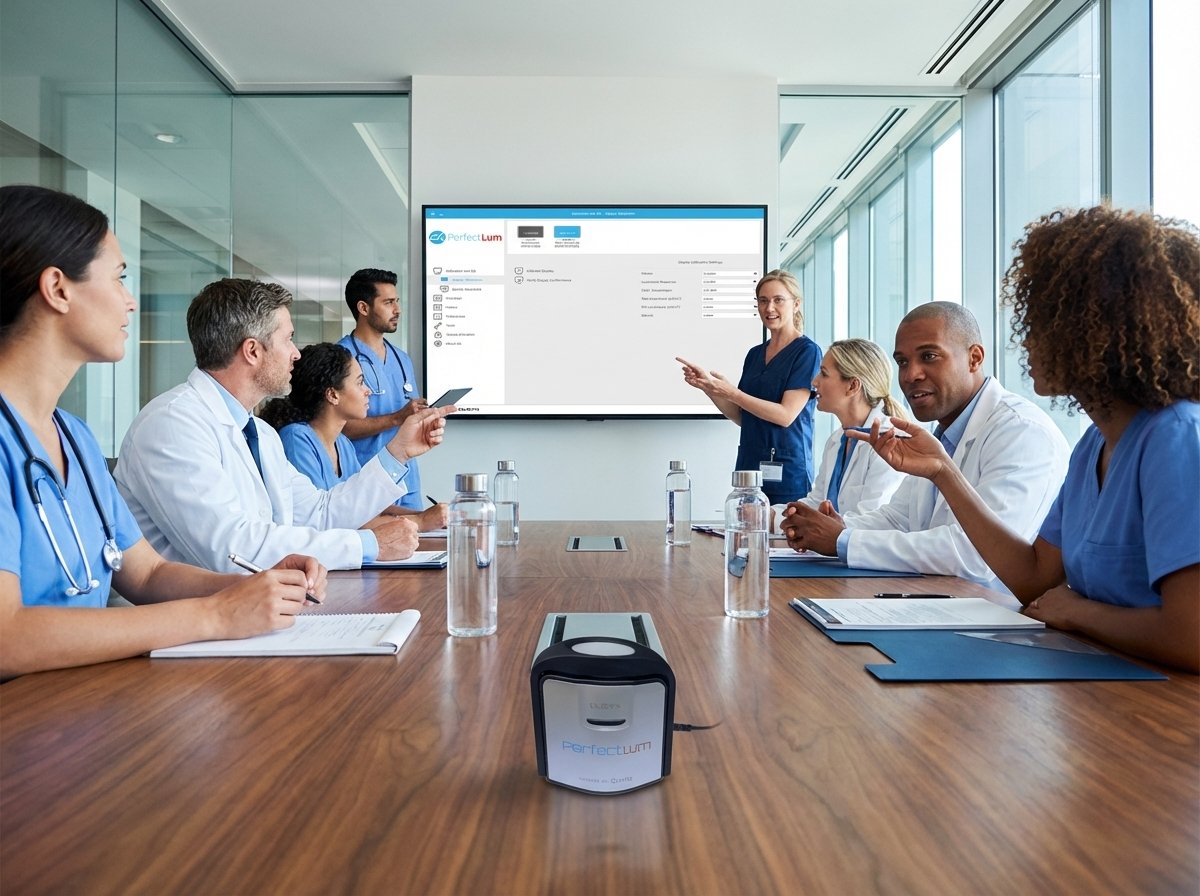
Compliance isn’t just a buzzword; it’s essential for quality assurance. Let’s delve into how standards guide our practices.
Constancy Testing per AAPM/DIN/ACR
Constancy testing ensures that displays meet recognized standards, such as those set by AAPM, DIN, and ACR. These tests are not just formalities; they’re crucial for reliable image interpretation. The goal is to uphold a consistent luminance response and grayscale standard display function. Imagine your display maintaining the same quality day after day, without surprises. This consistency is what leads to accurate diagnoses. In this article, you can learn more about why consistency in calibration is paramount.
Addressing Luminance and Ambient Light
Luminance and ambient light are two critical factors in display performance. Luminance should remain stable to ensure that images are seen as intended. But ambient light can alter how those images appear. That’s why measuring and adjusting for ambient light is vital. By controlling these elements, you create an environment where images are clear and reliable. A recent study highlights that proper ambient light control can improve image visibility by up to 30%.
PerfectLum’s Role in Quality Assurance
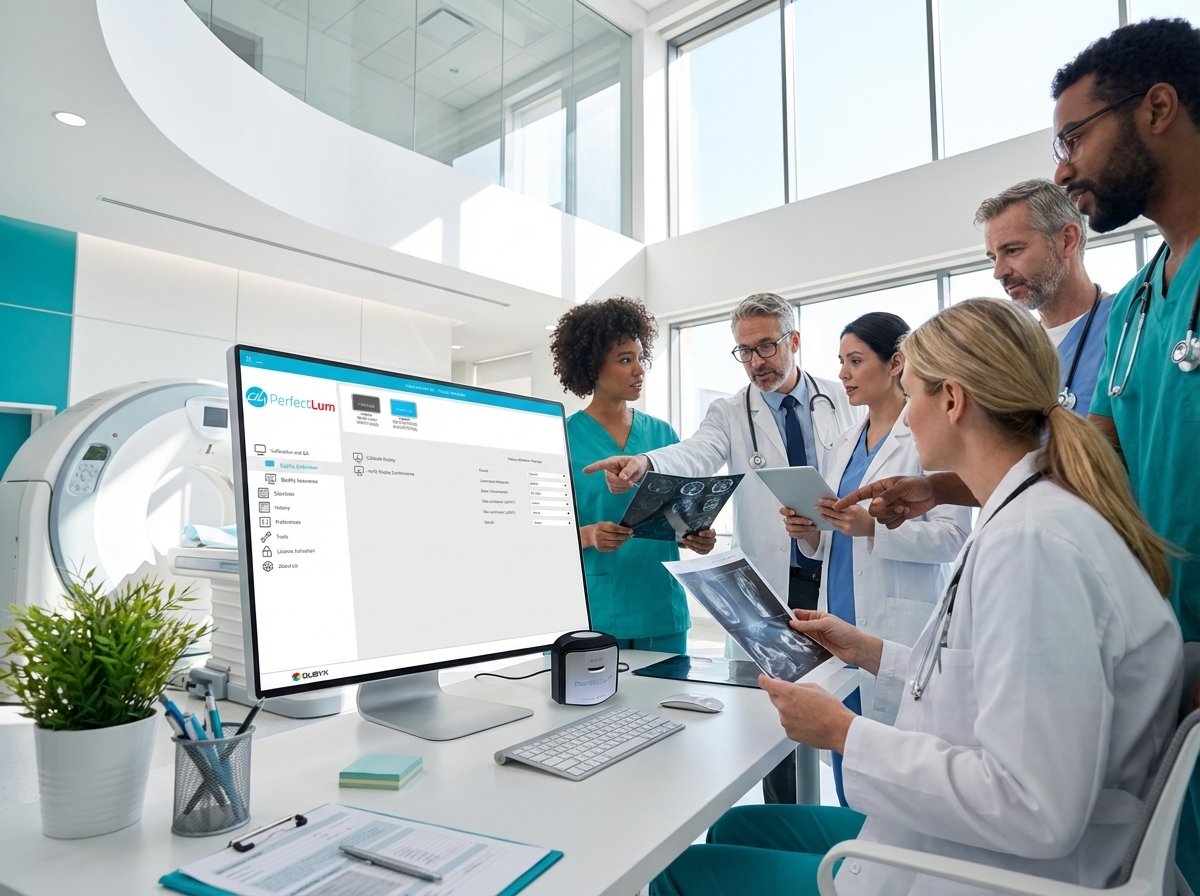
When it comes to quality assurance, PerfectLum stands out. Here’s how it supports the medical community.
Features of PerfectLum 4
PerfectLum 4 offers a robust set of features tailored to meet the needs of radiology professionals. First, it ensures displays are calibrated to DICOM standards, enhancing color accuracy. Second, it supports both Mac and Windows systems, making it versatile for any setup. The software also provides detailed compliance reporting, so you know your displays meet industry standards. Plus, with its remote management capabilities, you can monitor multiple displays from one centralized location. All these features work together to deliver peace of mind. Explore more about the benefits of PerfectLum.
Benefits of Remote Quality Assurance
Remote quality assurance is more than a convenience; it’s a necessity for modern facilities. With PerfectLum, you get real-time insights into your display’s performance. This means issues can be addressed before they affect diagnostic accuracy. Remote management also simplifies the process of maintaining compliance across multiple locations. By centralizing control, you ensure that every display operates at its best, no matter where it’s located. As a result, you save time and resources while enhancing the quality of care. The longer you wait to implement such solutions, the more you risk non-compliance and inaccuracies. Embrace the future of display management with PerfectLum.
Building a Defensible Medical Display QA Program for Multi-Site Radiology: A Practical Blueprint
Managing medical display QA across multiple radiology sites can quickly become overwhelming without a clear, standardized program. You’re tasked with meeting AAPM, DIN, and ACR requirements while juggling workflows and governance that span locations. This guide breaks down how to build a defensible quality assurance program using PerfectLum software and the Remote Quality Assurance Server, making remote quality assurance manageable and audit-ready. Learn more about the compliance documentation best practices for imaging centers.
Establishing a Comprehensive QA Program

Creating a QA program involves more than just ticking boxes. It means setting a solid foundation for consistent performance across all your radiology sites. This starts with understanding and mapping regulatory requirements to industry standards.
Mapping Requirements to Standards
You can’t ignore the importance of aligning with standards like AAPM, DIN, and ACR. Each plays a critical role in ensuring the quality and safety of medical imaging. Begin by listing out all the essential criteria your displays need to meet. For instance, AAPM guidelines are crucial for ensuring radiological quality assurance. Check out this AAPM TG270 guide for detailed insights. Next, tailor these standards to suit your organization’s unique needs. Doing so not only helps in maintaining compliance but also enhances image quality, an essential aspect of medical diagnostics.
Governance and Workflow Definition
A well-defined workflow is key to a successful QA program. Spend time identifying who will oversee each process. It might be a radiologist or an IT specialist, but accountability is crucial. Set clear guidelines for each step, from calibration to report generation. This ensures everyone knows their responsibilities. It also paves the way for smoother operations and rapid problem resolution. Good governance means fewer surprises during audits, which is often the goal when managing compliance.
Centralized Management Across Sites
Centralized management can transform how you handle QA across multiple sites. Instead of juggling different systems, streamline your operations under one umbrella. This can be done using a Remote Quality Assurance Server. It allows you to manage tasks from a single location, reducing overhead and improving consistency. With centralized oversight, you can detect anomalies faster and ensure all sites adhere to the same high standards. This unified approach not only boosts efficiency but also makes your QA program more defensible during audits.
Implementing PerfectLum for Compliance
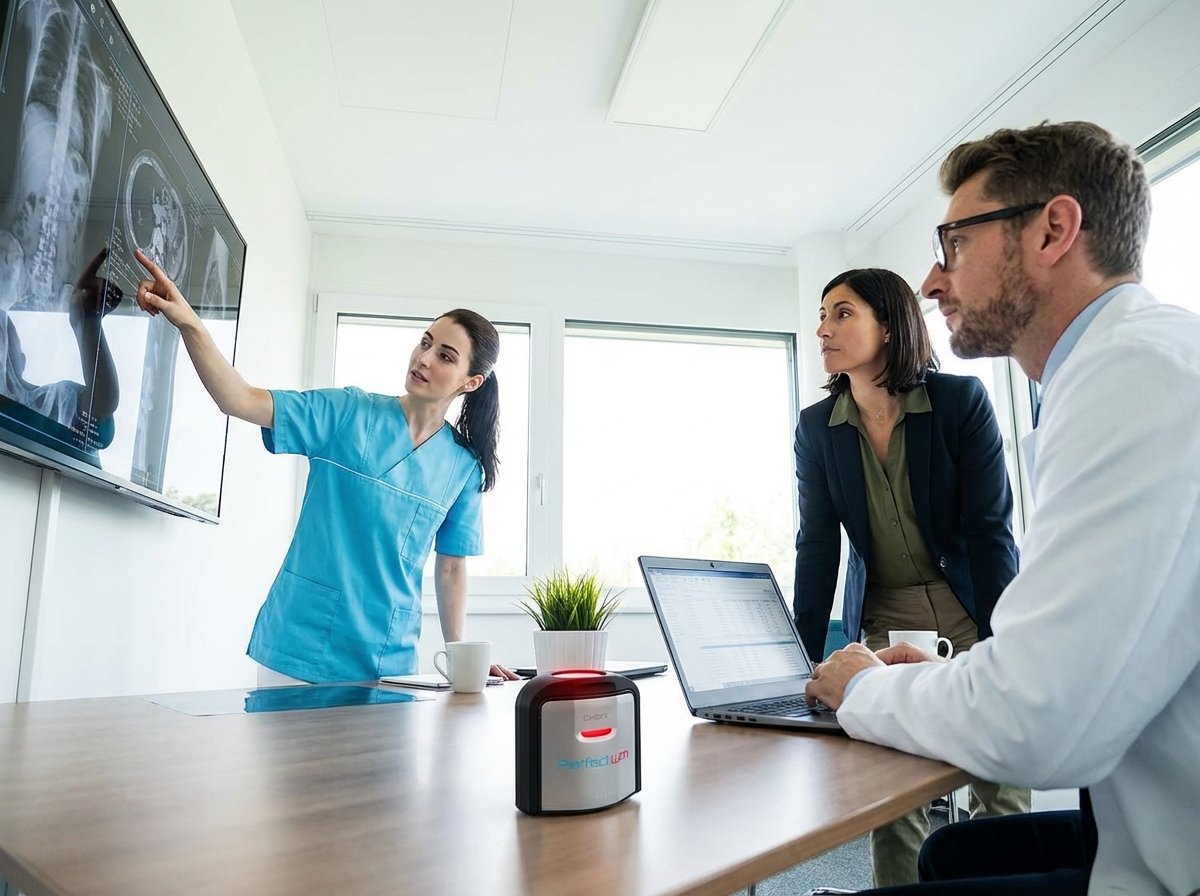
Once your groundwork is complete, it’s time to implement a solution that embraces these standards. PerfectLum offers tools that make compliance straightforward and cost-effective. Let’s explore how it can transform your QA program.
DICOM GSDF Calibration Essentials
Getting your displays to meet DICOM GSDF standards is not just about compliance. It’s about ensuring every image is clear and accurate. PerfectLum does this by calibrating your displays to the highest standards. It’s a process that involves adjusting brightness, contrast, and color to match the DICOM GSDF curve. This calibration ensures that radiologists see images as intended, reducing the risk of misdiagnosis. In a field where precision is paramount, this is invaluable.
Remote Quality Assurance Server Features
Imagine managing your entire display fleet from one dashboard. That’s what the Remote Quality Assurance Server offers. It allows you to schedule calibrations, monitor performance, and receive alerts, all in real time. This server can be hosted locally or through Qubyx, offering flexibility based on your needs. By centralizing these tasks, you can ensure all displays meet compliance standards consistently. It also frees up your team to focus on what they do best—providing excellent patient care.
Acceptance and Constancy Testing Automation
QA doesn’t stop at calibration. Regular testing is essential for maintaining standards over time. PerfectLum automates acceptance and constancy tests, streamlining what can be a cumbersome process. This automation means tests are scheduled and executed without manual intervention, ensuring consistency. Reports generated from these tests are audit-ready, which is crucial for maintaining accreditation. Automating these tasks not only saves time but also reduces human error, giving you peace of mind.
Ensuring Consistent and Defensible Results

Implementing technology is just one part of the equation. Ensuring those tools deliver consistent, defensible results is another. Here’s how you can make sure your QA program is rock solid.
Role of Colorimeters in Calibration
Colorimeters are vital in achieving accurate monitor calibration. They measure color accuracy and adjust displays to align with the necessary standards. Using a colorimeter ensures that what you see is true to life, which is essential for accurate diagnoses. It’s a simple device but plays a huge role in maintaining the integrity of medical imaging. By integrating colorimeters into your routine, you ensure each display remains consistent over time.
Generating Audit-Ready QA Reports
One of the most daunting tasks can be preparing for audits. With PerfectLum, you can generate reports that are ready for inspection at any time. These reports are comprehensive, covering every aspect of your QA processes. They document each calibration and test, providing a clear history of compliance. This transparency not only satisfies auditors but also reinforces trust in your QA program. It shows that you are proactive about maintaining the highest standards.
Scheduling and Managing Calibration Tasks
Effective scheduling is the backbone of any successful QA program. With PerfectLum, you can automate calibration tasks, ensuring they happen consistently. This means you no longer have to rely on manual reminders or risk missing critical updates. Managing these tasks is straightforward, thanks to centralized software that allows you to view and adjust schedules with ease. By keeping your calibration tasks on track, you ensure your displays always perform at their best, which is crucial for patient safety.
Conclusion
Setting up a defensible QA program across multiple radiology sites doesn’t have to be overwhelming. With the right tools and strategies, you can ensure compliance, improve efficiency, and maintain high standards in medical imaging. PerfectLum and its suite of features provide a solid foundation for achieving these goals. Implement these practices and technologies to support your team and enhance patient care through superior imaging quality.


