
News
- Home
- QubyxViewer: Open Source 3D LUT Color Management & ICC Tools
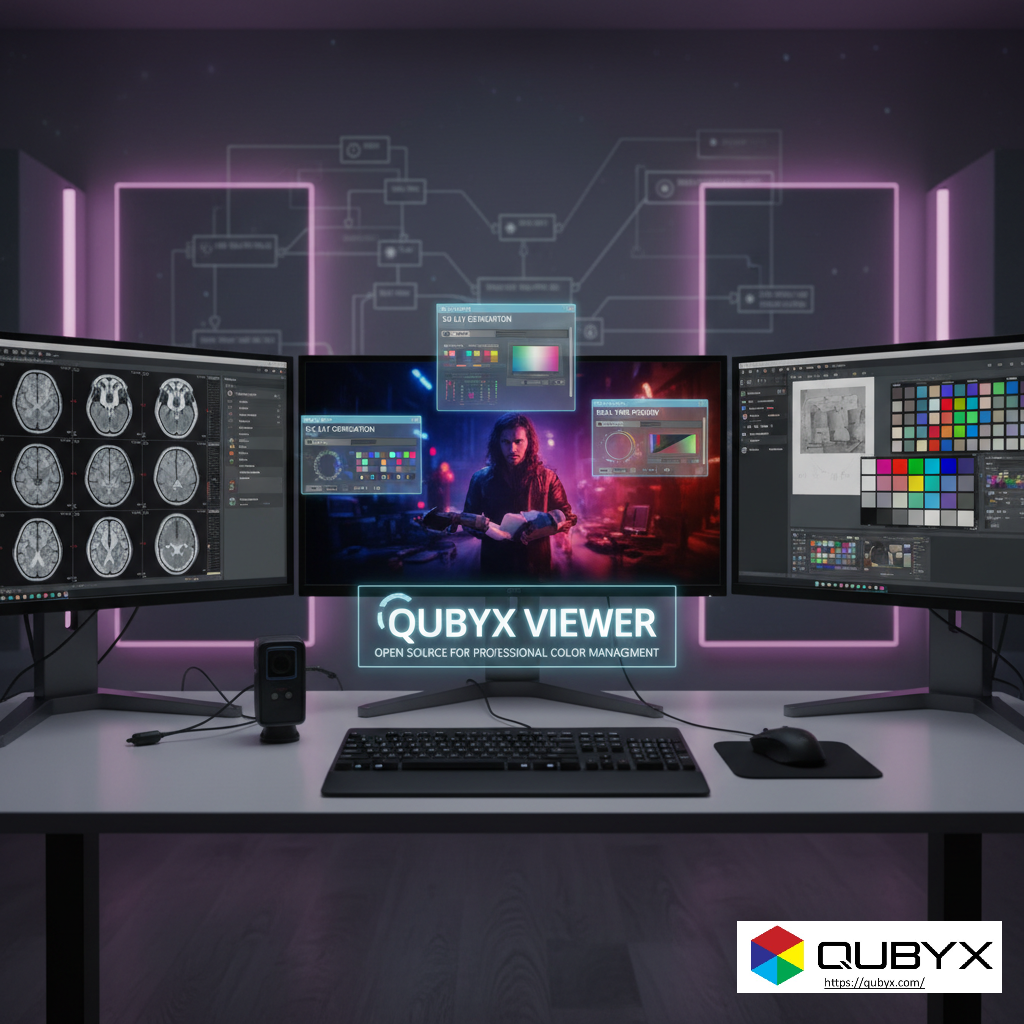
QubyxViewer: Open Source 3D LUT Color Management & ICC Tools
- November 18, 2025
- QUBYX Team
QubyxViewer: Unleashing Professional Color Management with Open Source
For too long, high-end color management has been gated by expensive, proprietary software and hardware, creating significant barriers for professionals and organizations. QubyxViewer, as part of the broader QUBYX Open Source Tools (QUBYX OS Tools) initiative, represents a paradigm shift, democratizing advanced color science for everyone.
This open-source, cross-platform viewer is designed for color scientists, display engineers, and post-production professionals, offering a transparent and highly flexible toolset for maintaining color fidelity.
Key Capabilities and Features
QubyxViewer is a powerful, Qt-based application that brings professional-grade color inspection, validation, and preview to the open-source community.
1. Advanced ICC Profile and 3D LUT Handling
The core strength of QubyxViewer lies in its support for the most sophisticated color profiles:
-
ICC/ICM Profile Application & Inspection: It allows for the precise application and detailed inspection of standard ICC/ICM profiles, ensuring color fidelity across your system.
-
3D LUT Generation and Export: A standout feature is the capability to generate and export 3D Look-Up Tables (3D LUTs). This is crucial for nuanced, non-linear color adjustments that surpass simple 1D curve corrections, leading to superior color fidelity, especially on consumer-grade or older displays.
-
Device Link ICC Profiles: QUBYX OS Tools enables the creation of Device Link ICC profiles with embedded 3D LUTs. This consolidates source-to-destination color conversions into a single, optimized file, streamlining color workflows and minimizing accuracy loss across different devices.
2. Comprehensive Validation and Preview Tools
The viewer provides critical tools for quality assurance and diagnostics:
-
Real-time Color Transform Preview: Users can preview the effect of applied color transforms and profiles in real-time on images and test patterns.
-
Multi-Display Testing: Essential for control rooms, post-production studios, and medical facilities, the tools support inspecting, validating, and ensuring consistency across single and multi-display environments.
-
Display Enumeration and Metadata Inspection: Provides diagnostic data to help with calibration and QA processes, including detailed information about connected displays and their current settings.
3. Architectural Advantages & Open Source Power
Built for integration and transparency, the open-source nature of QubyxViewer offers unique benefits:
-
Cross-Platform Compatibility: Developed using the Qt framework, QubyxViewer is designed for seamless operation across multiple operating systems.
-
Open Source & Trustable: Released under the GPL v3 (and/or GNU) License, the code is fully auditable, inspectable, and adaptable. This breaks the cycle of vendor lock-in, allowing users to customize and integrate the tools into their proprietary or commercial pipelines.
-
Cost-Efficient & Scalable: By replacing restrictive, hardware-locked proprietary systems with sophisticated software calibration, QUBYX OS Tools allows organizations (including defense, medical, and broadcast) to scale their color-critical workflows without the massive capital investment traditionally required.
Who Is QubyxViewer For?
QubyxViewer is a high-value tool for industries where color accuracy is non-negotiable:
| Industry / Profession | Application |
| PACS & Medical Imaging | Ensuring DICOM-compliant accuracy across diverse diagnostic and review displays. |
| Broadcast & Television | Maintaining consistent color for mastering, grading, and review across editor suites. |
| Photo & Video Studios | Standardizing custom color transforms across professional and consumer displays for accurate output. |
| Color Scientists & Engineers | Integrating precise, auditable transformation pipelines into research or commercial applications. |
| Digital Press Operators | Consolidating multi-step screen-to-print color workflows into a single, robust link. |
Getting Started
To dive into professional color management with QubyxViewer and the QUBYX OS Tools, you can access the source code and documentation directly:
-
Source Code: Available on GitHub (look for the QUBYX-LLC repository).
-
Documentation & Tutorials: Comprehensive guides and API references are provided on their GitHub and official website.
The open-source model allows for community contribution to enhance format support, performance (such as upcoming GPU-accelerated profile generation), and automation features, ensuring the tool remains at the cutting edge of color science.
The QUBYX Open Source Tools (QUBYX OS Tools), which includes QubyxViewer and the underlying color management libraries, is hosted on GitHub under the QUBYX-LLC organization.
Here is the general structure and the most relevant link for the core functionality:
QUBYX OS Tools GitHub Links
The primary components for generating 3D LUTs and handling ICC profiles are available in a dedicated repository:
-
Primary Repository (3D LUT Generation):
-
Repository Name:
Qubyx3DLUTGenerator
-
This repository contains the C++ library that handles the core color science, specifically the generation of 3D Look-Up Tables (3D LUTs) from ICC color profiles under the GNU General Public License v3.0 (GPL v3).
You can find the source code, build instructions, and the license details there. The QubyxViewer application itself will typically utilize this library for its advanced preview and validation features.
In a world where every Pixel accuracy matters, PerfectLum by QUBYX proves that innovation can deliver clinical precision without financial compromise. It’s not just calibration—it’s the democratization of diagnostic imaging.
To secure Medical Display Quality Assurance with precision while reducing the recurring costs of proprietary hardware, the answer is clear: transition to a Calibration Software platform like QUBYX OS Tools (Free) and PerfectLum today. Now, you easily pay less for Radiology.
Tags:
QubyxViewer, Open Source Color Management, 3D LUT Generator, ICC Profile Tools, Professional Display Calibration, QUBYX OS Tools, Color Science Software, Color Grading, Broadcast Color Accuracy, Medical Imaging DICOM, Monitor Calibration Tool, Color Validation, Cross-Platform Color
Related Posts


- April 12, 2026
- News

- April 8, 2026
- News

- April 6, 2026
- News