
News
- Home
- QUBYX OS Tools | Pro-Grade 3D LUTs Without Hardware
QUBYX OS Tools | Pro-Grade 3D LUTs Without Hardware
- November 2, 2025
- Sam Lee
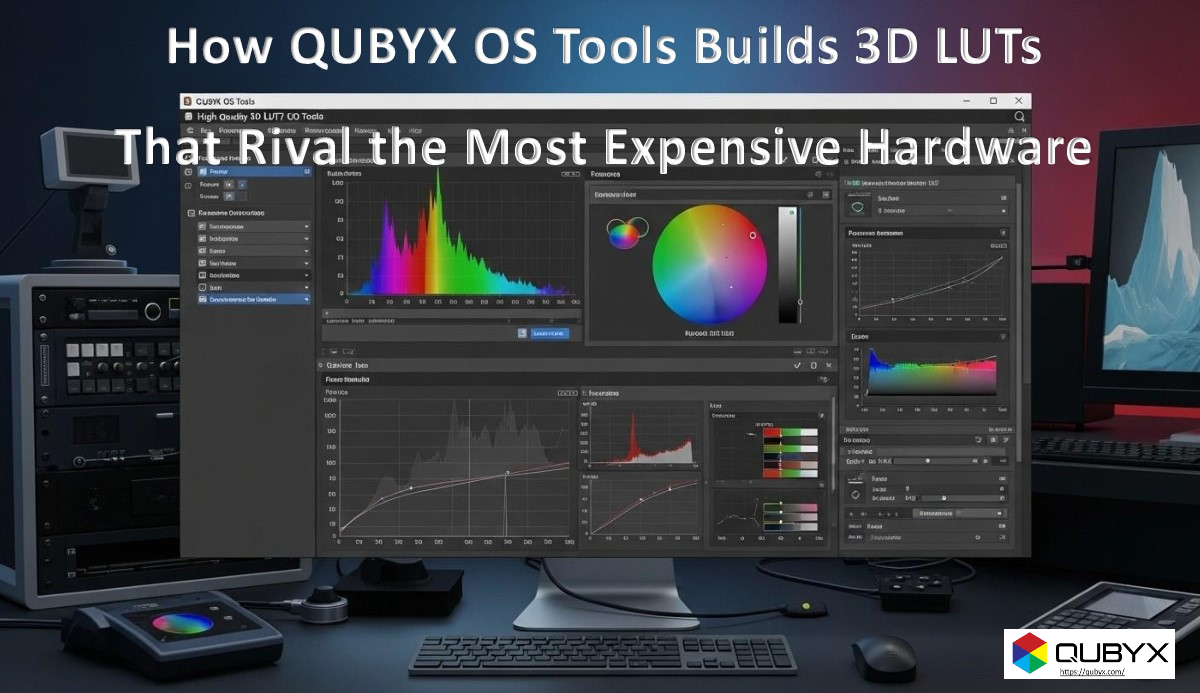
How QUBYX OS Tools Builds 3D LUTs That Rival the Most Expensive Hardware
Executive Summary
3D Look-Up Tables (3D LUTs) are the backbone of accurate, repeatable color. Historically, achieving “reference-grade” LUTs meant buying proprietary hardware pipelines and vendor-locked instruments. QUBYX OS Tools takes a software-first approach: it pairs disciplined measurement, robust device characterization, and perceptual-uniform math to produce dense, artifact-free 3D LUTs that stand shoulder-to-shoulder with hardware systems—while remaining open, affordable, and vendor-neutral.
This article breaks down the pipeline, from patch design to QA, and explains why the resulting LUTs deliver hardware-level performance for medical imaging, photography, prepress, automotive HMI, and geospatial visualization.
Why 3D LUTs Still Matter
A 3D LUT maps any RGB triplet from a source color space to the precise device drive needed to render the intended color on a real display. Unlike 1D curves or matrix profiles, 3D LUTs model non-linear, cross-channel interactions, hue bends, and saturation roll-offs—exactly where critical image data can otherwise be lost.
Key advantages of a high-quality 3D LUT:
-
Hue-linear gradients free of banding and “hue hops.”
-
Gamut-aware mapping that avoids clipping and preserves saturation detail.
-
Consistent neutrals and skin tones across luminance.
-
Predictable soft-proofing for print or modality-specific rendering (e.g., DICOM GSDF in medical).
Hardware vs. Software: The Myth
Myth: “Only hardware can produce reference-grade 3D LUTs.”
Reality: Hardware boxes are essentially LUT generators with tightly controlled measurement and math. When software replicates—then improves—those controls, it can match or surpass results without the vendor lock-in.
Where software wins:
-
Adaptive patch sets (no fixed charts)—more efficient sampling of a device’s true behavior.
-
Perceptual math choices you control (ΔE2000, JzAzBz, CAM-based fitting, GSDF mapping).
-
Transparency: export, inspect, and version LUTs like code.
-
Scale: automate, repeat, and centrally audit across fleets.
The QUBYX OS Tools 3D LUT Pipeline
1) Intelligent Patch Strategy (Coverage Without Bloat)
QUBYX OS Tools begins with adaptive, stratified patch sets. Instead of blasting thousands of redundant colors, it concentrates samples where displays deviate most:
-
Neutrals & near-neutrals for accurate gray balance.
-
Hue breakpoints (red–orange, cyan–green) where consumer panels often drift.
-
Saturation knees to model roll-off behavior.
-
Dark tones (eye-sensitive) with gamma-aware spacing.
This results in higher information density per patch and a faster profiling session without compromising fidelity.
2) Robust, Instrument-Agnostic Measurement
The engine accepts readings from industry-standard meters (colorimeters/spectros). It applies:
-
Spectral correction matrices or spectral-to-tri-stimulus compensation to align to the display’s SPD.
-
Repeat/median sampling to reduce noise.
-
Drift guards (re-measure sentinels throughout the run) to catch warm-up or backlight drift.
-
Outlier handling via robust estimators rather than naive averages.
3) Device Characterization in a Modern Color Space
Raw device readings are converted into a perceptually meaningful space (e.g., L*a*b*, JzAzBz, or a CAM uniform space), then fit with a smooth, monotonic model:
-
High-order polynomials + regularization to avoid wobbly surfaces.
-
Piecewise splines in problematic regions.
-
Monotonicity constraints on tone response so the LUT never inverts or crushes shadows.
The outcome is a continuous forward model (device→perceptual) and its inverse (perceptual→device), both critical for LUT generation.
4) LUT Cube Construction with Tetrahedral Interpolation
QUBYX OS Tools builds a 3D cube (commonly 17×17×17, 33×33×33, or 65×65×65 for ultra-precision). It then computes device corrections for each node using the inverse model and writes a dense lattice of RGB→RGB mappings.
Runtime interpolation uses tetrahedral interpolation (preferred over trilinear) to reduce stair-stepping and hue bias in gradients. The cube is gamma-aware, preserving intent across low-light regions.
5) Perceptual & Gamut-Aware Mapping
When the source gamut exceeds the display:
-
Saturation-preserving compression keeps brilliance without hue drift.
-
Neutral spine protection locks grays to zero chroma.
-
Hue-angle constraints prevent “banana skin” or “cyan creep.”
-
Optional DICOM GSDF luminance adaptation for medical modalities ensures consistent perceptual contrast steps.
6) Quality Assurance: Numbers That Matter
Every LUT is validated with both numerical and visual checks:
-
ΔE2000 statistics: mean, 95th percentile, max; goalposts often mean < 1.0, 95th < 2.0 for critical work.
-
Neutral drift: |a*| and |b*| along the gray axis.
-
Banding & hue-line charts: synthetic ramps to catch artifacts early.
-
Low-luminance tracking: verifies smooth visibility of steps near black.
A human-readable PDF/HTML report and machine-readable JSON accompany each build for auditability.
Matching (and Beating) Hardware: QUBYX OS Tools The Design Choices That Count
-
Measurement discipline → equal to lab workflows (sentinels, repeat sampling).
-
Perceptual modeling → modern color spaces, regularized fits, monotonic constraints.
-
Dense cubes + tetrahedral interpolation → smooth gradients, minimal hue error.
-
Gamut-aware compression → keeps saturation realism where hardware often clips.
-
Transparent QA → hard numbers + visual evidence for sign-off.
In short, the math and the method—not the price tag—determine LUT quality.
Formats, Compatibility, and Deployment of QUBYX OS Tools
QUBYX OS Tools exports common LUT formats to fit your pipeline:
-
.cube (commonly used by grading, VFX, and many apps)
-
Device-link ICC for color-managed print and prepress workflows
-
1D+3D stacks for systems that separate tone and gamut shaping
-
DICOM GSDF curves for medical displays requiring standardized luminance response
Deployment patterns:
-
Single-workstation: local calibration + local LUT load.
-
Fleet mode: generate centrally, verify locally, push updates with Remote QA/Server.
-
Hybrid: use device-link ICC for creative apps and identical .cube for video tools to keep visual parity across teams.
Real-World Use Cases
-
Teleradiology: Calibrate mixed fleets (consumer and medical displays) to GSDF; verify ΔE and luminance conformance; push re-calibration alerts before image quality drifts.
-
Prepress Soft-Proofing: Device-link LUTs align on-screen proof with press conditions; neutral protection stops paper-white casts.
-
Automotive HMI: Stabilize color and luminance across batches of panels; keep warning colors consistent under different cabin lighting.
-
Geospatial & Remote Sensing: Preserve subtle hue differences in vegetation/water indices where scientific decisions depend on tiny chromatic shifts.
-
Photography & Grading: Maintain skin-tone linearity and film-stock emulations without saturation breaks or shadow color casts.
QUBYX OS Tools Performance & Scalability
-
Fast builds: Adaptive patches reduce profiling time by 20–40% vs. fixed charts at the same accuracy.
-
Repeatable results: Instrument-agnostic corrections reduce meter-to-meter variance.
-
Automatable: Command-line access supports CI-like pipelines—nightly validation, threshold checks, and auto-ticket creation if ΔE targets slip.
-
Versionable: Treat LUTs as code—diff JSON stats, roll back, and pin releases.
When You Still Want Hardware in the Loop
-
Factory line calibration where high-throughput robotics and jigs add efficiency.
-
Exotic SPDs (mini-LED/micro-LED, QD-OLED) may benefit from spectro-first characterization before applying software corrections.
-
Closed appliances that only accept vendor LUT loaders—QUBYX OS Tools can still generate the math and export to compatible formats where possible.
Bottom line: You can pair select hardware with QUBYX OS Tools to capture tricky spectral behavior—then let the software’s modeling and QA do the heavy lifting.
Implementation Checklist
-
Choose targets: white point, luminance, gamma/GSDF, and ΔE thresholds.
-
Warm up & stabilize displays and meters; run sentinel reads.
-
Profile with adaptive patches; enable spectral corrections if supported by your meter.
-
Build 3D LUT: pick cube size (start at 33³ for critical work).
-
Verify: inspect ΔE stats, neutral drift, ramps; iterate if thresholds aren’t met.
-
Export & deploy: .cube, device-link ICC, or both; store the QA report with the LUT.
-
Monitor over time: schedule re-verification; flag drift automatically via Remote QA.
FAQs
Q: What cube size should I pick?
A: 17³ is fine for general use; 33³ balances precision and size; 65³ for demanding grading or scientific visualization.
Q: Can I use any meter?
A: Use a supported colorimeter or spectro. For displays with unusual primaries, measure a spectral sample (if available) and apply the provided matrix/correction.
Q: How do I ensure no banding?
A: Use tetrahedral interpolation, protect neutral spine, and validate with synthetic gradient charts; if needed, increase cube density.
Q: Medical: can I enforce GSDF?
A: Yes—set luminance response to DICOM GSDF and validate with the built-in conformance tests.
Conclusion
QUBYX OS Tools shows that precision, transparency, and good math beat black-box hardware hype. By uniting adaptive measurement, perceptual modeling, and rigorous QA, it delivers 3D LUTs that rival (and often surpass) expensive hardware pipelines—without the lock-in, and with the flexibility modern teams need.
Ready to try it? Calibrate a pilot workstation, generate a 33³ LUT, and compare your ΔE and gradient results to your current setup. The difference—especially in neutrals, low-lights, and saturated ramps—QUBYX OS Tools speaks for itself.
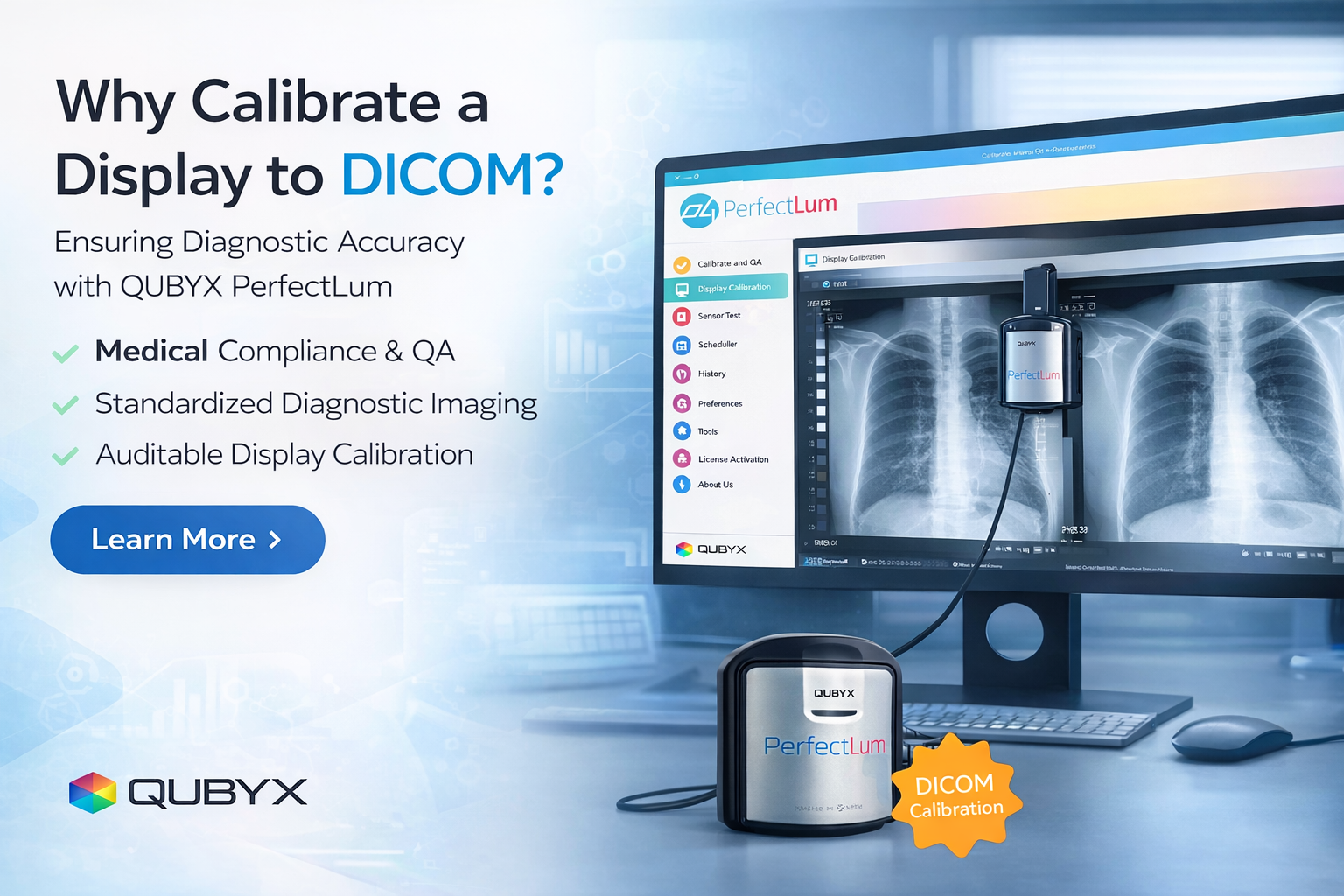
In a world where every pixel matters, PerfectLum proves that innovation can deliver clinical precision without financial compromise. It’s not just calibration—it’s the democratization of diagnostic imaging.
To secure Medical Display Calibration with precision while reducing the recurring costs of proprietary hardware, the answer is clear: transition to a Calibration Software platform like QUBYX OS Tools (Free) and PerfectLum today. Now, you easily pay less for Radiology.
Tags:
QUBYX OS Tools, 3D LUT builder, 3D LUT calibration, software color calibration, device-link profiles, LUT tetrahedral interpolation, ΔE validation, DICOM GSDF, ICC profiling, display calibration software
Related Posts
- February 24, 2026
- News
What is AAPM TG270? A Practical Guide to AAPM TG-270
- February 24, 2026
- News
How to Calibrate a Display to DICOM GSDF with PerfectLum
- February 23, 2026
- News
Why Calibrate a Display to DICOM? And the Role