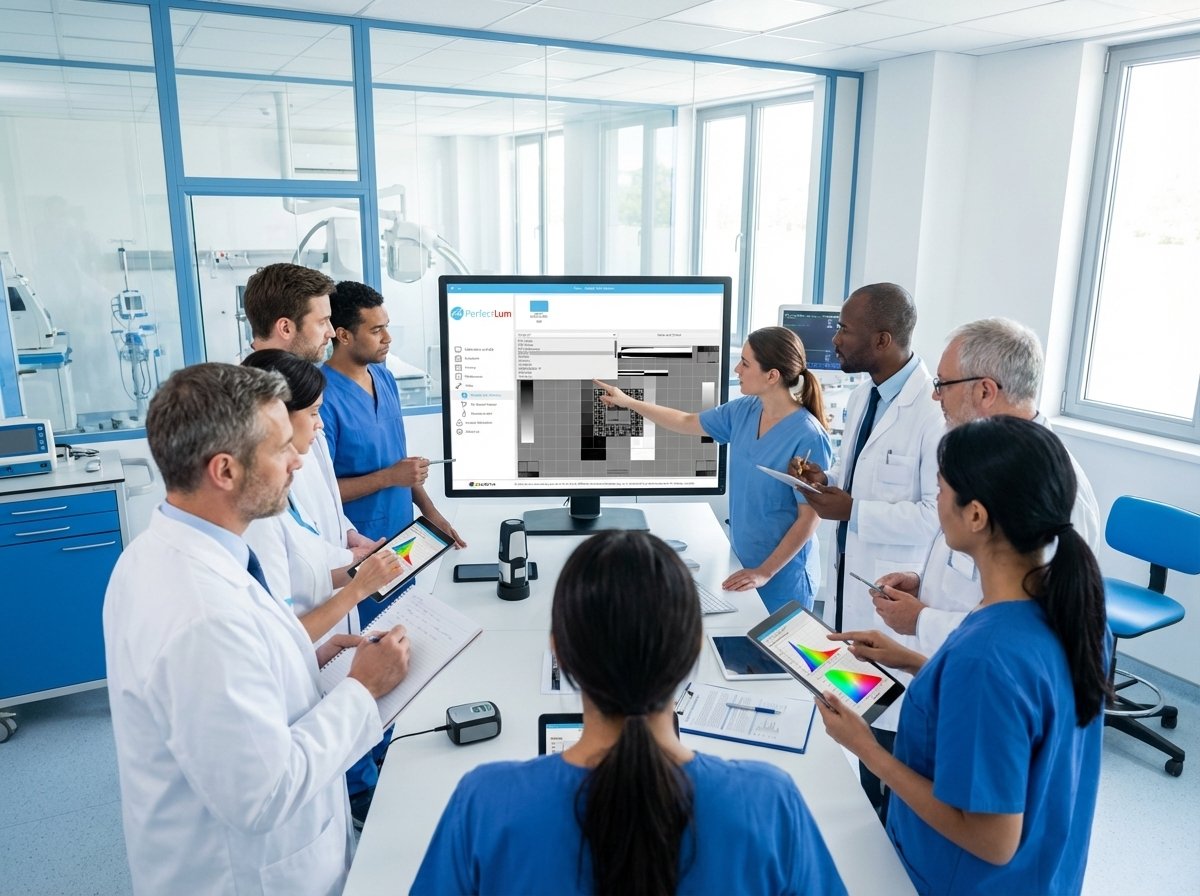
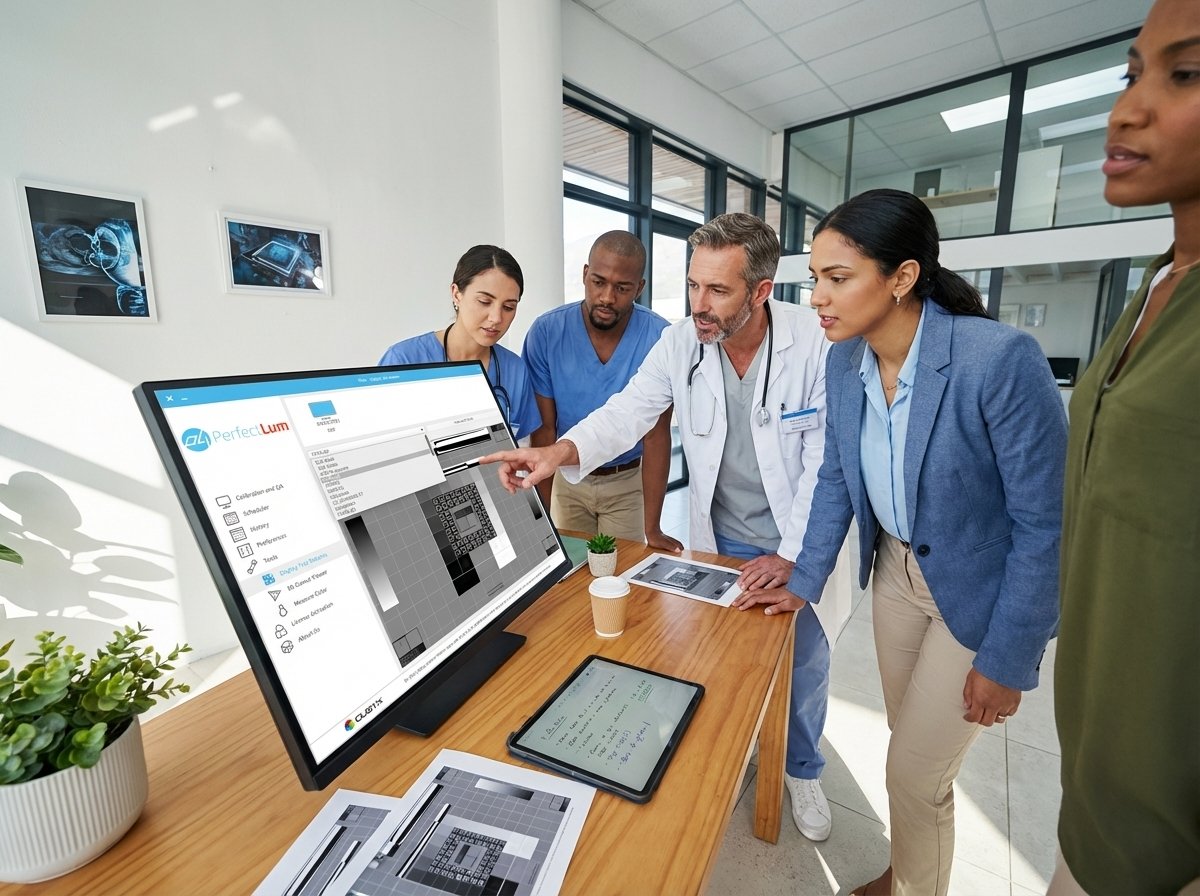
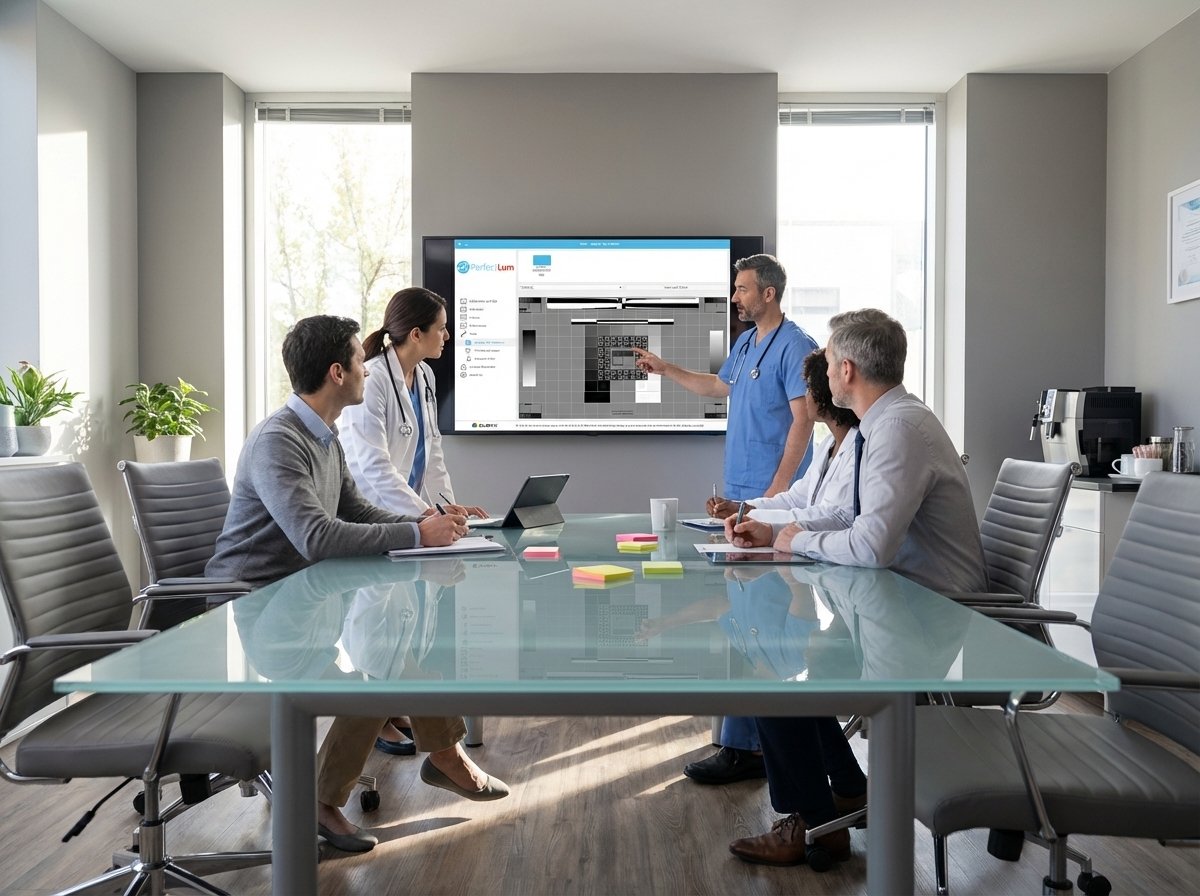
Medical Imaging iMac | How Color Management with PL4 Can Transform Your Display
In the world of medical imaging, precision is everything. Whether you’re a radiologist interpreting MRI scans or a technician reviewing X-rays, the accuracy of your display can mean the difference between a clear diagnosis and a missed detail. While Apple’s iMac is well-known for its stunning Retina display and advanced color accuracy, many professionals still wonder: Can it be pushed even further for medical imaging purposes?
The answer is yes — and that’s where the PL4 calibration suite comes in. This powerful software enhances your iMac’s color management to meet the strict standards of DICOM calibration, giving you the professional-grade accuracy your work demands.
Why Color Accuracy Matters in Medical Imaging
Medical imaging isn’t just about crisp pictures; it’s about ensuring that every shade of gray, every color gradient, and every pixel is correctly represented. Inaccurate color or contrast can lead to misinterpretations, especially when working with subtle details in CT scans, mammograms, or PET scans.
Apple’s iMac already offers one of the most color-accurate displays in the consumer market, but for medical compliance, it must meet DICOM Part 14 standards — a specific calibration that ensures medical images are displayed consistently and accurately across different monitors.
The PL4 Advantage: Unlocking Your iMac’s Full Potential
Have you ever bought a high-end device and felt like it had untapped potential? That’s often the case with iMacs in medical environments. While their hardware is exceptional, achieving perfect DICOM calibration requires specialized software.
The newly released PL4 calibration suite bridges that gap. Designed with advanced algorithms and backed by in-depth research into the latest display technologies, PL4 transforms your iMac into a medical-grade display tool without the need for expensive dedicated monitors.
Key Features of PL4 for Medical Imaging on iMac:
-
Full DICOM Calibration – Adjusts brightness, contrast, and gamma to meet exact medical imaging standards.
-
Color Precision – Ensures each tone and shade matches the original medical scan data.
-
Display Conformance Verification – Automatically checks and certifies that your display meets required compliance.
-
Easy-to-Use Interface – No steep learning curve; calibration is quick and straightforward.
-
Remote QA Support – Ideal for teleradiology and multi-location medical practices.
From Hospital to Home: The Remote Advantage
With the rise of teleradiology and remote medical work, ensuring your display meets the same QA standards as hospital-grade equipment is critical. PL4 offers remote calibration and quality assurance tools, so you can confidently review and interpret scans from home without compromising diagnostic accuracy.
Learn to Use PL4 with Our YouTube Tutorials
We understand that medical professionals don’t have time for complicated setups. That’s why we launched a series of short, easy-to-follow video tutorials on our new YouTube channel. These tutorials walk you through:
-
How to install PL4 on your iMac
-
How to perform your first DICOM calibration
-
How to verify ongoing display conformance
-
Tips to maintain consistent image quality over time
Whether you’re a beginner or a tech-savvy professional, these videos make it simple to unlock your iMac’s full potential for medical imaging.
Why Choose PL4 for Your iMac?
-
Regulatory Compliance – Stay ahead of the regulators with certified DICOM compliance.
-
Cost-Effective – Upgrade your existing iMac instead of buying an expensive new medical monitor.
-
Future-Proof – Built with the latest display technology research to adapt to industry changes.
-
Trusted by Professionals – Used in radiology departments and medical imaging centers worldwide.
Get Started with PL4 Today — It’s Free to Try
If you’re ready to elevate your iMac’s medical imaging capabilities, try PL4 for free. Within minutes, you’ll see the difference — sharper details, truer colors, and full DICOM compliance.
Don’t settle for standard color accuracy when your work demands perfection. Upgrade your iMac with PL4 today and experience the next level in medical imaging color management.
Read More:
Discover the Advanced PerfectLum 4