
News
- Home
- How to Build Custom Color Pipelines with QUBYX OS Tools
How to Build Custom Color Pipelines with QUBYX OS Tools
- November 21, 2025
- QUBYX Team
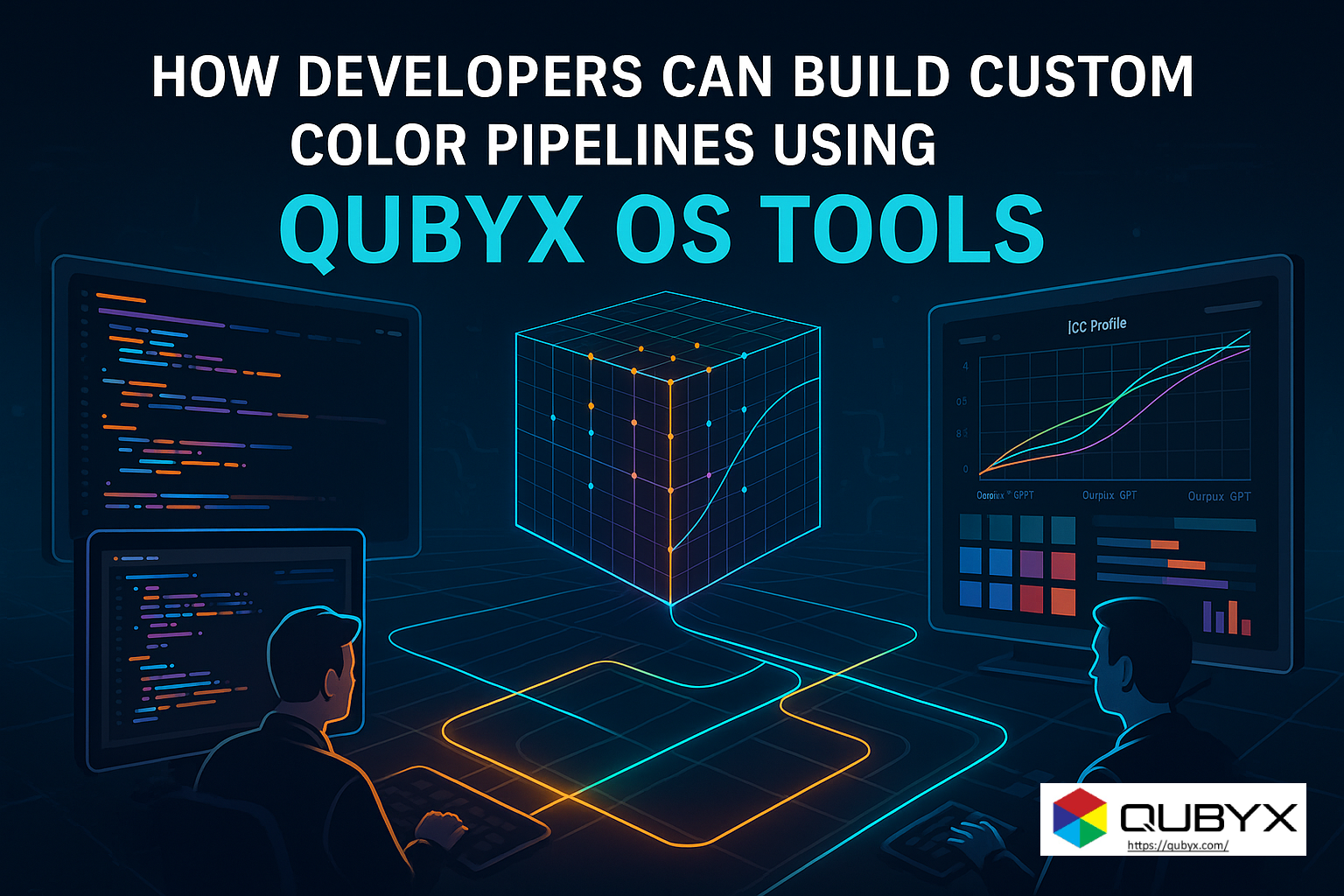
How Developers Can Build Custom Color Pipelines Using QUBYX OS Tools
Modern color-critical industries—from medical imaging and cinematography to prepress, geospatial, automotive displays, and industrial QA—rely on highly accurate, predictable color pipelines. In these workflows, even small variations in color response can lead to diagnostic errors, misgraded frames, print inconsistencies, or faulty display outputs.
Traditionally, color pipelines have been dominated by proprietary ecosystems that provide strong performance but limit customization, flexibility, and cost control. Developers are often restricted by licensing fees, closed algorithms, hardware lock-ins, and limited transparency.
QUBYX OS Tools disrupt this landscape by offering developers a fully open-source, professional-grade suite for building custom color pipelines—from device characterization and profiling to 3D LUT generation and ICC workflow automation.
This comprehensive guide explains how developers can build efficient, scalable, vendor-neutral color pipelines using QUBYX Open Source Tools, and why the open-source movement is redefining modern color science.
1. What Makes QUBYX OS Tools Ideal for Developers?
1.1 Fully Open Color Engine
Unlike proprietary calibration suites, QUBYX OS Tools provide complete access to:
-
Transformation algorithms
-
Interpolation logic
-
LUT construction flow
-
ICC mapping structure
-
Gamma processing
-
Device-link calculations
This makes it possible to customize every layer of the color pipeline.
1.2 Built for Multi-Industry, Multi-Device Workflows
Developers can target:
-
Medical-grade monitors
-
Color grading displays
-
Automotive dashboards
-
Prepress proofing monitors
-
VR/AR displays
-
Industrial and embedded displays
The QUBYX engine is vendor-neutral, allowing unlimited adaptation.
1.3 Support for Industry Formats
QUBYX OS Tools export:
-
.cube -
.3dl -
.icc -
.icm -
.lut -
Device-link profiles
This compatibility allows seamless integration into Adobe, DaVinci Resolve, Nuke, Baselight, RIP software, medical PACS systems, and industrial workflows.
2. Core Components of a Custom Color Pipeline (Powered by QUBYX)
Building a color pipeline typically requires:
2.1 Device Characterization
Developers begin by capturing device-native color behavior using:
-
Patch sets
-
Tone-response curves
-
Gamma tracking
-
Gamut measurement
-
Grayscale uniformity
QUBYX OS Tools integrate with widely used measurement devices, enabling developers to write custom scripts and measurement flows.
2.2 Data Processing and Color Science Logic
The heart of QUBYX OS Tools lies in:
-
3D LUT engines
-
3D-linked ICC profile creation
-
Perceptual mapping algorithms
-
Multi-dimensional interpolation
-
Gamma remapping
-
Matrix transformation
-
Spline smoothing
Developers can override or extend any color science component.
2.3 Building LUTs and ICC Profiles
QUBYX OS Tools generate:
-
1D LUTs (gamma/tonal correction)
-
3D LUTs (volumetric color correction)
-
Device-link ICCs
-
Display profiles
-
Printer simulation profiles
This allows developers to create end-to-end pipelines.
2.4 Rendering, Previewing, and QA
Developers can integrate:
-
GSDF checks for medical imaging
-
Perceptual ΔE calculations
-
Gamut hull visualization
-
Tone curve plotting
-
Multi-display uniformity analysis
This simplifies QA automation at scale.
3. Example Developer Workflows Using QUBYX OS Tools
Workflow 1: Building a Color Pipeline for a Medical Imaging System
Steps:
-
Characterize grayscale and color response.
-
Apply QUBYX’s open GSDF calibration logic.
-
Generate DICOM-compliant LUTs.
-
Export device-link ICC profiles for PACS integration.
-
Automate daily/weekly QA scripts.
Outcome: Consistent diagnostic accuracy across locations.
Workflow 2: Color Grading Pipeline for Film Studios
Steps:
-
Characterize reference monitors and client monitors.
-
Build custom show LUTs using QUBYX’s 3D LUT engine.
-
Export
.cubeLUTs to Resolve or Baselight. -
Use ICCs for SDR/HDR proofing.
-
Batch-generate LUTs for scene-based workflows.
Outcome: Predictable color across grading rooms, edit bays, and streaming outputs.
Workflow 3: Automotive Display Calibration
Steps:
-
Characterize prototypes during R&D.
-
Generate unified LUTs across clusters, infotainment, HUDs.
-
Integrate QUBYX OS Tools into embedded systems.
-
Maintain consistency during production QA.
Outcome: OEM-grade accuracy with open-source flexibility.
4. Integrating QUBYX OS Tools Programmatically
Developers can integrate with:
-
Python scripts
-
C++ pipelines
-
Command-line automation
-
Cloud rendering servers
-
GPU compute workflows
Automation Examples
-
Batch LUT generation for multiple displays
-
Hourly drift detection for medical systems
-
Cloud-based ICC generation for remote color teams
-
Embedded calibration in custom OS builds
QUBYX OS Tools provide the flexibility to scale color management across enterprise-grade systems.
5. Future Trends QUBYX OS Tools Prepare Developers For
AI-Driven Color Calibration
AI models can:
-
Predict drift
-
Automatically correct tone response
-
Build LUTs based on scene intelligence
-
Pre-profile devices
QUBYX’s open foundation enables rapid AI integration.
Edge Computing & Embedded Displays
Automotive, aerospace, defense, and industrial workflows need local color engines. QUBYX OS Tools support embedded adaptation.
Vendor-Neutral Calibration Ecosystems
Open-source color management is becoming the standard across medical, film, and industrial sectors.
QUBYX OS Tools are positioned as the backbone of this movement.
Conclusion
Developers today need transparent, flexible, and high-precision color tools—not closed systems with rigid limits.
QUBYX Open Source Tools empower developers to build sophisticated, custom color pipelines with the same accuracy found in premium medical and production environments—without licensing restrictions.
For teams creating imaging systems, calibration frameworks, or display technologies, QUBYX OS Tools open doors to infinite customization, automation, and innovation.
In a world where every Pixel accuracy matters, PerfectLum by QUBYX proves that innovation can deliver clinical precision without financial compromise. It’s not just calibration—it’s the democratization of diagnostic imaging.
To secure Medical Display Quality Assurance with precision while reducing the recurring costs of proprietary hardware, the answer is clear: transition to a Calibration Software platform like QUBYX OS Tools (Free) and PerfectLum today. Now, you easily pay less for Radiology.
Tags:
QUBYX OS Tools, color pipelines, open source color management, 3D LUT generation, ICC profiles, color calibration tools, developer color workflows, color engine open source.
Related Posts


- April 18, 2026
- News
- April 12, 2026
- News
- April 8, 2026
- News