
News
- Home
- How to Build a 100% QA Compliace Radiology Display Workflow
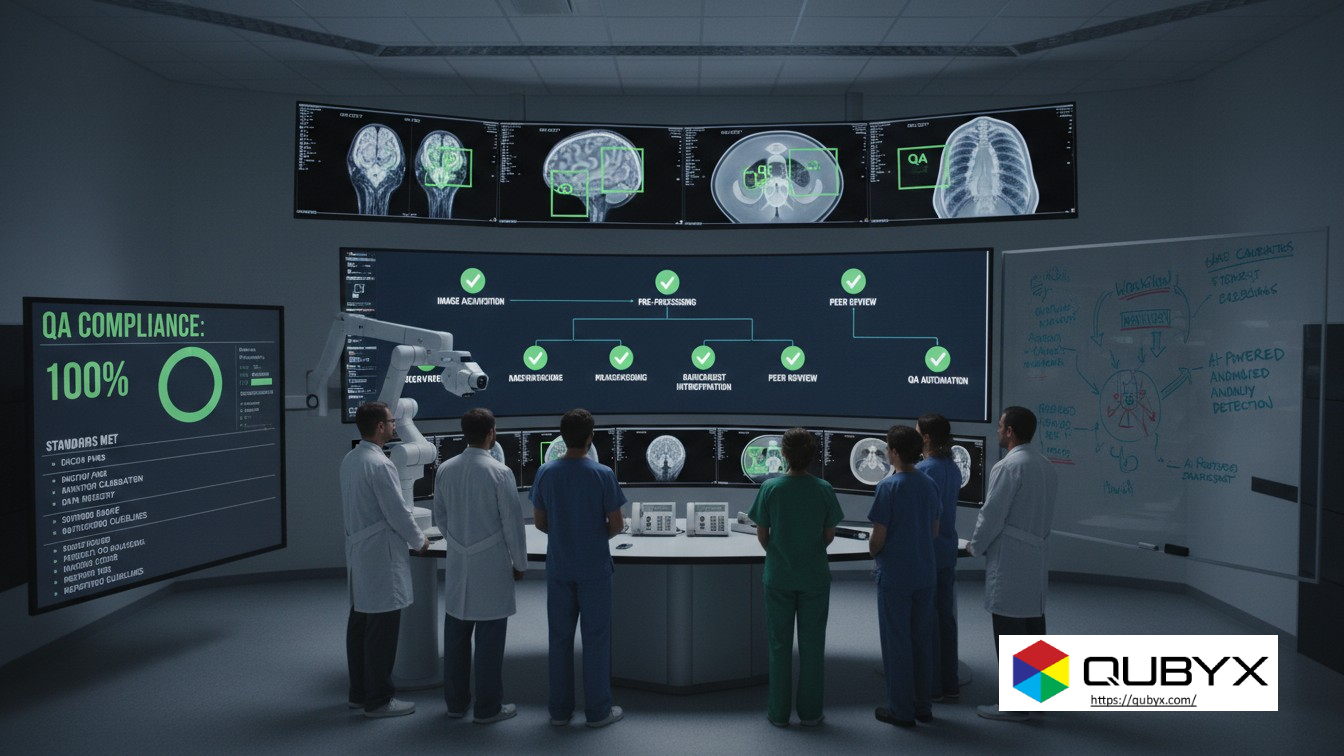
How to Build a 100% QA Compliace Radiology Display Workflow
- December 3, 2025
- QUBYX Team
How to Build a 100% QA Compliace Workflow for Radiology Displays in 2026 and Beyond
In 2026, radiology is fully digital, multi-site, and increasingly remote. Yet one simple truth hasn’t changed: if your diagnostic displays are wrong, everything downstream can be wrong—from missed fractures to subtle soft-tissue lesions. That’s why a robust, end-to-end QA compliance workflow for radiology displays is no longer optional. It’s a regulatory, clinical, and medico-legal necessity. The good news: you don’t have to reinvent the wheel. You can build a future-proof workflow by combining the guidance of AAPM TG18, AAPM TG270, and DIN 6868-157 with modern medical monitor testing tools and automation.
In this guide, we’ll walk through:
-
What “100% QA compliance” really means for radiology displays
-
The role of AAPM TG18, TG270, and DIN 6868-157
-
A step-by-step workflow you can implement from 2026 onward
-
How to automate, document, and continuously improve your QA program
1. What Does “100% QA Compliance” Actually Mean?
“100% QA compliance” doesn’t mean your displays are perfect all the time. It means:
-
All required tests are defined and scheduled (acceptance, constancy, visual and quantitative checks).
-
Every test is executed at the correct interval (daily, monthly, annual, etc.).
-
Results are documented and traceable for audits and incident reviews.
-
Non-conformities trigger actions (service, recalibration, monitor replacement) within defined timelines.
-
Your process aligns with recognized standards and regulations, such as:
-
AAPM TG18 – classic guidelines for assessment of display performance and TG18 test patterns.
-
AAPM TG270 – updated framework for display quality assurance in modern flat-panel displays.
-
DIN 6868-157 – German / EU-aligned standard for acceptance and constancy testing of diagnostic image display systems.
-
If you can show—with logs and reports—that your workflow continuously meets these criteria, you’re in a strong position for 2026 and beyond, even as displays, PACS, and regulations evolve.
2. The Standards: TG18, TG270, and DIN 6868-157 in Plain Language
AAPM TG18 – The “Original Playbook”
AAPM TG18 focuses on how to evaluate the performance of medical displays in the field. It describes:
-
Use of TG18 test patterns (e.g., TG18-QC)
-
Visual and quantitative tests for:
-
Luminance, contrast response
-
Geometric distortion
-
Reflection, noise, glare
-
Spatial and angular dependence of luminance
-
Artifacts
-
TG18 is still widely referenced, especially for visual QC patterns and basic medical monitor testing routines.
AAPM TG270 – Modern QA Compliance for Flat-Panel Displays
Published in 2019 and actively discussed through 2025, AAPM TG270 updates and extends TG18 for current display technology (LCD, OLED, multi-resolution panels). It focuses on:
-
A structured QA compliance program with clear test types and frequencies
-
New and revised test patterns (sQC / pQC)
-
Updated performance criteria for luminance, contrast, uniformity, and color
-
Harmonization with DICOM Part 14 GSDF and practical workflows
In short: TG270 is your strategic blueprint for a modern display QA program.
DIN 6868-157 – Acceptance & Constancy Testing in Europe
DIN 6868-157:2014, updated as DIN 6868-157:2022, defines acceptance and constancy tests for diagnostic image display systems:
-
Applies to complete image display systems (monitor + workstation + software), not just the panel
-
Specifies:
-
Test parameters (luminance, contrast, homogeneity, spatial resolution, veiling luminance, etc.)
-
Limit values (minimum maximum luminance, contrast ratio, etc.)
-
Test intervals (acceptance, periodic constancy tests)
-
If you operate in the EU or serve cross-border teleradiology clients, DIN compliance is a big competitive and regulatory advantage.
3. Foundation: Define Your Display Inventory and Risk Classes
Before you even run a test pattern, you need visibility.
-
Inventory all displays:
-
PACS diagnostic workstations
-
Mammography / breast tomosynthesis displays
-
CT / MR / US consoles
-
Review stations (ER, ICU, wards)
-
Remote home-office radiologist setups
-
-
Classify by risk and use case (inspired by TG270 & DIN 6868-157):
-
Primary diagnostic (e.g., radiologist reading station)
-
Near-diagnostic / clinical review (ER, ICU)
-
Technologist / modality consoles
-
Administrative / non-diagnostic
-
-
Define performance and QA compliance requirements per class:
-
Higher luminance, tighter uniformity and more frequent testing for primary displays
-
Less strict limits and longer intervals for review / technologist displays
-
This risk-based classification is key to a cost-effective QA compliance strategy: you apply the highest intensity where failure hurts most.
4. Build a 2026-Ready QA Schedule (Daily → Annual)
Use TG18/TG270/DIN guidance plus your local regulations to define a tiered schedule.
4.1 Daily / Per-Shift Checks (Radiologists & Technologists)
Goal: Quick gatekeeper—catch obvious issues before patient harm.
-
Visual TG18-QC / TG270-sQC pattern check:
-
Check grayscale steps, contrast patches, and central test objects
-
Confirm text and small features are clearly visible
-
-
Quick DICOM GSDF check using built-in QA tools or software
-
Ambient light / reflections:
-
Verify blinds and room lights are in the normal reading configuration
-
-
Simple pass/fail documentation in your QA compliance system
4.2 Monthly / Quarterly Technical QA Compliance (Medical Physics)
Goal: Quantitative validation of display performance.
-
Luminance and contrast response:
-
Measure Lmax, Lmin, contrast ratio, and GSDF compliance (DICOM Part 14).
-
-
Luminance uniformity across the display
-
Resolution & noise checks using TG18 or TG270 patterns
-
Color and chromaticity (for color workflows and fusion imaging)
-
Veiling luminance / ambient light (DIN 6868-157 requires specific limits).
4.3 Annual / After Major Changes
Goal: Full acceptance or re-acceptance of the display system.
-
Complete acceptance test against DIN 6868-157 or TG270 criteria
-
Verification of:
-
GSDF calibration
-
Spatial resolution, MTF patterns
-
Geometric distortion
-
Pixel defects and artifacts
-
Color accuracy (for color diagnostic use)
-
-
Ensure documentation is audit-ready and mapped to local regulatory requirements.
5. Step-by-Step: A 100% QA Compliance Workflow
Here’s a practical, end-to-end workflow you can implement now and still rely on in 2026 and beyond.
Step 1 – Governance & Roles
-
Appoint a Display QA Lead (usually a medical physicist or senior imaging engineer).
-
Define responsibilities for:
-
Daily visual checks (radiologists / techs)
-
Periodic quantitative tests (physics)
-
Corrective actions and escalations (IT, vendor, biomedical engineering).
-
Step 2 – Standardize Tools & Test Patterns
-
Choose a QA compliance software platform that supports:
-
TG18 and/or TG270 test patterns
-
DIN 6868-157 constancy test workflows
-
DICOM Part 14 GSDF verification
-
Centralized logging and reporting
-
-
Standardize on calibrated luminance meters and clear usage instructions.
Step 3 – Configure Test Templates Per Display Class
For each display class (primary, review, console):
-
Define which tests apply (visual, luminance, uniformity, color, ambient, etc.).
-
Set test frequency based on TG270 and DIN guidance plus your own risk assessment.
-
Specify pass/fail thresholds:
-
Minimum luminance
-
Contrast ratio
-
Maximum non-uniformity
-
Max number of defective pixels
-
Step 4 – Automate Scheduling and Reminders
2026+ QA programs should not rely on sticky notes and memory.
-
Use your QA compliance software or CMMS to:
-
Auto-generate daily, weekly, monthly, and annual tasks
-
Assign tasks to specific roles or users
-
Trigger alerts when tests are overdue or fail
-
Step 5 – Execute, Review, Escalate
For each test event:
-
Perform the test (visual or quantitative) using the defined pattern and method.
-
Log results:
-
Numeric (e.g., Lmax, Lmin, % non-uniformity)
-
Pass/fail result
-
Operator and timestamp
-
-
If any parameter exceeds thresholds:
-
Flag the display (e.g., “Do Not Use for Primary Diagnosis”)
-
Create a corrective action (service call, recalibration, replacement).
-
Step 6 – Trend Analysis & Continuous Improvement
Once you have a few months of data, use it to:
-
Trend luminance and uniformity drift over time (spot failing models early).
-
Optimize test intervals (e.g., shorten for unstable monitors, lengthen for highly stable units).
-
Inform procurement with real performance data (which brands/models stay in spec longer?).
This transforms QA compliance from a tick-box exercise into a continuous quality improvement loop.
6. Practical Tips for Medical Monitor Testing in 2026+
6.1 Don’t Ignore Home-Office & Remote Reading
Post-pandemic, remote reading is here to stay. A 100% QA-compliant workflow must:
-
Apply the same QA compliance principles to home-office displays used for primary diagnosis.
-
Use remote QA tools that:
-
Push TG18/TG270 patterns and automated tests
-
Collect results centrally
-
Validate DICOM GSDF and luminance using built-in or attachable sensors.
-
6.2 Integrate QA Compliance With PACS/RIS
Where possible:
-
Store QA certificates and latest pass/fail status alongside each workstation in the asset database.
-
Optionally block primary reporting from displays that are out of spec until issues are resolved.
6.3 Align With Local Regulations & Accreditation
-
Map your TG18/TG270/DIN-based workflow to:
-
National radiation safety regulations
-
Hospital accreditation standards
-
Vendor service contracts
-
If an auditor asks, you can show exactly how each standard is implemented in your routine QA.
7. Example QA Compliance Checklist (Ready-to-Adapt)
Here’s a simplified QA compliance checklist you can adapt:
For every primary diagnostic display:
-
✅ Inventory entry with model, serial, location, use class
-
✅ Acceptance test passed (DIN 6868-157 / TG270) at installation
-
✅ Daily TG18-QC or TG270-sQC visual check documented
-
✅ Monthly/quarterly quantitative medical monitor testing:
-
Luminance / contrast (DICOM GSDF)
-
Luminance uniformity
-
Ambient and veiling luminance
-
-
✅ Annual full acceptance/constancy test with documented results
-
✅ Defined corrective action plan for failures
-
✅ QA data stored for at least required regulatory period
If you can confidently tick all these boxes for every diagnostic display, you’re extremely close to true 100% QA compliance.
8. Future-Proofing Your Radiology Display QA Compliance Program
Standards will keep evolving—DIN 6868-157 was updated again in 2022, and ACR–AAPM technical standards for diagnostic interpretation displays also continue to be refined.
To stay ahead in 2026 and beyond:
-
Choose QA tools and platforms that are actively maintained and regularly updated to reflect TG270 and DIN revisions.
-
Participate in AAPM, ESR, or national physics society working groups to track upcoming changes.
-
Periodically review and adjust your QA compliance procedures and thresholds based on:
-
New evidence and publications
-
New display technologies (high-brightness, HDR, OLED, etc.)
-
Workflow changes (AI overlays, fusion imaging, remote reading).
-
Conclusion
A 100% QA compliance workflow for radiology displays isn’t about doing more tests randomly. It’s about building a structured, standards-aligned, automated, and auditable system anchored in AAPM TG18, TG270, and DIN 6868-157.
By:
-
Classifying your displays
-
Defining risk-based test schedules
-
Standardizing medical monitor testing methods
-
Automating scheduling and documentation
-
Continuously learning from your own data
…you can ensure every radiologist reads on a trustworthy display, every patient gets fair image quality, and your department is ready for 2026 and whatever comes after.
In a world where every Pixel accuracy matters, PerfectLum by QUBYX proves that innovation can deliver clinical precision without financial compromise. It’s not just calibration—it’s the democratization of diagnostic imaging.
To secure Medical Display Quality Assurance with precision while reducing the recurring costs of proprietary hardware, the answer is clear: transition to a Calibration Software platform with QUBYX OS Tools (Free) and PerfectLum today. Now, you easily pay less for Radiology.
Tags:
QA compliance, radiology display QA, AAPM TG18, AAPM TG270, DIN 6868-157, medical monitor testing, DICOM GSDF, diagnostic display calibration, radiology QA workflow
Related Posts

- April 12, 2026
- News
- April 8, 2026
- News

- April 6, 2026
- News