How QUBYX OS Tools Deliver Next-Level Color Consistency
The Hidden Cost of Inconsistent Color
If you work in photography, video editing, medical imaging, pre-press, VFX, or geospatial visualization, you already know this pain:
You perfect an image in one application, open it in another—and suddenly the skin tones shift, shadows crush, or highlights clip. The file hasn’t changed, but the color has.
Those small shifts add up to big problems: rejected proofs, misdiagnoses, wasted print runs, re-grading time, and frustrated clients. That’s why color consistency tools have become essential in modern imaging workflows. They sit underneath your apps and operating systems to keep color predictable from screen to screen and app to app.
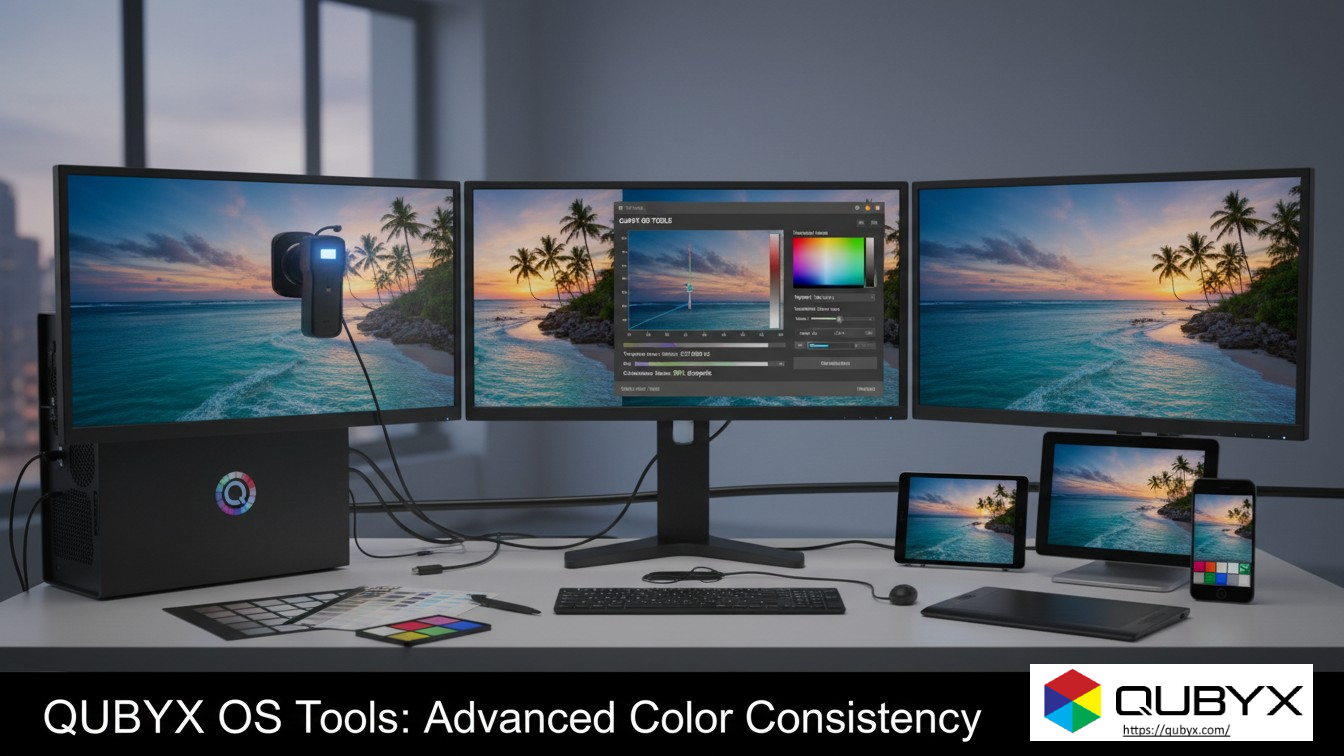
QUBYX OS Tools are designed exactly for this: they give you an open, developer-friendly, cross-platform way to build reliable color pipelines with ICC profiles, 3D LUTs, and device-link profiles that keep every pixel honest—no matter where you view it.
In this guide, we’ll break down how QUBYX OS Tools work as advanced color consistency tools and how they improve color matching across your editing software.
Why Color Consistency Is So Hard Today
Modern imaging workflows are messy by design:
-
Multiple devices (laptops, reference monitors, projectors, tablets)
-
Multiple apps (Photoshop, DaVinci Resolve, Premiere, Lightroom, Nuke, InDesign, PACS viewers, GIS tools)
-
Multiple operating systems (Windows, macOS, Linux)
Each platform has its own color management system and way of handling ICC profiles and LUTs. Windows uses Windows Color System (WCS), macOS uses ColorSync, and Linux depends on a stack of color-managed apps and external profile management.
Common symptoms of weak or fragmented color management:
-
The same file looks different between apps (e.g., Photoshop vs. your NLE)
-
Ungraded footage appears inconsistent between OSs
-
Medical images appear brighter or darker on different workstations
-
Prints don’t match what you saw on screen
All of this happens because each piece of the chain interprets color slightly differently. Without dedicated color consistency tools, you rely on every app and OS to “play nice” with ICC profiles—which often they don’t.
What Are Color Consistency Tools, Exactly?
Broadly, color consistency tools are software components that:
-
Measure and describe devices with ICC profiles (monitors, printers, cameras, projectors, scanners).
-
Transform colors between those profiles using color-managed pipelines.
-
Apply those transforms predictably inside editing applications and across operating systems.
At the core is the ICC profile—a standardized file format defined by the International Color Consortium (ICC) that describes how a device reproduces color and how to translate between device color and a standard reference space.
Traditional ICC workflows usually rely on:
-
1D LUTs for tone curves (gamma, contrast, grayscale)
-
Matrix transforms for color primaries and white point
-
Sometimes 3D LUTs for more complex color relationships
QUBYX OS Tools build on these foundations by giving you more advanced control over LUTs and profiles, especially through 3D-linked ICC profiles and device-link ICC profiles.
Meet QUBYX OS Tools: An Open Color Pipeline Engine
QUBYX OS Tools is an open, cross-platform toolkit designed to give developers and technical artists deep control over color pipelines. It focuses on:
-
3D-linked ICC profiles with embedded 3D LUTs
-
Advanced device-link ICC profiles that combine source and destination transforms into a single optimized path
-
An open 3D LUT engine for building custom color transformations
-
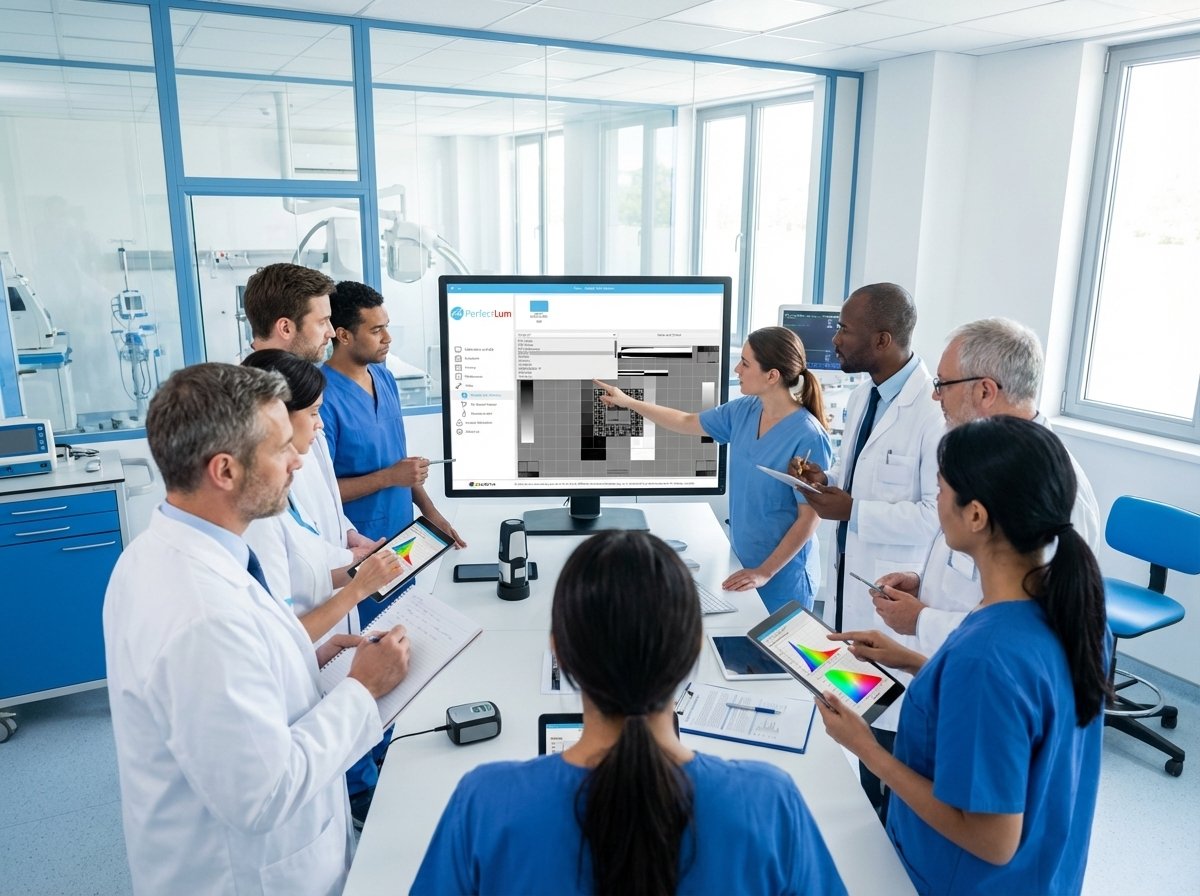
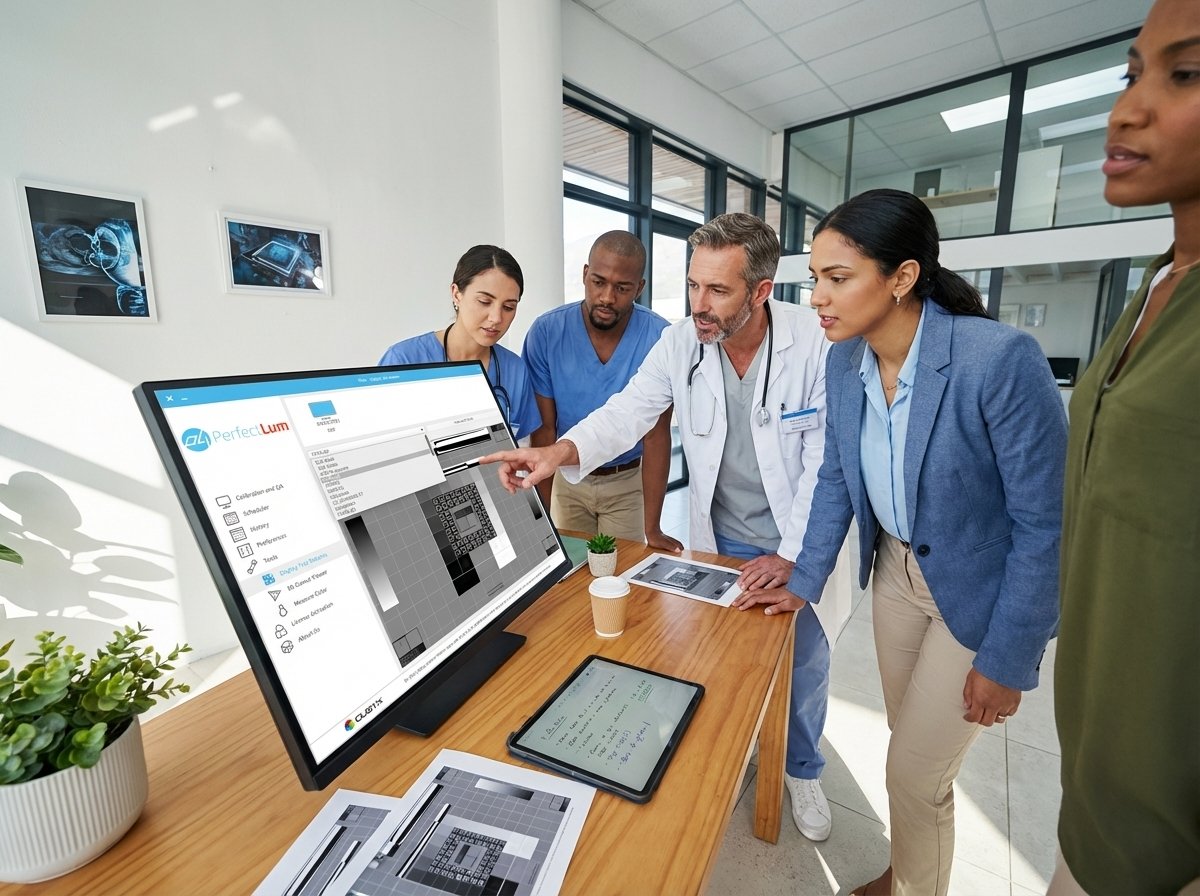
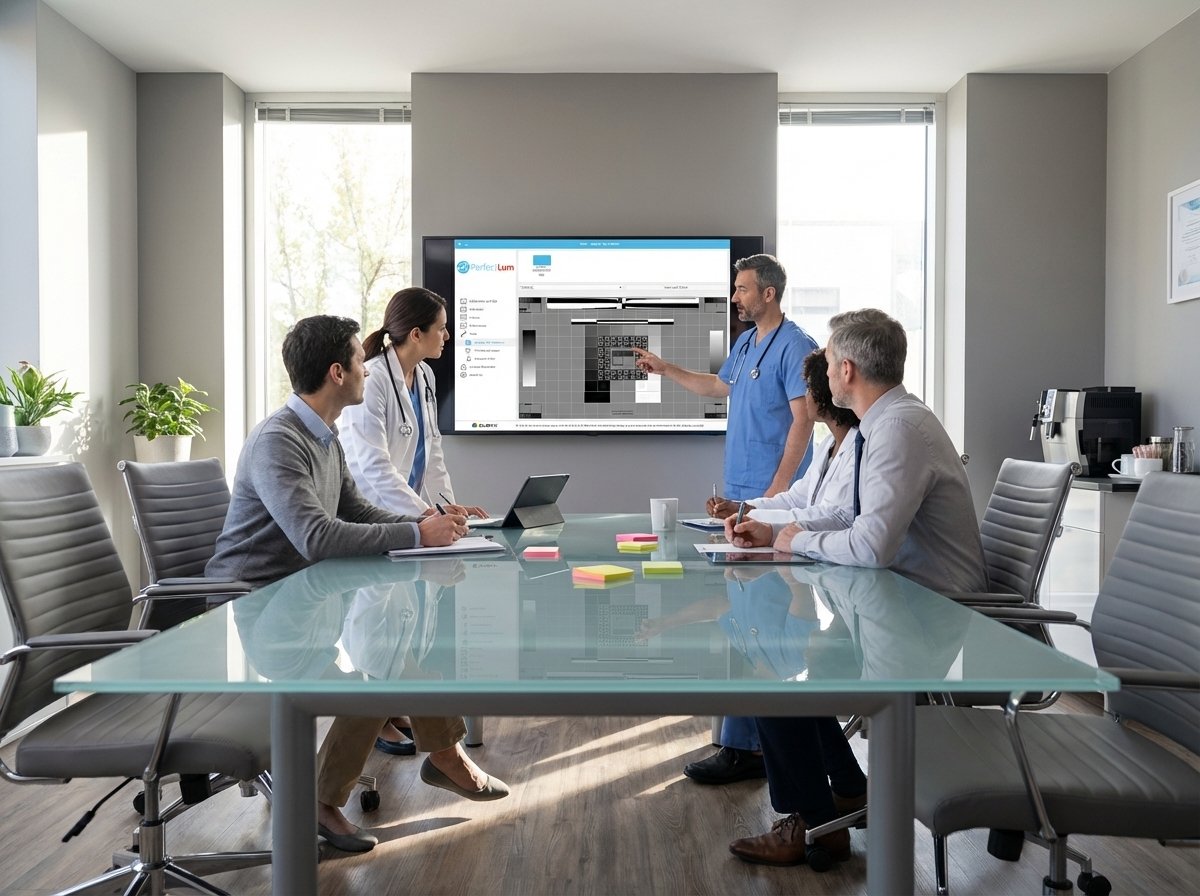
Integration with other QUBYX tools like PerfectLum for display calibration and medical-grade QA
Instead of being a “black box” plugin, QUBYX OS Tools gives developers, integrators, and advanced users the building blocks to create custom color management workflows for:
-
Medical imaging
-
Pre-press and proofing
-
Photography and retouching
-
Film & TV grading
-
Automotive and industrial displays
-
Geospatial / remote sensing
Because the tools are open and vendor-neutral, they act as a universal color consistency toolset that can sit beneath any editing software.
How QUBYX OS Tools Improve Color Consistency Across Editing Software
1. A Unified Color Engine Behind Every Application
Most color problems come from each app doing its own thing:
-
One app partially respects embedded profiles
-
Another assumes everything is sRGB
-
A third applies OS color management plus its own LUTs
QUBYX OS Tools let you centralize color logic:
-
Build ICC profiles and 3D LUTs using the same engine
-
Use those profiles across all color-managed apps
-
Ensure that transforms are mathematically consistent from tool to tool
The result: if your apps honor ICC profiles and LUTs, they all “see” the same color transforms, dramatically improving app-to-app matching.
2. 3D-Linked ICC Profiles: Smarter Color Relationships
Traditional profiles often rely on 1D LUTs plus matrices. That works for basic gamma and white-point correction—but it struggles with:
-
Complex saturation vs. lightness interactions
-
Subtle gradients in shadows and highlights
-
Non-linear behavior in wide-gamut or HDR displays
3D-linked ICC profiles generated by QUBYX OS Tools embed 3D LUTs inside the ICC profile itself, so the profile can describe full 3D color relationships (hue–saturation–lightness) instead of just simple curves.
This:
-
Reduces ΔE variations between apps that use the same profile
-
Keeps gradients smoother and more uniform
-
Preserves subtle shadow detail and highlight roll-off
-
Makes wide-gamut and HDR workflows more predictable
For you, that means when you grade an image in one editor and open it in another, the color stays put—because both apps are using the same high-precision description of the display or output.
3. Device-Link ICC Profiles: Locking in Source–Destination Transformations
In many workflows, files bounce between color spaces:
-
Camera log → working space (e.g., ACEScg, Adobe RGB)
-
Working space → display space
-
Working space → print profile
Each conversion is a chance for rounding errors and interpretation differences. QUBYX OS Tools can generate device-link ICC profiles that combine source and destination transforms into a single optimized ICC profile.
Benefits of device-link based color consistency tools:
-
Fewer conversion steps → fewer chances for drift
-
Vendor-neutral transforms that are reproducible across systems
-
Easier to audit and certify (especially in regulated fields like healthcare)
In practice, you can create device-link profiles for critical paths in your pipeline—such as “diagnostic viewer → DICOM-calibrated display” or “RGB working space → CMYK press”—and then reuse them everywhere.
4. Cross-Platform, Multi-Monitor Consistency
Many teams mix:
-
Windows workstations in radiology or grading suites
-
macOS laptops in design and photography
-
Linux workstations in VFX, CAD, or scientific imaging
QUBYX OS Tools are cross-platform and designed to work alongside system-level color management on Windows, macOS, and Linux.
Combined with display calibration (e.g., using QUBYX PerfectLum for medical, pre-press, or QA-driven environments), you can:
-
Calibrate each display to a known target (DICOM GSDF, Gamma 2.2, CIE L*, etc.)
-
Generate matching ICC profiles for each display
-
Use shared 3D-linked or device-link profiles in your editing software
That way, the same DICOM image, photograph, or graded frame looks virtually identical whether you open it in a PACS viewer, Photoshop, or your grading app—on any calibrated workstation.
Real-World Use Cases for QUBYX as Color Consistency Tools
Medical Imaging & PACS Workflows
-
Displays calibrated and verified to DICOM GSDF and medical QA standards (TG18, TG270, DIN 6868-157) using QUBYX tools.
-
3D-linked ICC profiles ensure consistent grayscale and color response across diagnostic and clinical review monitors.
-
PACS viewers, reporting systems, and 3D reconstruction tools all “see” consistent image tone and contrast.
Pre-Press, Proofing & Packaging
-
Use device-link profiles to lock in RGB-to-CMYK transformations for specific presses.
-
Designers in Photoshop, InDesign, and proofing RIPs all work with the same high-precision transform.
-
Fewer surprises on press and less time spent chasing “why the blue logo looks different on the proof.”
Photography, Retouching & VFX
-
Calibrate and profile wide-gamut displays; generate 3D-linked ICC profiles for accurate soft-proofing.
-
Keep color stable between Lightroom, Photoshop, Capture One, and NLEs like Premiere or Resolve.
-
Use QUBYX OS Tools as a master color consistency tool for on-set monitors, grading suites, and remote collaborators.
Automotive, Industrial & Geospatial
-
Build device-link profiles for in-car displays, instrument clusters, and industrial UIs.
-
Ensure that color-critical map overlays and satellite data render consistently across specialized visualization software and calibrated displays.
How to Start Using QUBYX OS Tools as Your Color Consistency Backbone
Here’s a practical roadmap to implement QUBYX OS Tools in your environment:
Step 1: Audit Your Current Color Workflow
-
List all displays, OSs, and editing applications in your pipeline.
-
Note where color looks inconsistent (specific apps, monitors, or file types).
This will show you where color consistency tools are most urgently needed.
Step 2: Calibrate Displays & Generate Baseline Profiles
-
Use a calibration tool (e.g., QUBYX PerfectLum in medical and high-end imaging environments) to calibrate displays to your target standard (DICOM, Gamma 2.2, etc.).
-
Save and deploy the resulting ICC v4 profiles to the OS.
Now your OS has a reliable description of each monitor.
Step 3: Use QUBYX OS Tools to Build 3D-Linked ICC Profiles
-
Generate 3D-linked ICC profiles that embed 3D LUTs for complex tonal and color behavior.
-
Assign these profiles as the display profiles in your key editing software.
This step significantly improves app-to-app consistency, especially on wide-gamut and HDR screens.
Step 4: Create Device-Link Profiles for Critical Paths
-
Identify your most important color transforms (e.g., “Working RGB → Press CMYK”, “Viewer → Diagnostic Display”).
-
Use QUBYX OS Tools to create device-link ICC profiles for those paths.
-
Configure your RIPs, grading tools, or PACS systems to use these device-link profiles where supported.
Step 5: Test Across Applications
-
Prepare a small test suite of reference images (skin tones, gradients, grayscale ramps, test charts).
-
Open them across all your key apps and machines.
-
Verify that color matches visually and, where needed, measure ΔE with your QA tools.
Iterate until you’re happy with consistency.
Step 6: Automate & Document
-
Use QUBYX OS Tools’ open nature to script repetitive tasks (e.g., batch profile building, remote deployments, QA checks).
-
Document your new color pipeline so editors, radiologists, designers, or technicians follow the same steps.
FAQ: Color Consistency Tools & QUBYX OS Tools
Q1. How are QUBYX OS Tools different from basic OS color management?
OS color management (WCS, ColorSync, etc.) provides a general framework for ICC profiles. QUBYX OS Tools go deeper: they let you build advanced 3D-linked and device-link ICC profiles and custom LUTs, giving you much more precise control over color transforms than typical built-in utilities.
Q2. Do I still need hardware calibration if I use QUBYX OS Tools?
Yes. QUBYX OS Tools describe and manage color transforms, but they assume your displays are calibrated and stable. Using calibration software (such as PerfectLum) plus a colorimeter or spectrophotometer is still essential for accurate baselines.
Q3. Can QUBYX OS Tools help in non-color-critical industries?
Absolutely. Even if you’re not in medicine or high-end pre-press, color consistency reduces confusion, speeds approvals, and improves brand integrity. Marketing teams, product designers, and UI/UX teams all benefit from reliable color consistency tools.
Q4. Are QUBYX OS Tools limited to one operating system or vendor?
No. They’re designed as vendor-neutral, cross-platform tools that can be integrated into Windows, macOS, and Linux workflows, as long as the apps respect ICC profiles and LUTs.
Conclusion: Make Color Consistency a Feature, Not a Fight
In a world of multi-app, multi-OS, multi-device workflows, relying on default color handling is no longer enough. You need dedicated color consistency tools to guarantee that what you see in one application is what you’ll see everywhere else.
By combining:
-
Display calibration and QA
-
Device-link ICC profiles
-
An open 3D LUT engine
QUBYX OS Tools turn color consistency from a daily battle into a predictable, controlled part of your pipeline.
If your images, films, or diagnostic studies must look right every time, it’s time to treat color consistency as critical infrastructure—and QUBYX OS Tools as the engine that powers it.
In a world where every Pixel accuracy matters, PerfectLum by QUBYX proves that innovation can deliver clinical precision without financial compromise. It’s not just calibration—it’s the democratization of diagnostic imaging.
To secure Medical Display Quality Assurance with precision while reducing the recurring costs of proprietary hardware, the answer is clear: transition to a Calibration Software platform with QUBYX OS Tools (Free) and PerfectLum today. Now, you easily pay less for Radiology.
Tags: