A Practical Guide to Medical Display Quality Assurance Beyond Minimum Compliance
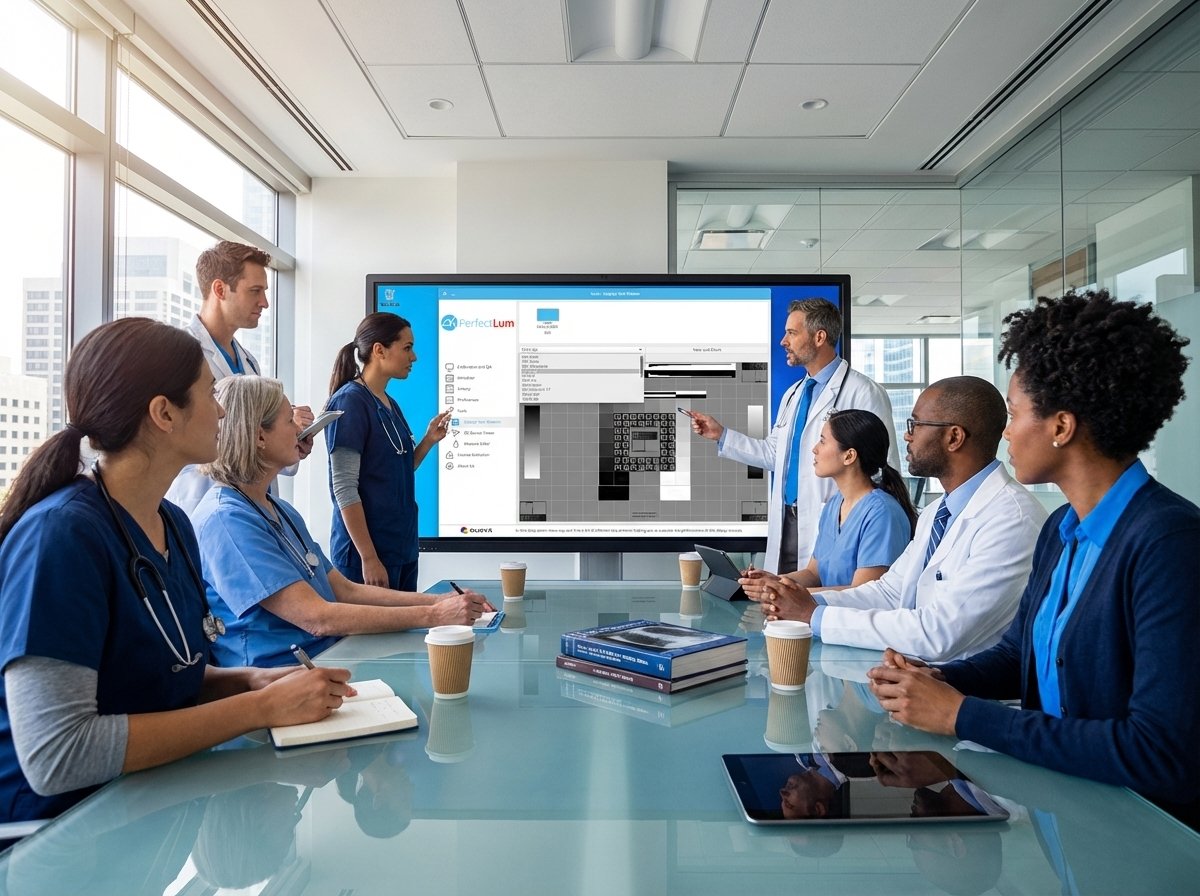
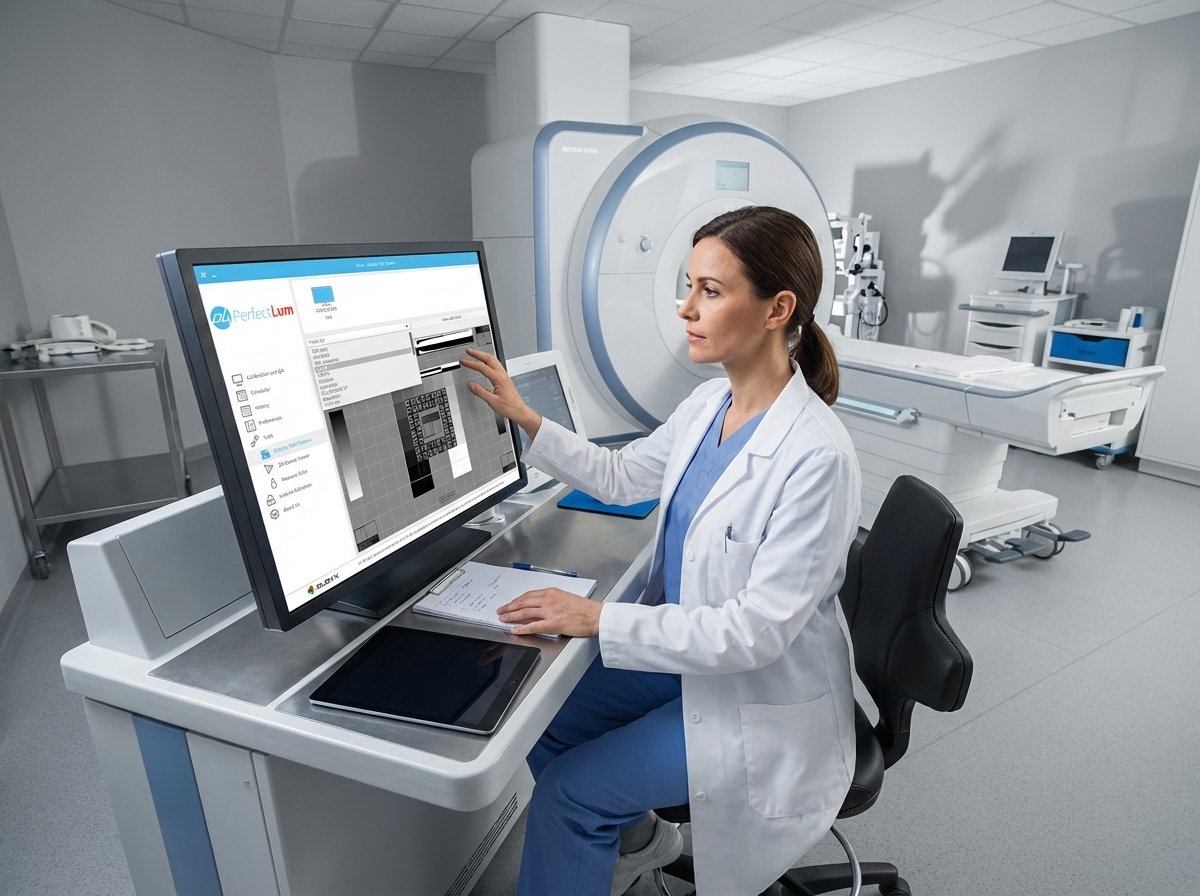
Most medical imaging teams settle for passing tests instead of pushing for ongoing precision. That means many displays only meet minimum standards without guaranteeing consistent diagnostic quality over time. This guide shows you how to move beyond basic compliance with a clear, step-by-step approach to medical display calibration using PerfectLum 4, Remote QA Server, and the PerfectLum S1 Sensor. You’ll learn how to streamline calibration, maintain detailed records, and manage quality across your entire enterprise with confidence. For more detailed guidance, refer to this resource.
Enhancing Medical Display QA
Moving Beyond Basic Compliance
Pushing past minimum standards isn’t just a choice, it’s essential for quality assurance in medical imaging. You can elevate your display’s performance by focusing on continuous improvement rather than just meeting the benchmarks. By doing so, you ensure consistent quality that supports accurate diagnoses and patient care.
Understanding DICOM GSDF Calibration
DICOM GSDF calibration is a cornerstone of medical display quality. It aligns your displays with the Grayscale Standard Display Function, ensuring that images are consistently accurate. This calibration helps you achieve precise grayscale reproduction, a critical aspect for diagnostic clarity. Implementing this standard means your displays will show subtle details that are vital in medical imaging.
For those unfamiliar, DICOM GSDF calibration involves matching your display’s luminance response to a defined standard. This is done through software that adjusts the display’s output to meet specific criteria. By doing this, you ensure that every shade of gray is reproduced accurately, providing a reliable foundation for diagnostic work.
Implementing Display Constancy Testing
Constancy testing is about checking if your display maintains its calibrated state over time. This involves regular testing to spot any drift in display performance. By incorporating constancy testing, you can ensure long-term reliability of your diagnostic equipment. The goal is to catch issues early, avoiding potential errors in patient diagnostics.
Start by setting a schedule for routine checks. Use tools like PerfectLum to automate these tests, reducing manual workload. Consistent testing helps in maintaining high standards, ensuring that the display performs as expected every time. It’s not just about meeting standards, but about guaranteeing ongoing performance.
Leveraging PerfectLum 4 for QA
PerfectLum 4 plays a crucial role in your quality assurance strategy. It streamlines processes and enhances accuracy, making it easier to maintain display performance across your organization.
Streamlining Calibration and Documentation
PerfectLum 4 simplifies the calibration process, making it easy and efficient. It automates many tasks, freeing up time and reducing human error. This software generates detailed reports, providing a complete audit trail that supports compliance and quality management.
Using PerfectLum 4, you can manage multiple displays with ease. The software handles complex calculations, ensuring that each display meets rigorous standards. This level of automation means you spend less time on manual tasks and more on ensuring quality.
Benefits of Remote QA Server
The Remote QA Server offers centralized control over all your displays, no matter where they are located. This means you can manage quality assurance remotely, ensuring consistency across sites. It’s a game-changer for facilities with multiple locations, as it simplifies oversight and reduces travel and coordination costs.
With the Remote QA Server, you can schedule tasks, receive alerts, and generate reports from a single platform. This centralized approach makes it easier to enforce policies and maintain high standards. It’s all about efficiency and reliability, ensuring your displays are always at their best.
Utilizing PerfectLum S1 Sensor
The PerfectLum S1 Sensor ensures precise calibration by measuring your display’s output accurately. It works alongside the software to adjust your display settings, ensuring optimal performance. This sensor guarantees that your calibration is based on actual data, not estimates.
The sensor’s accuracy means you can trust the results, leading to better diagnostic outcomes. It takes the guesswork out of calibration, providing you with confidence in your display’s performance. Using the S1 Sensor helps maintain high-quality imaging that supports accurate diagnosis.
Implementing Enterprise-wide QA Strategies
Implementing QA strategies across your organization requires a comprehensive approach. By centralizing and standardizing processes, you ensure that all displays meet the same high standards.
Centralized Policy Enforcement
Centralized policy enforcement allows you to maintain consistent standards across your organization. By setting clear guidelines and using tools like PerfectLum, you can ensure that all displays adhere to these policies. This approach simplifies compliance and enhances quality assurance efforts.
Having a centralized system means fewer discrepancies and more reliable results. It ensures that all staff follow the same procedures, reducing variability and increasing trust in your imaging systems. This strategy supports both compliance and quality, providing a solid foundation for your QA efforts.
Multi-site Monitoring and Reporting
Monitoring and reporting across multiple sites can be challenging. However, with the right tools, you can achieve seamless oversight. PerfectLum’s Remote QA Server allows you to view and manage all sites from one location, simplifying this process.
By keeping a close eye on all displays, you can quickly identify and address any issues. The ability to generate reports means you have a clear view of performance across your organization. This transparency supports continuous improvement and ensures consistent quality.
Ensuring ACR Conformance and Compliance Reporting
ACR conformance is crucial for maintaining high standards in medical imaging. By following ACR guidelines, you ensure that your displays meet national standards for diagnostic quality. PerfectLum supports ACR compliance through comprehensive reporting and regular testing.
Compliance reporting is about more than just meeting standards; it’s about demonstrating your commitment to quality. By using tools that support detailed documentation, you can easily show your adherence to regulations. This not only supports compliance but also builds trust with patients and regulators.
In summary, enhancing your medical display QA involves moving beyond compliance to focus on continuous quality. With tools like PerfectLum 4, Remote QA Server, and the S1 Sensor, you can streamline processes, ensure consistent performance, and maintain high standards across your organization.