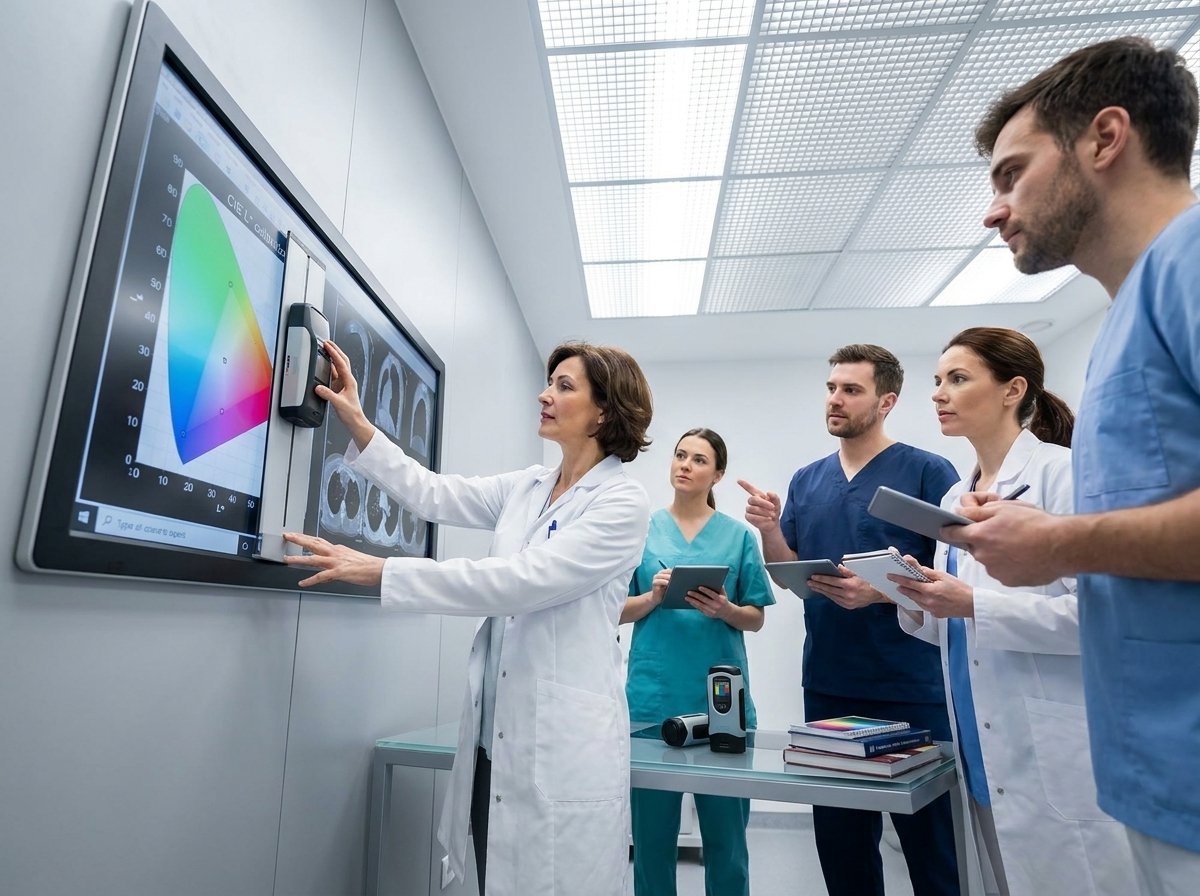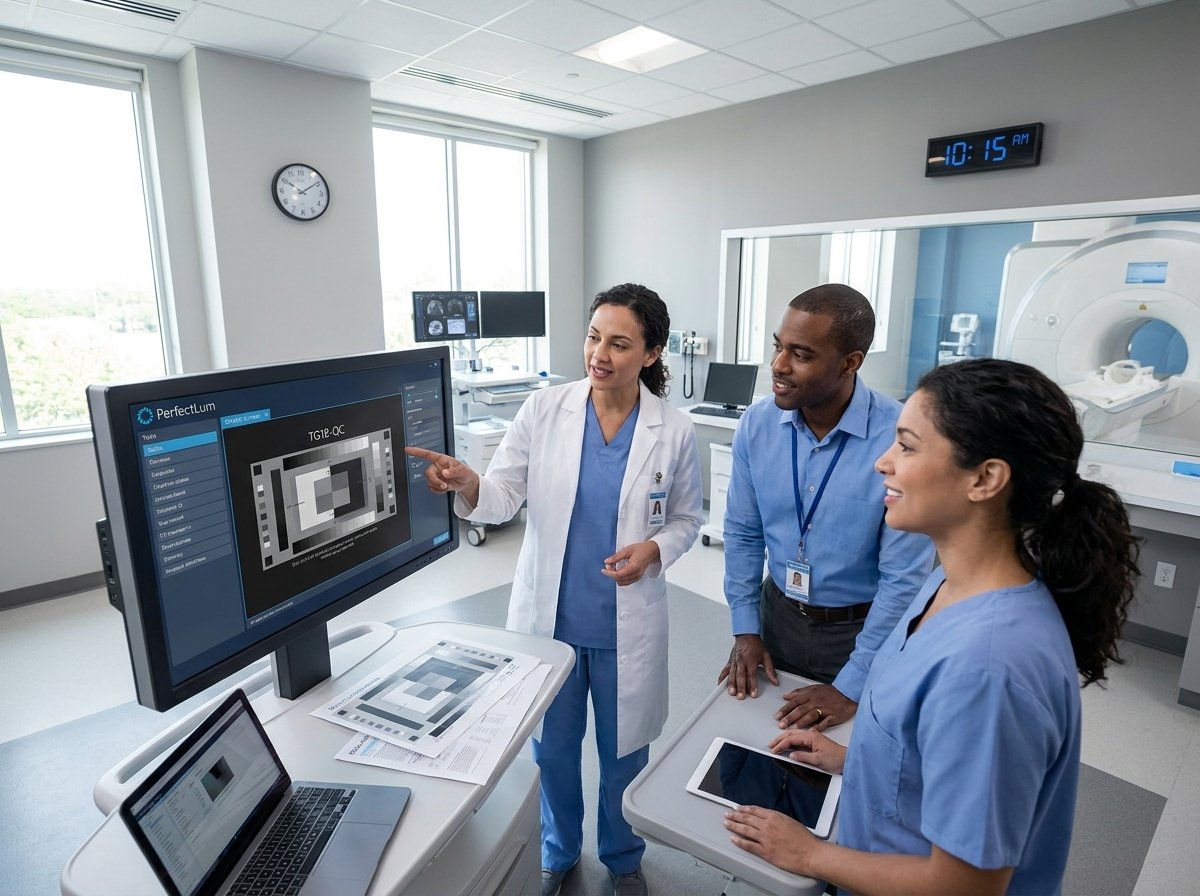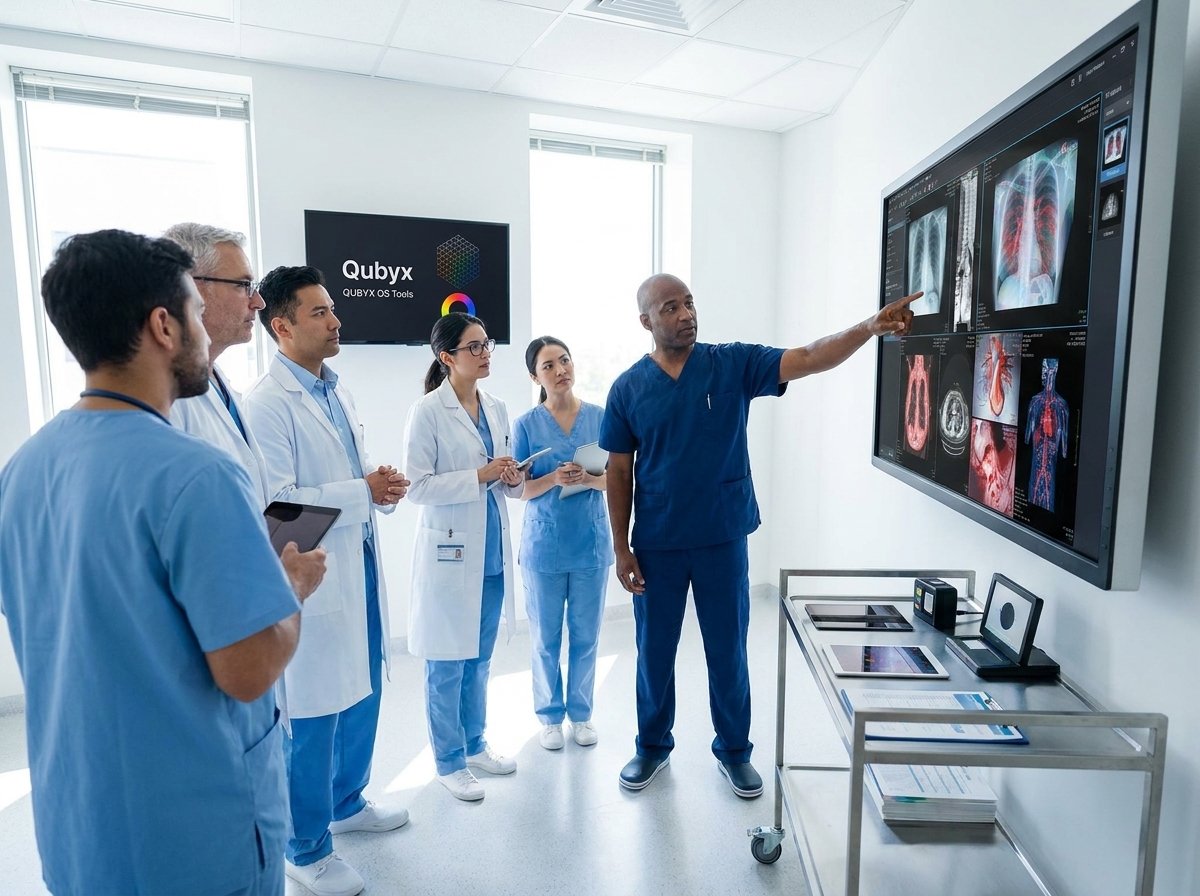
When diagnostic images lack precise color and luminance calibration, critical details can slip through unnoticed. You depend on accurate radiology monitor calibration to detect subtle lesions and make confident diagnoses. This post explains why medical display calibration following standards like DICOM GSDF and AAPM TG-18 is non-negotiable—and how PerfectLum 4 and Qubyx’s Remote Quality Assurance Server simplify your compliance and quality assurance tasks.
Importance of Calibrated Color and Luminance

Understanding the role of calibrated color and luminance is key to achieving accurate diagnostic images. It not only boosts lesion detectability but also strengthens your confidence in diagnosis. Compliance with industry standards is crucial, and that’s where calibration comes in.
Improving Lesion Detectability
Clear images are essential in radiology. When your display is not calibrated correctly, you might miss subtle details. A study found that calibrated displays increased lesion detectability by over 20%. With precise calibration, every image displays the correct luminance and color levels, ensuring you don’t overlook critical findings. This improvement means faster, more accurate diagnoses, ultimately benefiting patient care.
Enhancing Diagnostic Confidence
Your confidence in diagnosing conditions is directly tied to the quality of your imaging displays. A well-calibrated monitor ensures that what you see is true to the actual image. This accuracy reduces the risk of misdiagnosis and gives you the assurance needed to make critical decisions. Furthermore, when your display meets medical standards, you can trust that your observations are reliable.
Ensuring Compliance with Standards
Compliance isn’t just a checkbox—it’s a commitment to quality. Standards like DICOM GSDF ensure that diagnostic displays meet necessary performance criteria. By adhering to these guidelines, you ensure consistency in image interpretation across different monitors and devices. This compliance is vital for maintaining the integrity of diagnostic processes in your practice.
Compliance Requirements for Diagnostic Displays
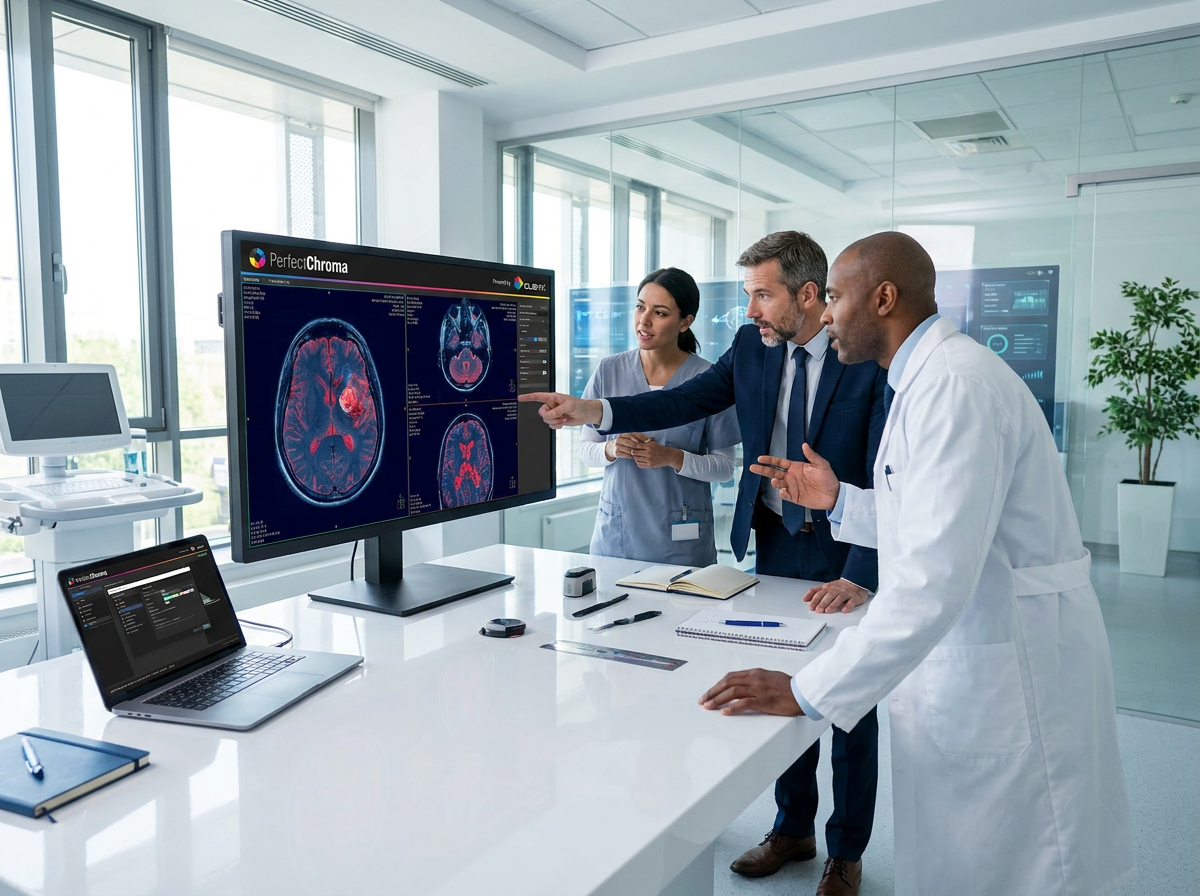
Meeting compliance standards for diagnostic displays is non-negotiable. Understanding these standards ensures your displays are up to par, providing accurate imaging for diagnoses.
Understanding DICOM GSDF Calibration
DICOM GSDF, or Grayscale Standard Display Function, is a cornerstone of display calibration. It ensures that grayscale images are consistent across different displays. By following this standard, you ensure that your monitor displays shades of gray accurately, which is crucial for detecting anomalies in medical imaging. This consistency is achieved by matching the display’s luminance response to the DICOM standard, thus providing uniform image quality.
Key Standards: AAPM, DIN, ACR
Several key standards influence diagnostic display calibration. The AAPM TG-18 and TG-270 standards provide guidelines for display performance and quality assurance. Similarly, DIN 6868-157 sets benchmarks for German facilities, while ACR compliance ensures standards set by the American College of Radiology are met. Each of these standards plays a vital role in ensuring that your displays provide accurate and reliable visuals, critical for effective medical diagnoses.
Streamlining Quality Management with PerfectLum 4
Transitioning to tools like PerfectLum 4 can streamline your quality management processes. With its advanced features, managing display performance becomes more efficient, allowing you to focus on patient care.
Features of PerfectLum 4
PerfectLum 4 offers a range of features that enhance display calibration. It supports both Windows and Mac platforms, providing versatile compatibility across systems. The software includes automated scheduling, reducing manual interventions and ensuring displays are always calibrated. With detailed reporting, you gain insights into calibration history and status, allowing for informed decision-making.
Benefits of Remote Quality Assurance
Remote Quality Assurance takes display management to the next level. By centralizing control, you can monitor and manage multiple displays from a single location. This capability is beneficial for facilities with several imaging stations, ensuring consistency in display quality across all locations. The ability to perform remote calibration and receive alerts for any issues means less downtime and more accurate imaging.
Encouraging Free Trials and Demos
Exploring PerfectLum 4 through a free trial can give you firsthand experience of its capabilities. Trying the software allows you to see how it integrates into your workflow and enhances your display quality management. Most healthcare professionals find that once they experience the benefits of calibrated displays, returning to subpar solutions is no longer an option. Discover how PerfectLum 4 can transform your diagnostic capabilities today.
By understanding and implementing these calibration techniques, you ensure not only compliance but also superior imaging quality, vital for patient outcomes.
Ensure your displays deliver true diagnostic color and tone. Schedule your calibration today.