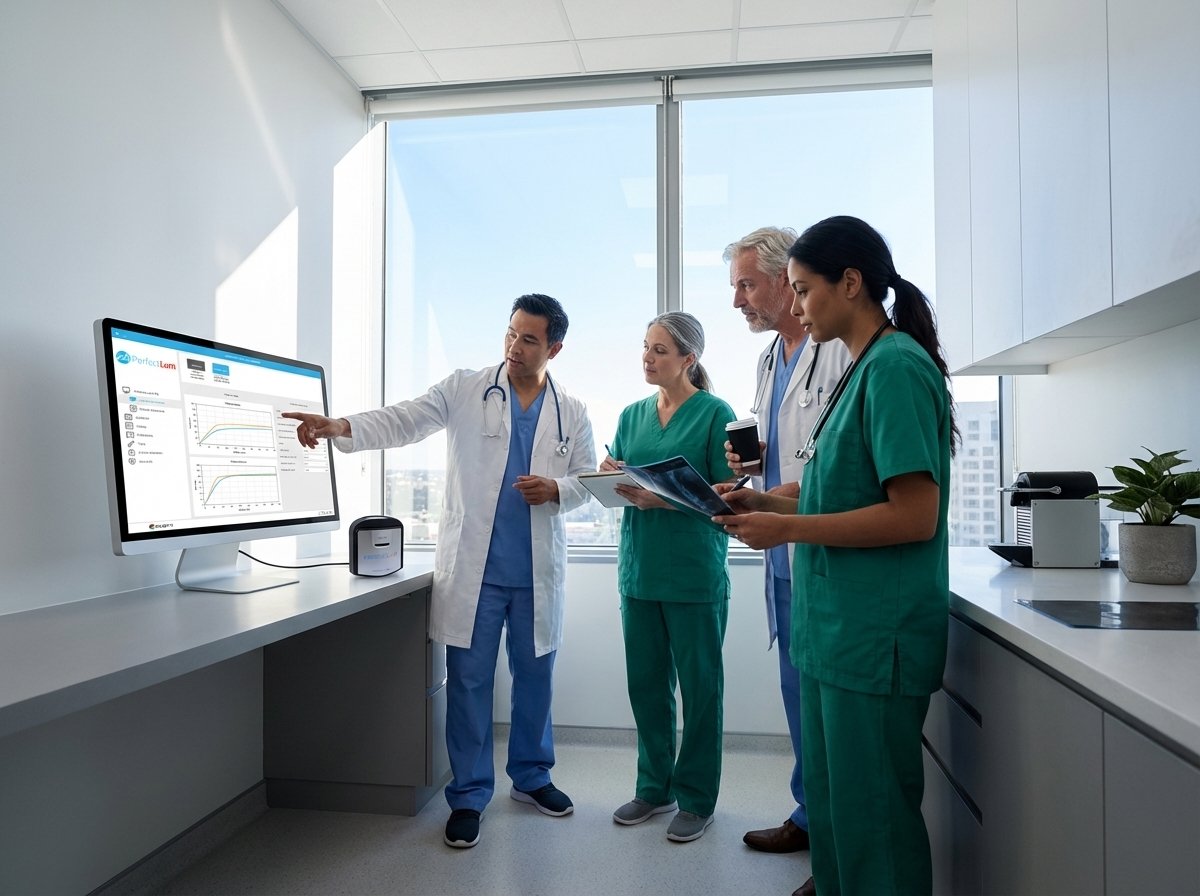
Radiology Workflow Needs Your Calibration Software Should Solve: Insights and Qubyx Solutions
Radiology teams spend countless hours managing display calibration and quality assurance, yet software often falls short of meeting their core workflow needs. You need tools that simplify compliance with AAPM TG18, DIN 6868-157, and ACR display standards while handling multi-site calibration without adding complexity. This post reveals how Qubyx’s PerfectLum and Remote Quality Assurance Server address these challenges, helping you maintain consistent, GSDF-compliant displays across your entire network.
Core Challenges in Radiology Calibration
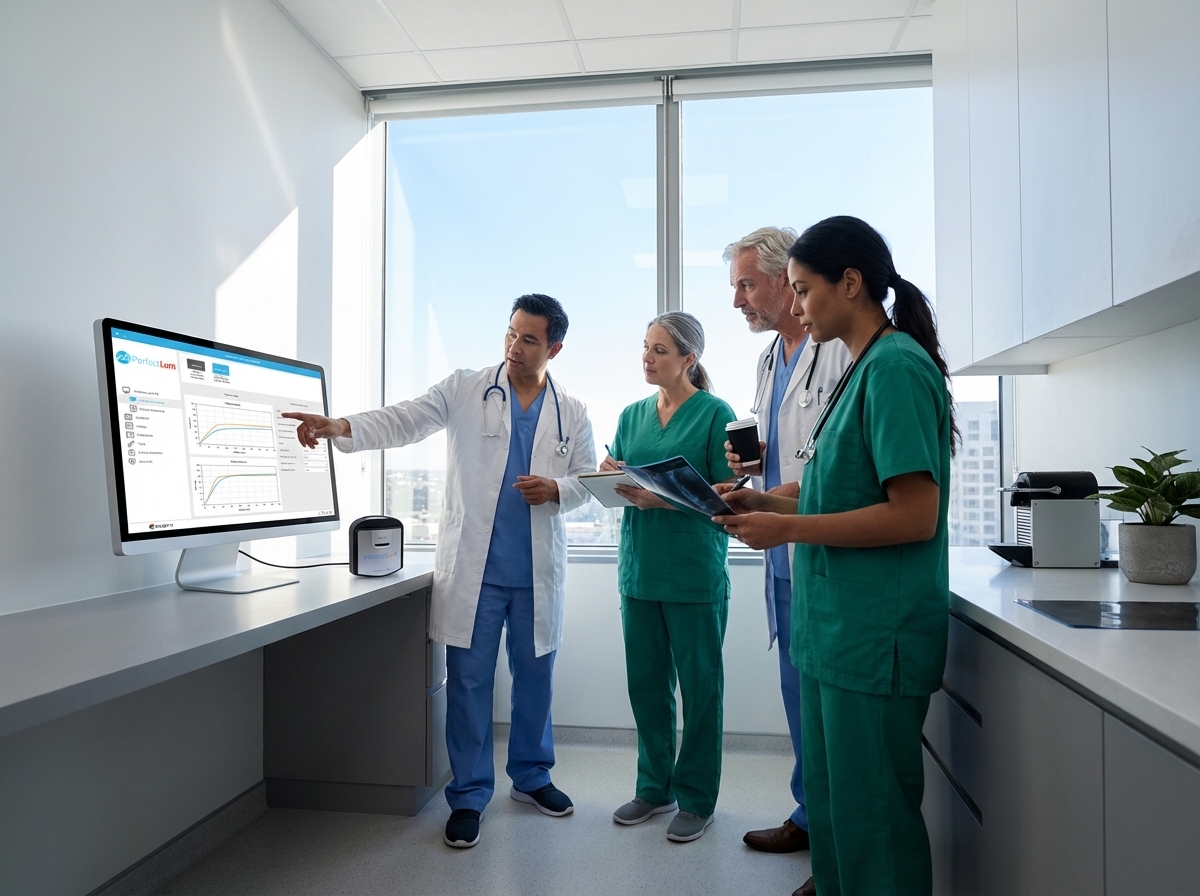
Understanding the needs of medical display calibration is crucial for enhancing diagnostic accuracy. Let’s dive into the core challenges faced by radiology teams in their daily workflows.
Understanding Medical Display Calibration Needs
Medical display calibration is essential for accurate imaging. Without proper calibration, images can be misleading, affecting diagnostic outcomes. PerfectLum offers a reliable solution that ensures displays meet the highest standards. For radiologists, this means confidence in what they see on screen. Calibration involves checking that displays meet specific brightness and color standards.
Imagine a radiologist reviewing images on a poorly calibrated screen. The risk of misdiagnosis increases. Using DICOM GSDF calibration, screens are adjusted to present images correctly. This is vital in environments where precision is non-negotiable. Display calibration isn’t a one-time task; it’s an ongoing process. Regular checks and adjustments are needed to maintain accuracy. This is where Qubyx’s tools come into play, providing continuous monitoring and adjustments.
Addressing Radiology Workflow Optimization
Optimizing workflow is more than just having the right tools. It’s about ensuring those tools integrate smoothly into daily tasks. PerfectLum not only calibrates but also streamlines workflow. It reduces time spent on manual adjustments, allowing more focus on patient care. Remote Quality Assurance Server takes this further by offering remote management capabilities. Imagine managing multiple displays across sites without leaving your desk. This server does just that, ensuring all displays remain calibrated without physical checks.
Time is precious in radiology. By automating calibration tasks, radiology teams can dedicate more time to interpreting images. This not only boosts productivity but also improves patient outcomes. Remote display QA tools are invaluable here, providing centralized control and oversight.
Ensuring AAPM TG18 and DIN 6868-157 Compliance
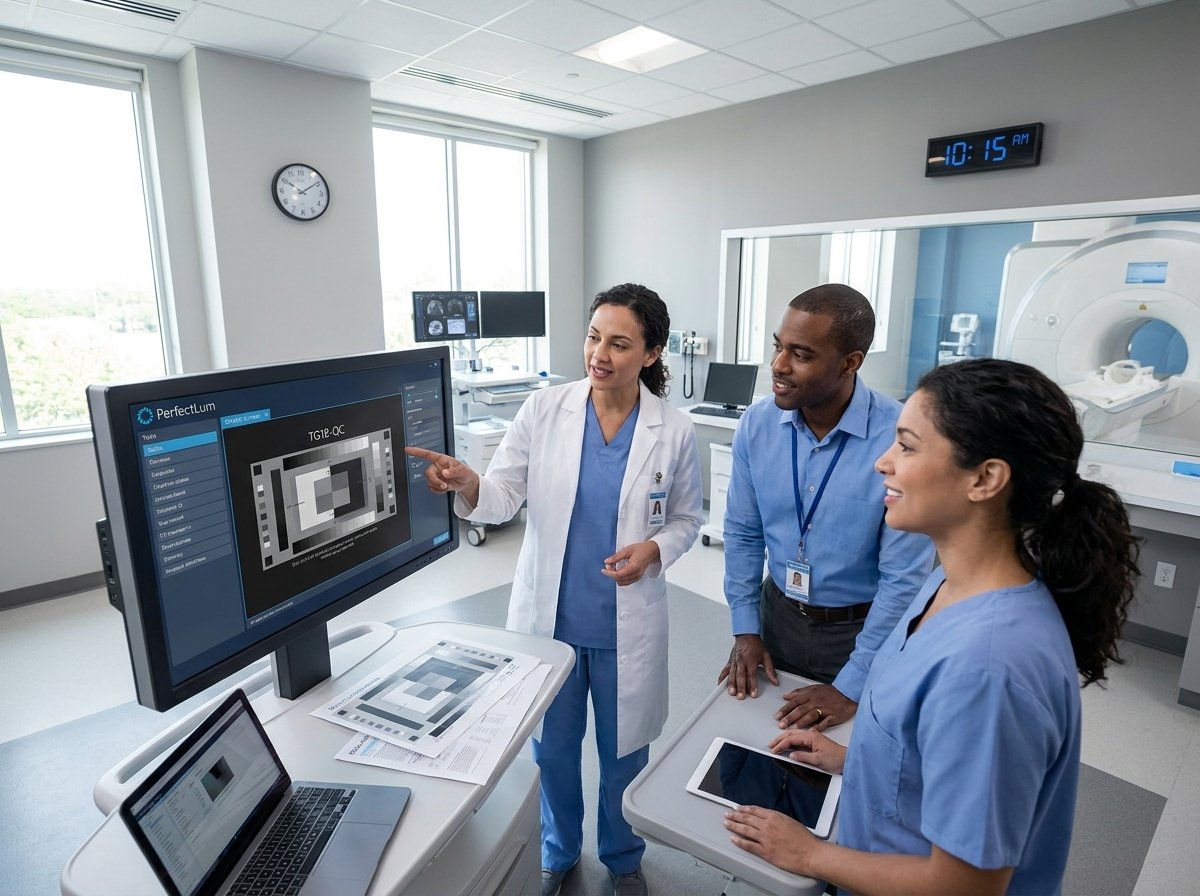
Compliance with standards like AAPM TG18 and DIN 6868-157 is non-negotiable. These standards ensure displays are suitable for medical diagnostics. PerfectLum software simplifies compliance by automating checks and generating detailed reports. This means radiology teams can easily verify that their displays meet required standards. Qubyx ensures that compliance doesn’t become a burden. Instead, it’s a seamless part of everyday operations.
Non-compliance can lead to inaccurate diagnostics, risking patient safety. Regular testing and calibration are essential to maintain compliance. By using tools like PerfectLum, you can be confident in your compliance status. This allows you to focus on delivering the best care possible.
Qubyx Solutions for Radiology Teams
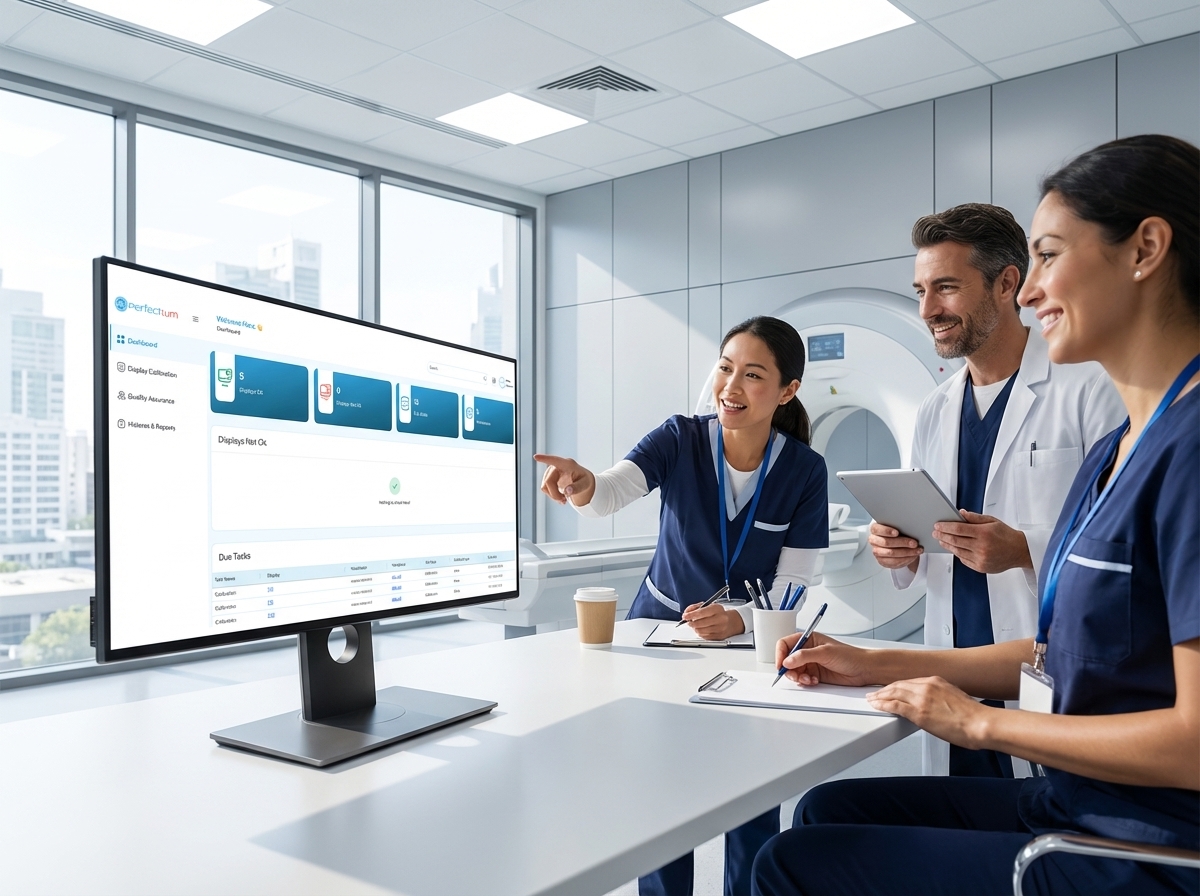
Now that we’ve explored the challenges, let’s look at how Qubyx provides solutions tailored for radiology teams. From software features to remote capabilities, these solutions are designed to meet your specific needs.
PerfectLum Software Features and Benefits
PerfectLum offers a comprehensive suite of features designed for precision and ease of use. Its capabilities go beyond simple calibration. It provides a robust platform for ensuring all displays meet stringent medical standards. The software is compatible with both Mac and Windows, ensuring it integrates smoothly into existing systems. This cross-platform compatibility means you can use the best tools, regardless of your operating system.
One standout feature is the acceptance and constancy testing. This ensures displays remain in top condition, providing accurate images every time. With PerfectLum, you’re not just meeting standards; you’re exceeding them. It also supports a wide range of measuring devices, offering flexibility in how you manage calibration.
Remote Quality Assurance Server Capabilities
The Remote Quality Assurance Server is a game-changer for multi-site calibration management. It allows for centralized control over all displays, regardless of location. This means less time spent on individual checks and more time on patient care. One of its key features is the ability to schedule tasks remotely. You can initiate calibrations and receive performance reports without needing to be on-site. This not only saves time but also ensures consistency across all displays.
Imagine having peace of mind knowing every display is calibrated to the highest standard, no matter where it is. Remote display QA offers that assurance, making it an essential tool for any radiology department.
Multi-site Calibration Management Strategies
Managing multiple sites can be challenging, but with the right strategies, it’s manageable. Qubyx offers tools that simplify this process. By using Remote Quality Assurance Server, you can monitor and manage displays across various locations from a single platform. This centralized approach ensures consistency and reliability, no matter how many sites you oversee. One effective strategy is to automate calibration tasks. This reduces the workload on staff and ensures that all displays are checked regularly.
Automation also minimizes human error, ensuring that calibrations are accurate and compliant with industry standards. By employing these strategies, you can maintain high-quality imaging across all your sites, providing reliable diagnostics for all patients.
Implementing Effective Display Compliance
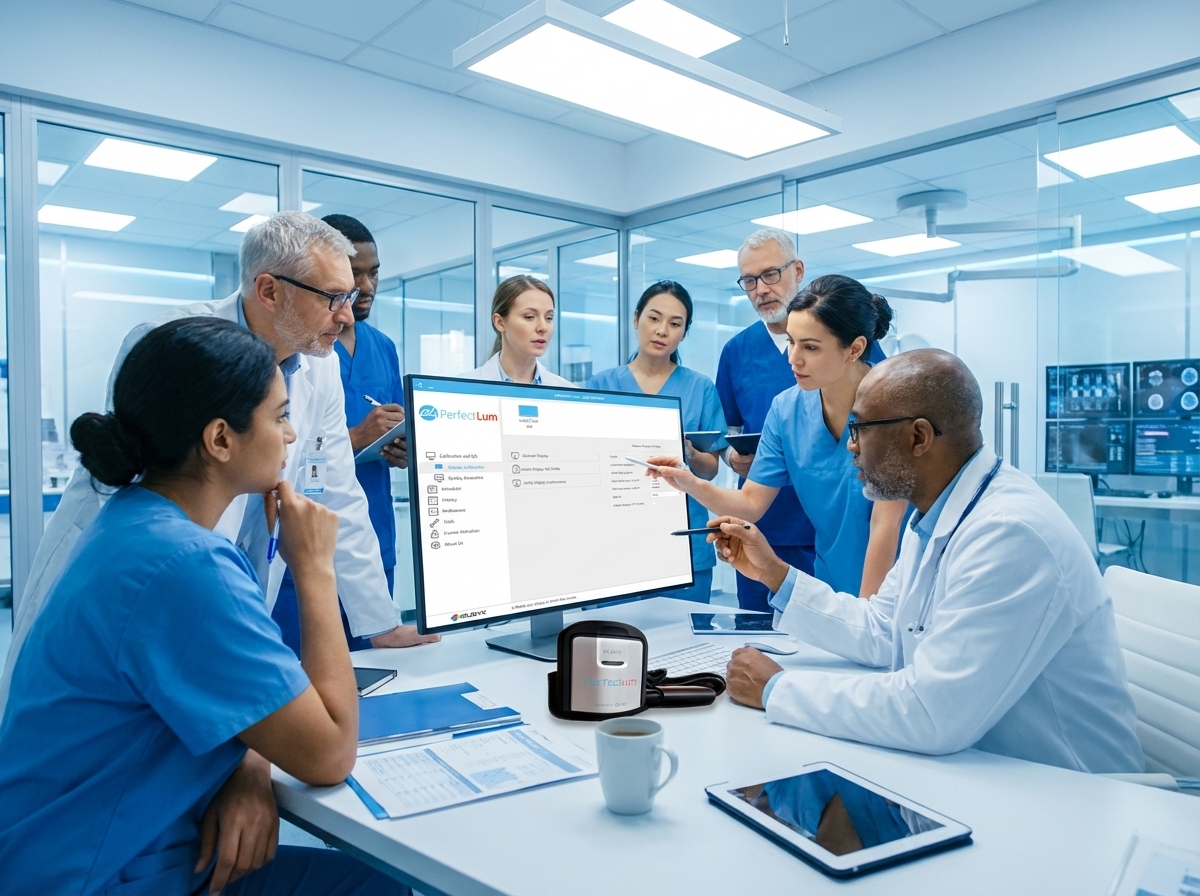
To ensure compliance, it’s crucial to implement effective strategies. These strategies not only guarantee consistent imaging but also simplify the management of display calibration.
Achieving Consistency with GSDF-compliant Reports
Consistency is key in medical imaging. GSDF-compliant reports provide a reliable way to ensure all displays meet required standards. These reports offer detailed insights into display performance, highlighting areas that need adjustment. By regularly reviewing these reports, you can maintain high-quality imaging. PerfectLum simplifies this process by generating these reports automatically. This means you always have access to up-to-date information on your display’s performance. Regular reviews of these reports ensure that any issues are quickly identified and corrected.
Having consistent imaging is vital for accurate diagnostics. With the right tools, maintaining this consistency becomes a manageable task.
Utilizing Acceptance and Constancy Testing
Acceptance and constancy testing are crucial components of display compliance management. These tests ensure displays deliver accurate imaging consistently. PerfectLum offers automated testing, reducing the need for manual interventions. This automation not only saves time but also ensures that testing is performed regularly and accurately. Acceptance testing verifies that new displays meet required standards from the start. Constancy testing, on the other hand, ensures ongoing performance.
Together, these tests provide a comprehensive overview of display quality, allowing for timely interventions if needed. By utilizing these tests, you ensure that your displays continue to deliver the accuracy needed for reliable diagnostics.
Leveraging Mac and Windows Calibration Tools
Flexibility is essential when dealing with multi-site calibration. PerfectLum supports both Mac and Windows, ensuring you can leverage the best tools regardless of your system. This cross-platform compatibility allows for seamless integration into existing workflows. With this flexibility, radiology teams can choose the tools that best fit their needs without worrying about compatibility issues. This not only simplifies the calibration process but also ensures that all displays meet the highest standards.
By leveraging these tools, you can maintain high-quality imaging across all devices, providing reliable diagnostics for every patient.
Curious what that looks like in practice? Link in first comment.