
News
- Home
- TG18, TG270 & DIN 6868-157 Made Easy with PerfectLum
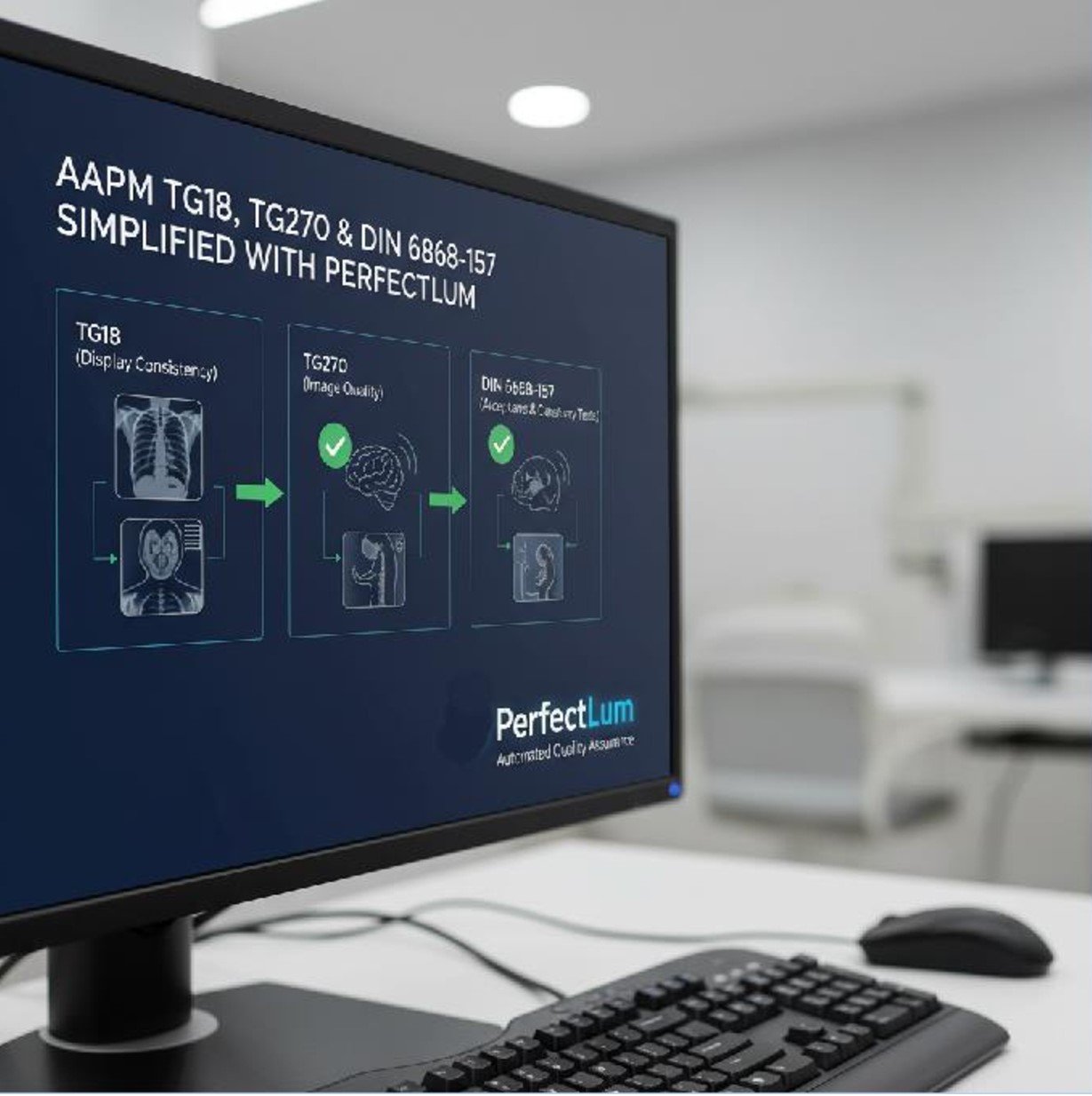
TG18, TG270 & DIN 6868-157 Made Easy with PerfectLum
- November 11, 2025
- QUBYX Team
AAPM TG18, TG270 & DIN 6868-157 Made Easy: How PerfectLum Simplifies QA Audits
Quality assurance on diagnostic and review-grade displays can feel like juggling three rulebooks at once—AAPM TG18, AAPM TG270, and DIN 6868-157—each with its own terminology, test sets, tolerances, and documentation expectations. PerfectLum streamlines this complexity into a practical, auditable workflow you can roll out across a single radiology suite or an entire multi-site enterprise.
Below is a pragmatic, end-to-end guide showing how to make these standards work together inside PerfectLum so your next QA audit is faster, cleaner, and stress-free.
Why these three standards matter
-
AAPM TG18 (foundational test patterns):
Defines a comprehensive library of test patterns and visual/quantitative assessments for luminance response (DICOM Part 14 GSDF), contrast visibility (low-contrast detail), spatial artifacts, geometric distortion, sharpness, noise, and more. -
AAPM TG270 (modernized acceptance & constancy QA):
Updates TG18 with streamlined procedures, acceptance vs. routine constancy testing, and clearer pass/fail criteria for contemporary LCDs and workflows, including home/remote reading scenarios. -
DIN 6868-157 (Germany/EU-centric acceptance & constancy):
Categorizes reading environments (room classes), prescribes ambient light ranges, defines acceptance/constancy tests with specific tolerances, and emphasizes documentation discipline for clinical audits.
Reality in clinics: You’ll often need to prove DICOM GSDF calibration, run acceptance/constancy tests on a cadence, capture ambient light, and produce a defendable audit trail—sometimes to multiple standards at once. PerfectLum brings these strands under one roof.
How PerfectLum maps standards to daily QA
1) Profiles & policies that encode the rules
Create site-specific QA policies in PerfectLum that align to TG18, TG270, and/or DIN 6868-157. A policy defines:
-
Required tests (e.g., GSDF calibration, luminance uniformity, geometric distortion checks)
-
Target tolerances & pass/fail thresholds per standard
-
Frequencies (acceptance vs. constancy: daily/weekly/monthly/quarterly/annual)
-
Ambient light limits and room class (DIN 6868-157)
-
Auto-assigned devices, roles, and escalation contacts
Result: Every workstation inherits the correct test set and cadence—no manual guesswork.
2) One-click GSDF calibration & verification
PerfectLum automates DICOM Part 14 GSDF calibration to your target luminance range (Lmin/Lmax) and verifies:
-
Luminance response curve (JND mapping)
-
Luminance uniformity (ΔL across screen zones)
-
Contrast detectability using TG18 test elements
Result: Consistent grayscale visibility across devices; clean TG18/TG270/DIN results without spreadsheet gymnastics.
3) Acceptance vs. constancy pathways
-
Acceptance (new devices or post-service): full battery per TG270/DIN with tighter tolerances, including maximum luminance, minimum luminance, uniformity, pixel defects and sharpness.
-
Constancy (routine): focused checks at a set cadence to catch drift (GSDF verification, ambient light, quick artifact survey).
Result: You only test what’s necessary each time, but you retain full traceability for audits.
4) Ambient light & room class compliance (DIN 6868-157)
Attach room/monitor to a room class (e.g., diagnostic vs. review). The software:
-
Prompts you to measure ambient illuminance/reflectance where required
-
Flags out-of-tolerance rooms (too bright/dim)
-
Links room conditions to the display’s QA record
Result: Auditors see objective evidence that viewing conditions match the intended class.
5) Remote QA & fleet visibility (for distributed teams)
With PerfectLum’s centralized dashboard:
-
See compliance status by site, room, device
-
Trigger remote GSDF verification or constancy tests
-
Get alerts for missed tasks, drifts, or failures
-
Export fleet reports filtered by standard, date, or status
Result: One team can supervise many locations—including home-reading setups—without onsite visits.
6) Locked-in test tolerances & versioning
Each standard evolves. PerfectLum policies can be versioned:
-
Update thresholds as guidelines change
-
Preserve historical policy versions for past exams
-
Maintain defensible context for older reports (“which tolerances applied in March?”)
Result: You can answer “what was in force when this test ran?” instantly.
7) Auto-evidence & audit-ready reports
PerfectLum compiles:
-
Device identifiers, serials, resolution, max luminance targets
-
Calibration curves & ΔE/ΔL summaries
-
Ambient light snapshots
-
Pass/fail per test with thresholds and measured values
-
Operator, date/time stamps, corrective actions
Result: A single, standardized evidence pack you can hand to hospital QA, external auditors, or regulators.
Quick reference: which test, when?
| Objective | TG18 | TG270 | DIN 6868-157 | PerfectLum action |
|---|---|---|---|---|
| Initial acceptance | ✔ | ✔ (modern flow) | ✔ (room class) | Run Acceptance Policy; capture ambient & full metrics |
| Routine constancy | ✔ | ✔ (focused set) | ✔ | Schedule Constancy Policy (e.g., monthly/quarterly) |
| Luminance (GSDF) | ✔ | ✔ | ✔ | Auto-calibrate GSDF + verify just noticeable differences |
| Uniformity | ✔ | ✔ | ✔ | Multi-zone luminance test; compare to thresholds |
| Ambient conditions | (context) | (context) | ✔ | Log lux and room class per display, track trends |
| Reporting/Audit | (N/A) | (N/A) | (N/A) | Export PDF/CSV evidence packs with signatures |
A practical 10-step audit-day playbook
-
Open Dashboard: Confirm fleet-wide status; filter to “Due” or “Failed”.
-
Room Checks (DIN): Measure ambient light for rooms flagged for constancy/acceptance.
-
GSDF Verify: Run quick GSDF checks on all “Due” devices.
-
Uniformity & Luminance: Execute scheduled constancy tests; auto-log results.
-
Artifact & Pattern Review: Use TG18 patterns for visual checks (geometric, sharpness, noise).
-
Investigate Failures: Auto-suggest corrective actions (re-calibrate, adjust brightness, service).
-
Re-test & Close: Confirm pass; document actions in the test record.
-
Evidence Packs: Export reports by site/room/device and by standard (TG270/DIN).
-
Sign-off: Capture digital signatures of operator/physicist if required by policy.
-
Management Brief: Generate summary KPI (pass rate, drift trend, overdue items).
What auditors like to see (and PerfectLum delivers)
-
Clear linkage from standard → policy → device → results
-
Objective measurements with target/actual/tolerance in one place
-
Ambient light data tied to specific rooms and dates
-
Repeatability: same methodology across sites and months
-
Change history: who changed what, when (policy and device level)
-
Corrective action trail: failure reason, fix applied, retest outcome
Implementation tips for a smooth rollout
-
Start with templates: Use a baseline TG270 policy for diagnostics and a lighter DIN policy for review stations; refine tolerances with your physicist.
-
Segment by room class: Attach room classes at the policy level so every assigned device inherits the right ambient limits.
-
Automate cadence: Put acceptance on demand; schedule constancy for low-touch automation (e.g., monthly).
-
Name things predictably: “Site-Room-DeviceID” makes audit sorting trivial.
-
Train once, scale everywhere: Short in-app walkthroughs mean radiographers and IT can run tests confidently without physics support every time.
-
Keep a pilot period: Run in parallel with your old process for a month; compare pass rates and time saved before flipping the whole fleet.
Measurable outcomes you can expect
-
50–80% less time preparing for audits thanks to centralized evidence packs
-
Faster drift detection from routine constancy alerts
-
Fewer repeats due to consistent GSDF calibration & ambient control
-
Better cross-site uniformity when remote QA enforces the same tolerances everywhere
(Your actual results will vary by fleet size, mix of diagnostic vs. review monitors, and existing QA maturity.)
Compliance note (important)
PerfectLum is designed to support QA workflows aligned with AAPM TG18, AAPM TG270, and DIN 6868-157. Always review and validate your local policy settings and tolerances with your qualified medical physicist and follow national/regional regulations, vendor instructions, and hospital policy.
TLDR (for execs)
PerfectLum turns TG18/TG270/DIN 6868-157 into click-run-report workflows: standards-encoded policies, automated GSDF calibration, ambient light tracking, remote fleet oversight, and audit-ready evidence packs. The result is faster audits, consistent image quality, and fewer compliance surprises—at scale.
In a world where every Pixel accuracy matters, PerfectLum by QUBYX proves that innovation can deliver clinical precision without financial compromise. It’s not just calibration—it’s the democratization of diagnostic imaging.
To secure Medical Display Quality Assurance with precision while reducing the recurring costs of proprietary hardware, the answer is clear: transition to a Calibration Software platform like QUBYX OS Tools (Free) and PerfectLum today. Now, you easily pay less for Radiology.
Tags:
TG18, AAPM TG18, AAPM TG270, DIN 6868-157, PerfectLum, QA audits, medical display calibration, DICOM GSDF, display quality assurance, radiology QA, constancy test, acceptance test, diagnostic displays.
Related Posts


- May 24, 2026
- News

- May 16, 2026
- News
- May 14, 2026
- News