
QubyxViewer
- Home
- QubyxViewer
- INTRO QubyxViewer
QubyxViewer - Professional Color Management Viewer
QubyxViewer is a professional color management viewer built with Qt that provides advanced color calibration, ICC profile handling, 3D LUT generation, and display management for color-critical workflows github.com
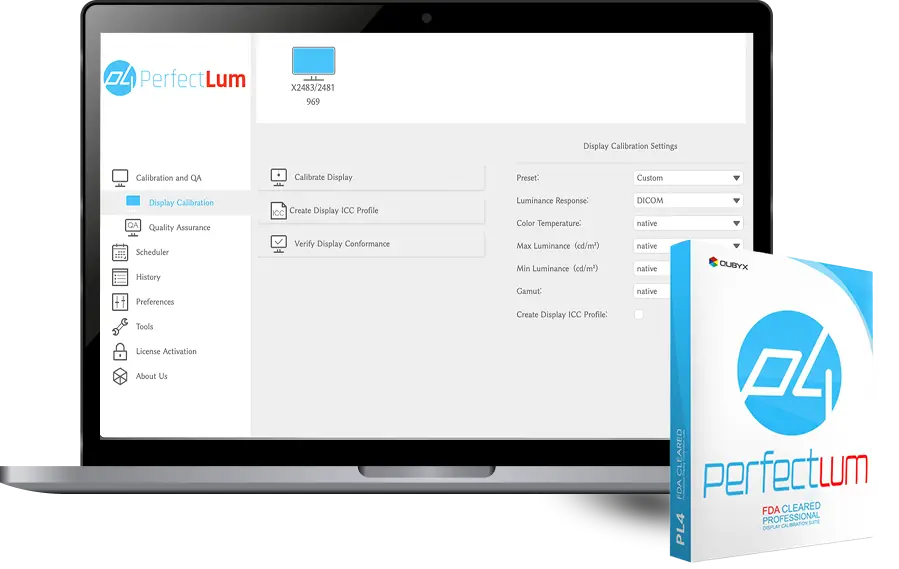
- Why Use QubyxViewer
Our Key Features
Color management
ICC profile handling and conversion for precise color rendering
3D LUT support
Generation and application of 3DLUT files for display calibration and preview
Display management
File support
Extensible Qt application

Prerequisites
- Qt 5.15 or Qt 6.x (required)
- Windows SDK 10.0+ (for Windows builds)
- Qt Creator (optional for development and debugging)
- summary
Build and install

01
02
Recommended (Qt Creator)
Open QubyxViewer.pro in Qt Creator, choose Qt kit and compiler, then build
Command line (qmake)
In a Qt command prompt run qmake QubyxViewer.pro then build with the platform toolchain (e.g., nmake on Windows)
Usage & supported formats
Running
Launch the built executable (QubyxViewer.exe on Windows) to open the viewer and load profiles, LUTs, or media for testing
Supported formats
ICC/ICM profiles, multiple 3DLUT formats, and standard image/video files for visual verification

- Dependencies
Project Structure & Dependencies
Core layout
Main application entry, pixel/processing modules, LUT generator, file readers, QML UI, and display management components (e.g., DisplayInfo,isplayEnumerator)
Internal libraries
QubyxProfile (ICC handling), DisplayInfo (enumeration), ICCProfLib, Eigen (math) and QExtSerialPort where applicable
External dependencies
Qt framework and platform SDKs for OS-specific functionality
- License
License and contribution
License
GNU General Public License v3.0 (see repository LICENSE)
Contributing
Fork the repo, create a feature branch, make changes ensuring third-party license compliance, and submit a pull request github.com.