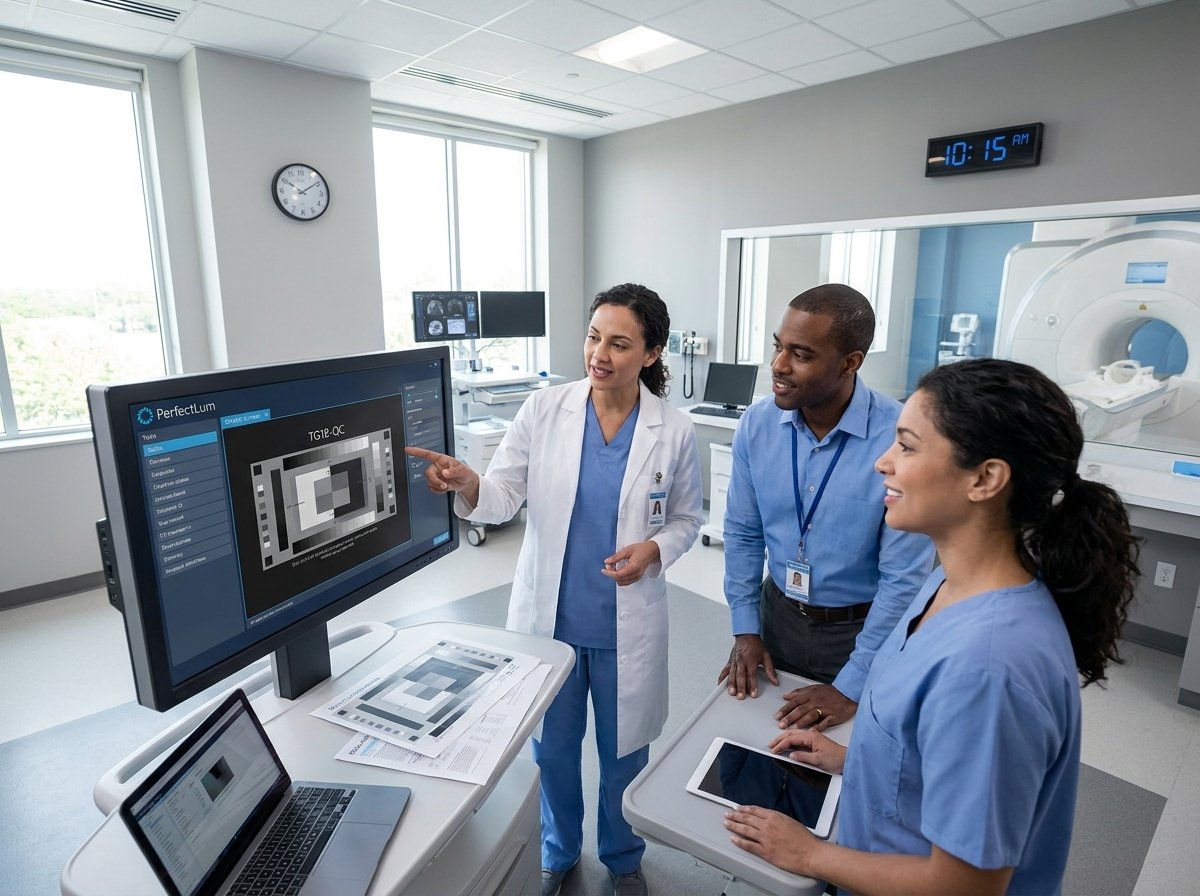
How to Integrate AOC and ASUS Displays into QUBYX PerfectLum
Integrating AOC and ASUS displays into QUBYX PerfectLum is a seamless process that brings consumer-grade and professional monitors up to medical-imaging compliance. Whether you are working with ASUS ProArt, ROG, or AOC professional monitors, PerfectLum ensures accurate calibration, automated quality assurance, and adherence to industry standards like DICOM Part 14 GSDF, DIN 6868-157, and AAPM TG18/TG270. By enabling DDC/CI, connecting a calibration sensor, and running PerfectLum’s automated workflows, users can achieve precision image quality—whether for radiology, dental imaging, automotive visualization, or general professional applications. This guide walks you through every step to get your ASUS & AOC displays fully optimized for diagnostic-grade performance.
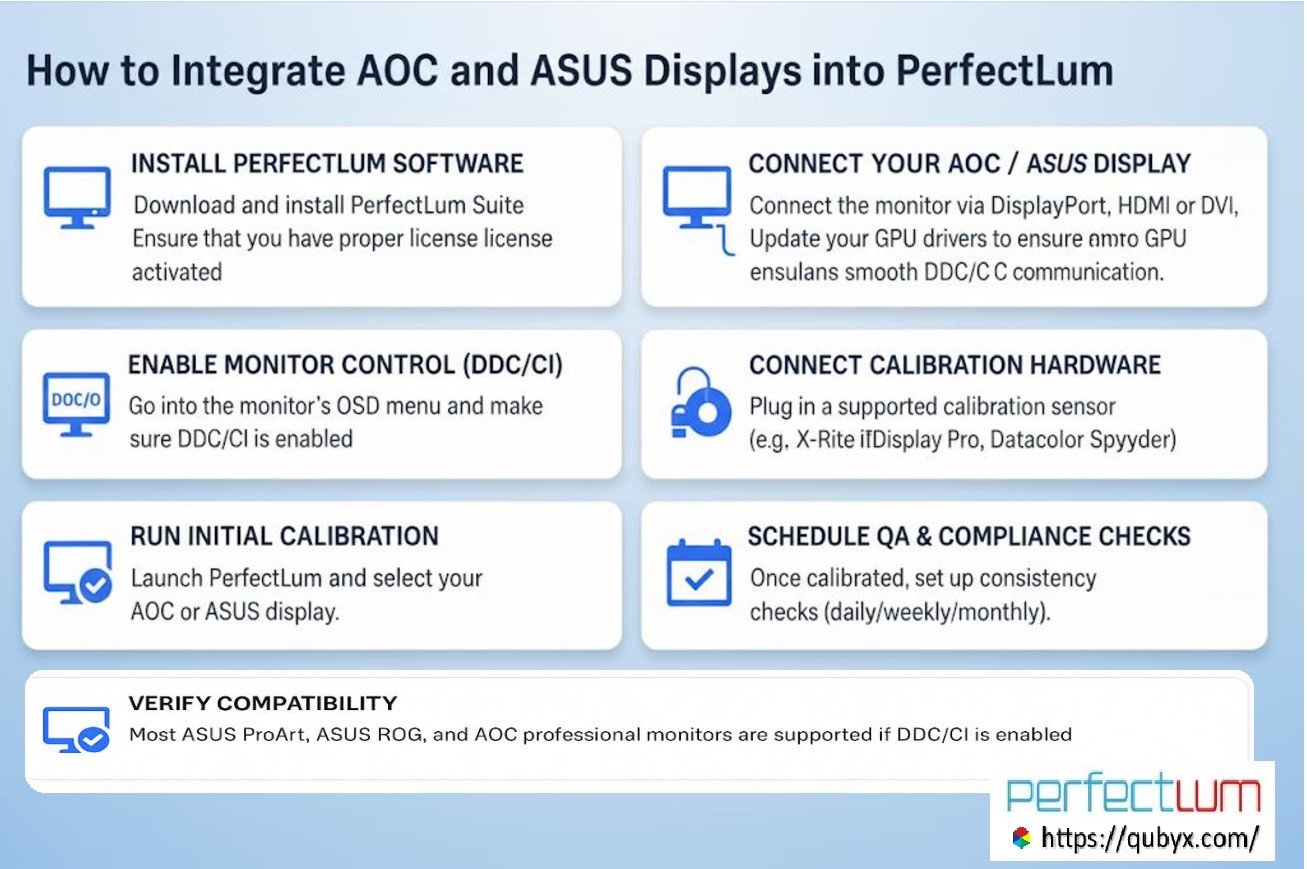
1- Install PerfectLum Software
Download and install the latest version of PerfectLum Suite on your workstation (Windows 10/11 or macOS).
Ensure that you have the proper license activated.
2. Connect Your AOC and ASUS Display
Connect the monitor via DisplayPort, HDMI, or DVI.
Make sure your graphics card is properly recognized by the OS.
Update your GPU drivers (NVIDIA, AMD, Intel) to ensure smooth DDC/CI communication.
3. Enable Monitor Control (DDC/CI)
Go into the monitor’s OSD menu and make sure DDC/CI (Display Data Channel / Command Interface) is enabled.
PerfectLum uses DDC/CI to adjust brightness, contrast, LUT, and other internal settings directly on the display.
4. Connect Calibration Hardware
Plug in a supported calibration sensor (e.g., X-Rite i1Display Pro, Datacolor Spyder, or Barco/NEC sensors).
PerfectLum will detect the sensor automatically.
5. Run Initial Calibration
Launch PerfectLum and select your AOC and ASUS display from the device list.
Choose the calibration target:
DICOM Part 14 GSDF (for radiology / teleradiology / medical imaging)
sRGB, Rec.709, or custom gamma (for dental, automotive, geospatial, or general imaging)
Perform a full calibration with the sensor.
PerfectLum will adjust the LUT and brightness levels to achieve compliance.
6. Schedule QA & Compliance Checks
Once calibrated, set up consistency checks (daily/weekly/monthly).
PerfectLum automatically logs results and generates reports for compliance (DIN 6868-157, AAPM TG18/TG270, NYC PDM, etc.).
If you’re in an enterprise setup, use the PerfectLum QA Remote Server to push schedules and collect reports across multiple ASUS/AOC workstations.
7. Verify Compatibility
Most ASUS ProArt, ASUS ROG, and AOC professional monitors are supported if DDC/CI is enabled.
Entry-level consumer monitors may not expose full LUT control, but PerfectLum can still apply GPU LUT calibration to ensure compliance.
Bottom line:
You can fully integrate AOC and ASUS displays into PerfectLum by enabling DDC/CI, connecting a supported calibration device, and running calibration/QA workflows. PerfectLum will handle whether the adjustment is done via monitor LUT or GPU LUT, ensuring standards-based accuracy.
AOC monitor PerfectLum integration, ASUS display calibration PerfectLum, QUBYX PerfectLum setup, integrate ASUS ProArt with PerfectLum, integrate AOC display with PerfectLum, DICOM calibration ASUS AOC monitors, medical imaging calibration software, PerfectLum QA automation, AOC and ASUS